How the Two-Way Sync Functionality Works
Anthropic has officially integrated its Claude artificial intelligence assistant into Google’s core productivity suite. Users can now access Claude features directly within Docs, Sheets, and Slides. This launch marks a significant shift for enterprise users who rely on Google tools daily. The integration allows seamless workflow transitions between writing, data analysis, and presentation design without leaving the familiar interface.
Breaking news
 Canonical’s Web Presence Hit by Second DDoS Assault This Year
 Loops AI Secures $3.5 Million to Power a New AI Operating System for E‑Commerce
 Winverse AI Secures Tens of Millions in Seed Funding from DeepSeek and Long‑Z
 Google Adds Pixel 9 Series to Certified Refurbished Store
The new feature enables deep collaboration between human creators and AI models. Instead of copying text to a separate chat window, users interact with Claude inside the document itself. This reduces friction in the creative process. It also minimizes the risk of losing context during complex editing tasks. The system supports real-time suggestions and automated content generation.
Why This Matters for Enterprise Productivity
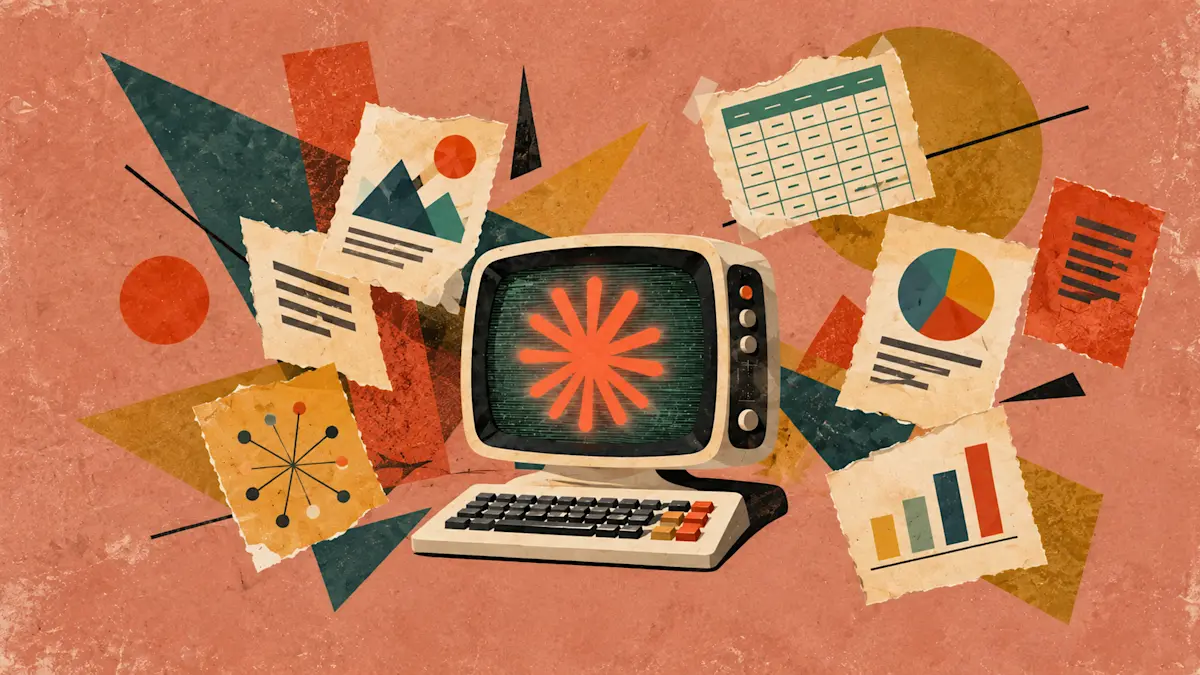
The integration operates as a bidirectional link between the platforms. Users can open a Google Doc, Sheet, or Slide directly within the Claude application. Once opened, Claude can analyze the entire file structure and content. It can then propose edits, summarize data, or generate new sections. After making changes in Claude, users can push those updates back to the original Google file. This ensures that both environments remain synchronized. The feature supports concurrent editing, allowing teams to work simultaneously. Changes are tracked and versioned automatically. This creates a safe environment for iterative development and review.
This move addresses a common pain point in modern digital workflows. Employees often switch between multiple tabs to use AI tools. That switching costs time and breaks concentration. By embedding Claude into the workspace, Anthropic aims to streamline this process. Companies gain a unified environment for creation and analysis. The tool helps teams produce higher quality documents faster. It also lowers the barrier to entry for non-technical staff who may find standalone AI interfaces intimidating. The focus remains on practical utility rather than just novelty.
Can I edit my Google files directly inside Claude? Yes, you can open existing Docs, Sheets, and Slides within the Claude interface. You can make edits there and save them back to your Google Drive account instantly.
Frequently Asked Questions
Does this integration replace standard Google AI features? No, it adds a new layer of capability. You can choose to use Claude for specific tasks while retaining access to other built-in Google tools.
Is this available for all Google Workspace plans? The feature is rolling out to enterprise users first. Availability for individual consumer accounts may vary depending on regional rollout schedules.