
Why The Legacy Interface Still Lags Behind
Microsoft has confirmed that a persistent bug continues to hide the Copilot and Copilot Chat buttons within the classic version of Outlook on Windows. The software giant is actively investigating this known issue, which affects a specific subset of users. This problem prevents individuals from accessing AI features directly through their email interface. The company acknowledges the disruption caused by these missing controls.
Breaking news
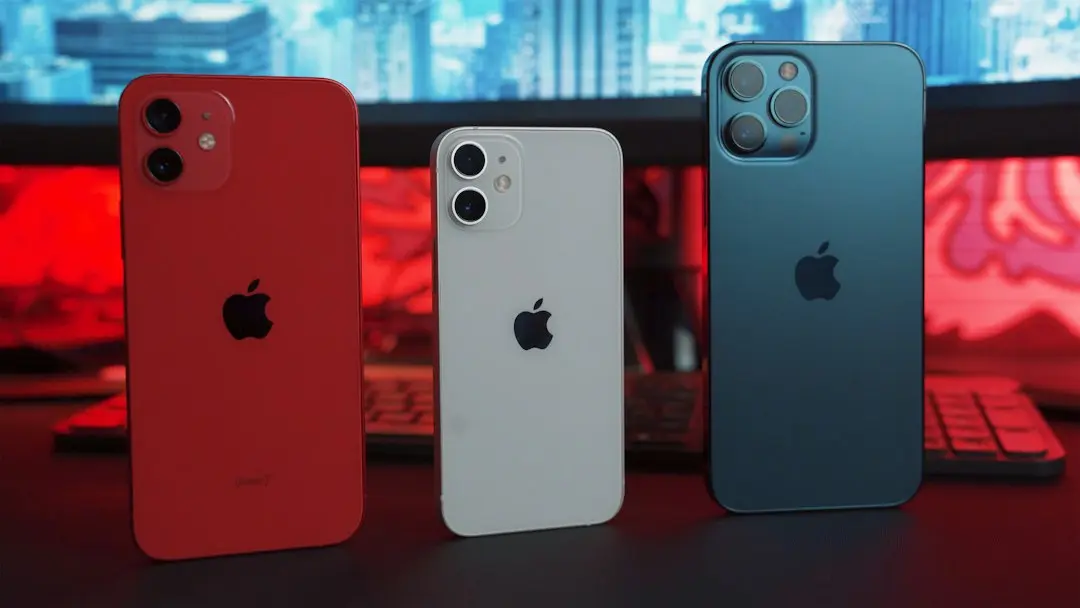 Does the iPhone 18 Pro support longer battery life than the iPhone 17 Pro? Yes, the larger battery and more efficient chip provide roughly 20‑30% more endurance compared to the previous generation
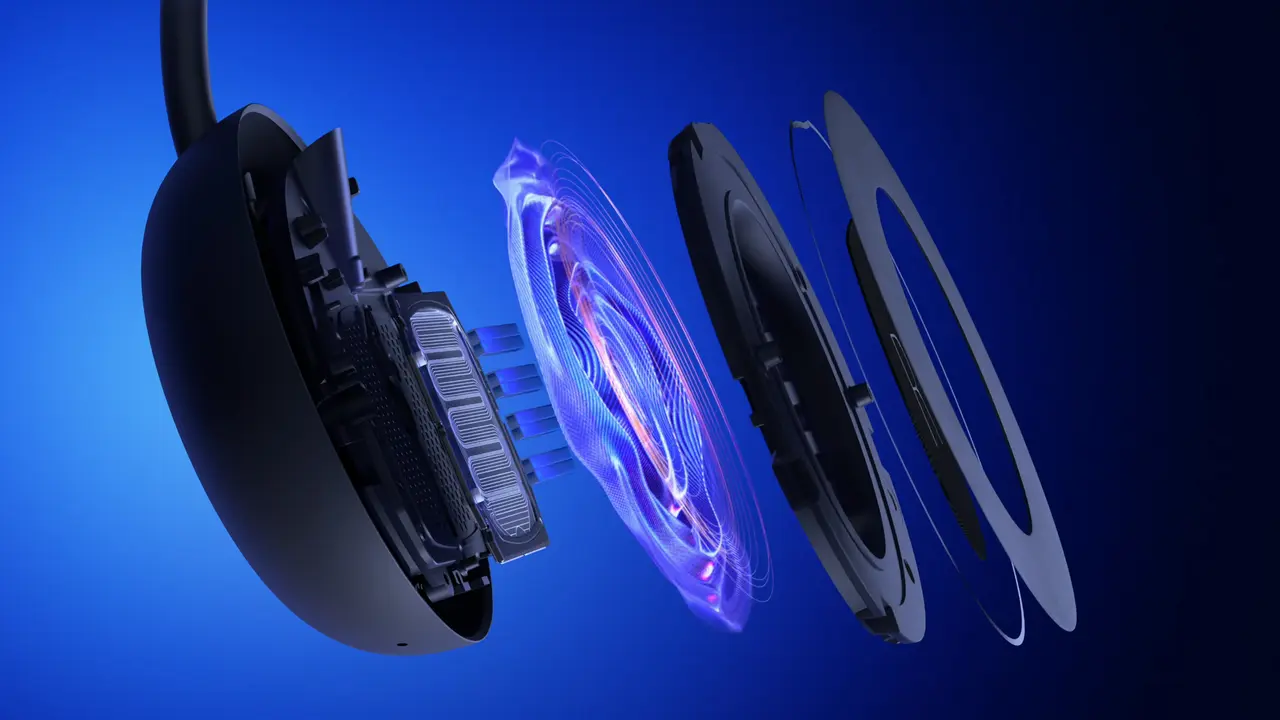 Sony Unveils Two New PlayStation Pulse Headsets With Planar Drivers
 EU Proposes Ban on Social Media for Under‑13s and Restricts Chatbot Use
 Fire Emblem: Fortune’s Weave Captivates Players With Deep Tactical Mastery
The glitch specifically targets the legacy desktop application rather than the newer web-based or new Outlook experiences. Users report that the familiar icons for launching AI assistance simply disappear from the ribbon. This forces them to rely on alternative methods or switch applications to utilize the tools. Microsoft first identified the problem earlier in the year but has not yet released a permanent resolution.
Microsoft initially flagged this defect when announcing a service change in June. At that time, the company promised a fix to restore visibility to the AI integration points. However, the issue remains unresolved for many subscribers. The root cause appears tied to how the classic Outlook client handles UI updates for AI components. Unlike the modern Outlook, which integrates Copilot natively into the design, the classic version requires specific patches to display these buttons correctly. This disconnect highlights the ongoing challenge of maintaining backward compatibility while rolling out new artificial intelligence capabilities.
How Long Will Users Wait For A Fix?
Users who have experienced this disappearance often find themselves unable to trigger chat prompts or summarize emails without manual workarounds. The absence of the buttons does not mean the feature is disabled entirely, but it significantly hinders workflow efficiency. Technical support teams are guiding affected customers through temporary solutions while the engineering team finalizes the code update.
The timeline for a complete repair remains uncertain, though Microsoft continues to monitor the situation closely. The company’s status page indicates active investigation, suggesting that developers are working to isolate the specific conditions triggering the bug. No explicit date has been set for the next major update. Consequently, users should expect potential delays in receiving the automatic patch.
This delay may frustrate those who rely heavily on AI-driven productivity tools within their daily email management. As Microsoft pushes forward with broader AI adoption across its suite, ensuring stability in older applications becomes critical. The company aims to prevent similar UI glitches from recurring in future releases. Until the fix lands, patience is required from the community.
Frequently Asked Questions
Does this bug affect all versions of Outlook? No, the issue is limited to the classic Outlook application on Windows. The new Outlook and web-based versions typically display the Copilot buttons without interruption.
Can I manually add the buttons back? In most cases, users must wait for the official service update. Restarting the application or checking for updates may help, but a permanent fix requires a patch from Microsoft.
Is my Copilot subscription still active during this time? Yes, your subscription remains valid. The missing buttons are a display error, not a billing or service termination issue. You can still access features via other supported interfaces.