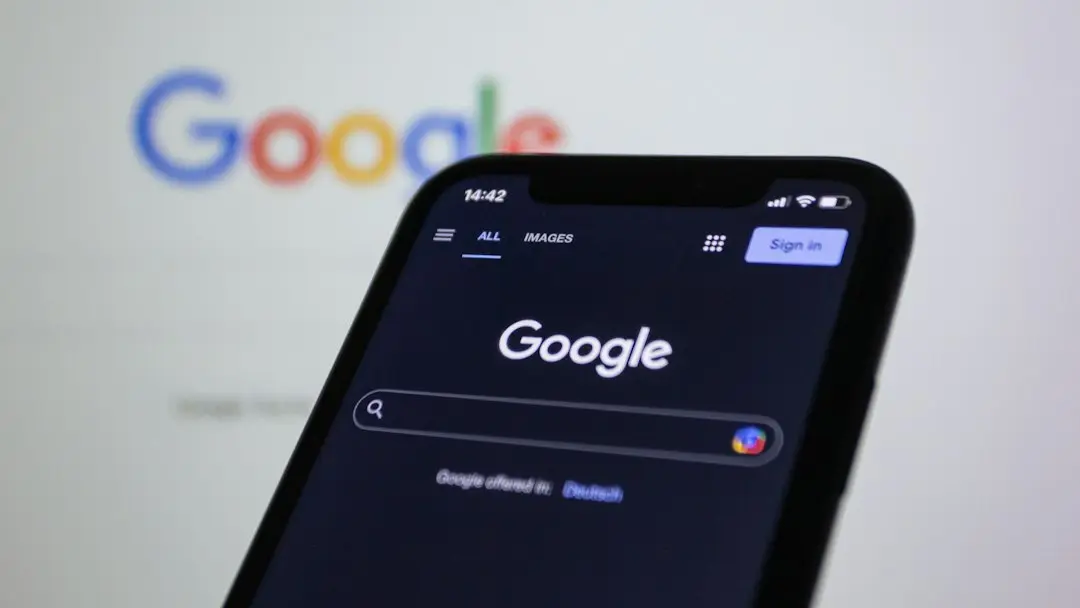
Upgraded Interface Enhances AI Tools
Google is currently releasing a major redesign for the search bar inside its official mobile application. The updated interface aims to simplify user navigation by introducing clearer icons and better button labels. This rollout reaches mobile users globally starting this month, enhancing how people interact with daily queries and artificial intelligence tools.
Breaking news
 Canonical’s Web Presence Hit by Second DDoS Assault This Year
 Loops AI Secures $3.5 Million to Power a New AI Operating System for E‑Commerce
 Winverse AI Secures Tens of Millions in Seed Funding from DeepSeek and Long‑Z
 Google Adds Pixel 9 Series to Certified Refurbished Store
The newly shaped input field features a prominent plus icon on the left side. Users can tap this symbol to upload personal images or documents directly. It also provides quick access to generate new artwork using Nano Banana or switch between different models for the built-in AI Mode.
Earlier versions of the application hid advanced features behind vague symbols that confused everyday users. Google addressed this feedback by adding clear text labels beneath the Search Live and Nano Banana buttons. These visible descriptions ensure that people can instantly recognize and utilize the platform's advanced multimedia generation capabilities without guessing.
Will These Changes Reach All Mobile Platforms?
The integration of image creation and file uploads directly into the main search interface marks a shift toward a unified assistant experience. Instead of navigating through separate menus, individuals can manage multiple digital tasks from a single text box. This streamlined design reduces friction and brings cutting-edge artificial intelligence features to the forefront of mobile browsing.
Google has not yet detailed a specific rollout schedule for various operating systems, but the update is actively arriving on supported devices. Users should check their respective app stores to ensure they are running the latest software version to access the redesigned features.
As artificial intelligence tools become standard in daily browsing, interface updates will likely continue to evolve. Google's focus on clear labeling helps bridge the gap between complex software and casual users. This approach suggests that future mobile updates will prioritize accessibility and straightforward design above all else.
Frequently Asked Questions
What is the main change in the Google app update? The update introduces a redesigned search bar with a new plus icon for uploading files, creating images, and switching AI models.
Why did Google add text labels to the buttons? Clear labels were added to the Search Live and Nano Banana buttons to help users easily identify and use these features.
How can users access the redesigned search bar? Users can access the updated interface by downloading the latest version of the Google application on their mobile devices.