Handing all that work to Claude is the obvious solution to the problem
Diagramming sounds like one of those tasks that should be quick, until you're trying to nudge the fourth box in place with arrows that refuse to line up, and 20 minutes have passed.
Breaking news
 Canonical’s Web Presence Hit by Second DDoS Assault This Year
 Loops AI Secures $3.5 Million to Power a New AI Operating System for E‑Commerce
 Winverse AI Secures Tens of Millions in Seed Funding from DeepSeek and Long‑Z
 Google Adds Pixel 9 Series to Certified Refurbished Store
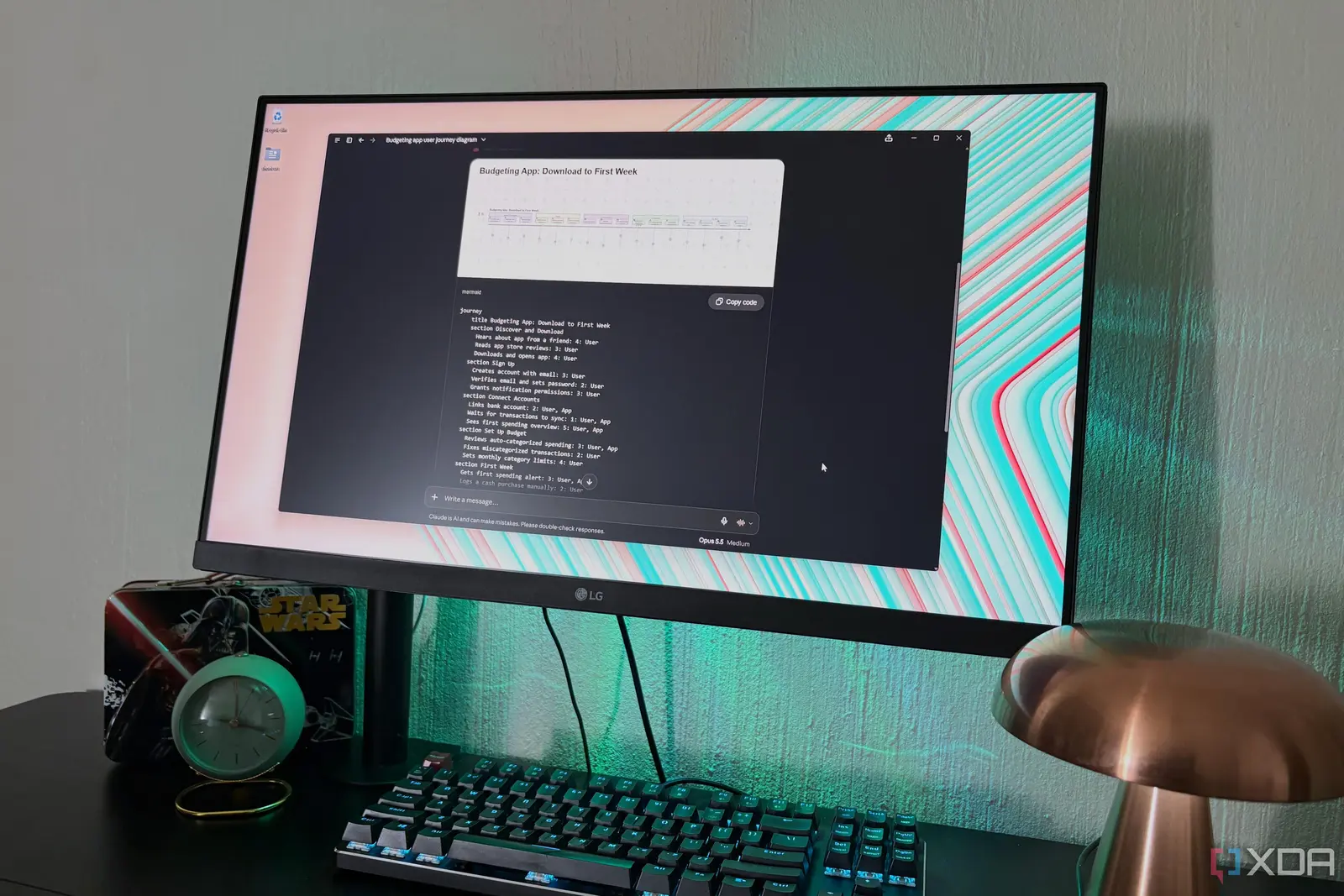
Handing all that work to Claude is the obvious solution to the problem. This is exactly what I've been doing to get my diagram elements to line up perfectly in no time, and then I just save the files straight to my vault and open them in Obsidian Canvas orwith the Excalidraw plugin. Then I realized Claude had a Mermaid connector this whole time. Mermaid is botha diagramming tooland the text-based language the tool uses. Claude could already read and write this language, it just couldn't render interactive diagrams or pass them off to your Mermaid account before the connector. What the Mermaid connector actually does in ClaudeThink of it as a drawing inside the chatMermaid works by having youwrite out in textwhich box points to which, and its app turns that text into a picture, basically.
Claude is fluent in the language, and even though I've become familiar with
Claude is fluent in the language, and even though I've become familiar with some of the Mermaid syntax over the years, it's not something I now have to fully memorize anymore. The connector is what Anthropic calls an MCP App, meaning it can show a live interface in the conversation instead of just replying with text. With the Mermaid MCP, Claude writes the diagram text, the connector passes it along, and a widget in the chat draws it with the Mermaid library. The widget has a copy button for the text as well. Behind the widget there are seven tools which Claude sorts into groups. Claude can call four of them itself. Display is the main one, since it's what draws the diagram in the chat, and sign-in connects your Mermaid account.
The other two let Claude see what's in that account: one lists your saved diagrams and the other reads a diagram's code from a link. The remaining three are labeled app-only. One repairs a diagram with a syntax error, one saves a diagram to your account, and the last one updates a diagram that's already saved there. Just noting that simply adding the official Mermaid connector only gave me one tool at first.