Users can trigger code generation, prompt AI models, or execute debugging
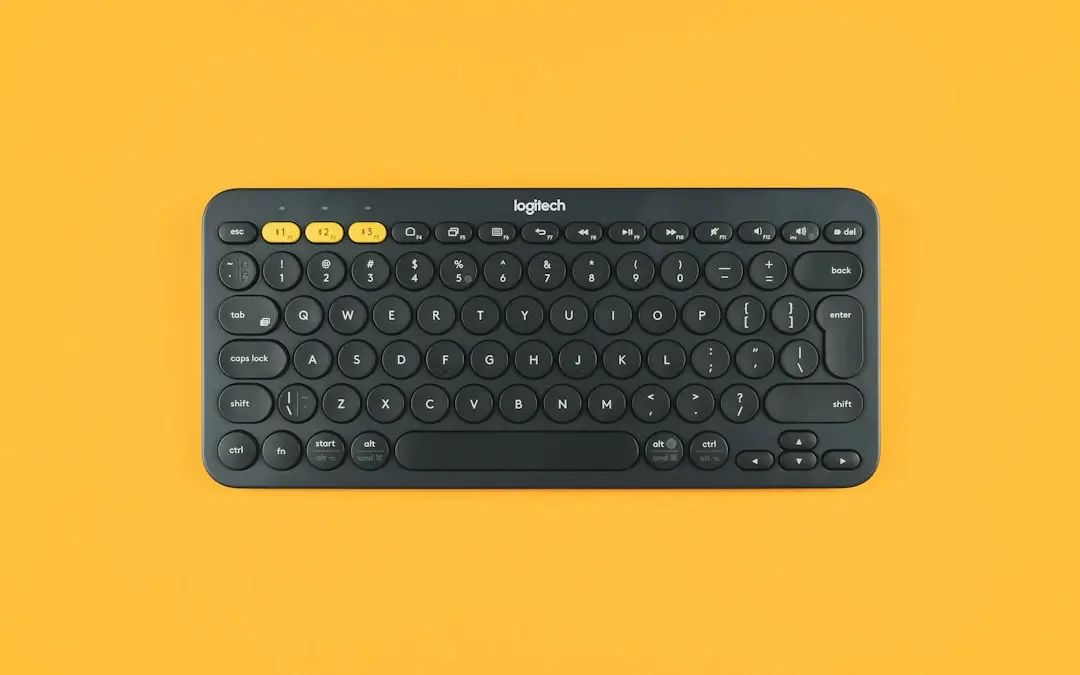
Logitech has introduced the MX Keypad, a compact $99.99 accessory designed to streamline workflows for developers and AI users. Released today, the device features nine programmable full-color LCD keys that can be customized to launch commands, run macros, or access AI tools directly from the desktop. It is positioned as a desk-friendly solution for power users seeking faster, tactile control over complex software tasks. The MX Keypad integrates with Logitech’s Options+ software, allowing users to assign specific functions to each key, including multi-step sequences or AI-powered shortcuts. Its low-profile design and magnetic attachment enable easy placement alongside keyboards or monitors. Logitech emphasizes that physical controls are becoming essential for agentic programming, where users interact with AI agents through precise, repeatable inputs. How the Keypad Enhances AI Interaction By providing instant access to AI tools via dedicated keys, the MX Keypad reduces reliance on menu navigation or voice commands.
Breaking news
 Why Authentic Social Signals Matter for AI Training Data Quality
 How Passive Mobile Execution Is Reshaping Digital Labor Economics
 Algorithmic Transparency: How Quantitative Discipline Reshapes Digital Asset Markets
 Why Technical SEO Scanning Is Essential for Modern Web Performance
Users can trigger code generation, prompt AI models, or execute debugging scripts with a single press. Logitech notes that early testers reported improved focus and reduced context switching during intensive coding sessions. The device supports both Windows and macOS, with plug-and-play USB-C connectivity. What Makes This Different from Standard Macro Pads? Unlike generic keypads, the MX Keypad uses high-resolution LCD screens on each key, allowing dynamic labels that change based on active applications or modes. This visual feedback helps users remember functions without memorization. Logitech highlights that the keys are fully remappable per profile, enabling context-aware workflows—for example, one set for video editing, another for AI prompt engineering. The battery life is rated for up to 10 days on a single charge. Frequently Asked Questions Can the MX Keypad work with Linux systems?
Logitech confirms compatibility with Linux through third-party tools
Logitech confirms compatibility with Linux through third-party tools, though official Options+ software currently supports Windows and macOS only.
Is the device suitable for non-programmers? Yes, Logitech says the keypad can be adapted for creative workflows like photo editing, video production, or spreadsheet automation, where repetitive tasks benefit from one-touch execution.
Does it require a subscription for AI features? No, the MX Keypad does not require a subscription; AI tool access depends on the user’s existing software and services, which the keypad simply launches more efficiently.