Why Local Processing Matters for Creative Professionals
Nolen Jonker, a technology writer with experience at MakeUseOf, began testing an offline AI assistant on their mobile device in August 2026. Frustrated by privacy concerns and unreliable internet connections, they sought a solution that would allow secure, local processing of sensitive documents without relying on cloud-based services. The shift came after years of using online chatbots for work-related tasks involving photography, video editing, and graphic design files.
Breaking news
 Town AI Secures $108 Million Series B, Valued at $1 Billion After $55 M Pre‑Series
 Apple Prepares for Major Product Launch Event on October 28
 Apple Releases Release Candidates for watchOS, tvOS and visionOS 27.2
 Apple Limits iPhone Duo and iPhone 18 Pro Max to Reservation-Only Sales in Japan and South Korea
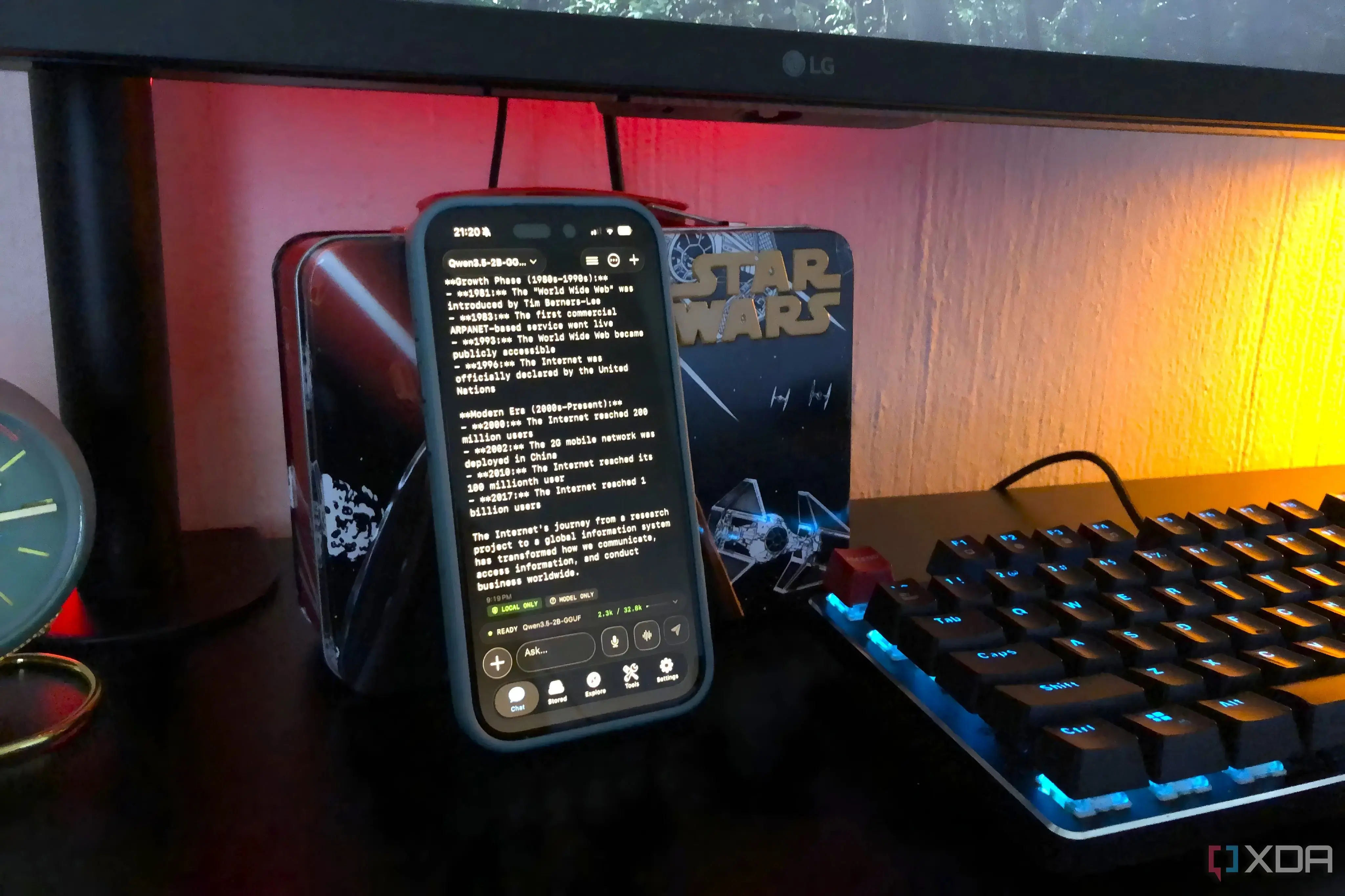
The offline AI assistant operates entirely on the device, using on-device machine learning models that do not require data to leave the phone. Jonker explained that this setup eliminates the risk of exposing confidential work materials to external servers, a growing concern as AI tools become more integrated into professional workflows. By processing requests locally, the assistant can summarize documents, extract key points, and suggest edits without uploading any content to the cloud.
For creatives handling proprietary designs, unpublished manuscripts, or client-specific media, data security is non-negotiable. Jonker noted that previous reliance on cloud AI often meant hesitating before uploading files, slowing down their workflow. The offline assistant removes that hesitation, enabling real-time assistance during editing sessions or brainstorming. They emphasized that performance has remained strong, with response times comparable to online alternatives, thanks to optimized neural engines in modern smartphones.
Can Offline AI Match the Capabilities of Cloud-Based Models?
While early versions of on-device AI lacked the breadth of large cloud models, recent advances in model compression and hardware acceleration have narrowed the gap. Jonker acknowledged that the offline assistant may not handle extremely complex queries as effectively as leading cloud services but stressed that for everyday tasks—like rewriting captions, analyzing image metadata, or drafting outlines—it performs admirably. The trade-off, they said, is worth it for the peace of mind that comes with knowing sensitive data never leaves their phone.
The move toward local AI reflects a broader user demand for control over personal information. As mobile chips grow more powerful and privacy-aware software becomes standard, Jonker predicts more professionals will adopt similar setups. For them, the ability to trust their phone with important work marks a meaningful shift in how AI can serve both productivity and security.
Frequently Asked Questions
Does the offline AI assistant require an internet connection to function? No, the assistant runs completely on the device and does not need internet access for core functions like document analysis or text generation.
What types of files can the offline AI process? It supports common formats including PDFs, plain text, and image metadata, allowing users to extract information or generate summaries without uploading files externally.
Is the performance of the offline assistant comparable to online chatbots? For standard tasks such as summarizing, rewriting, or answering questions based on provided documents, performance is very close, with minimal lag due to efficient on-device processing.