How RemoveMacAI Operates
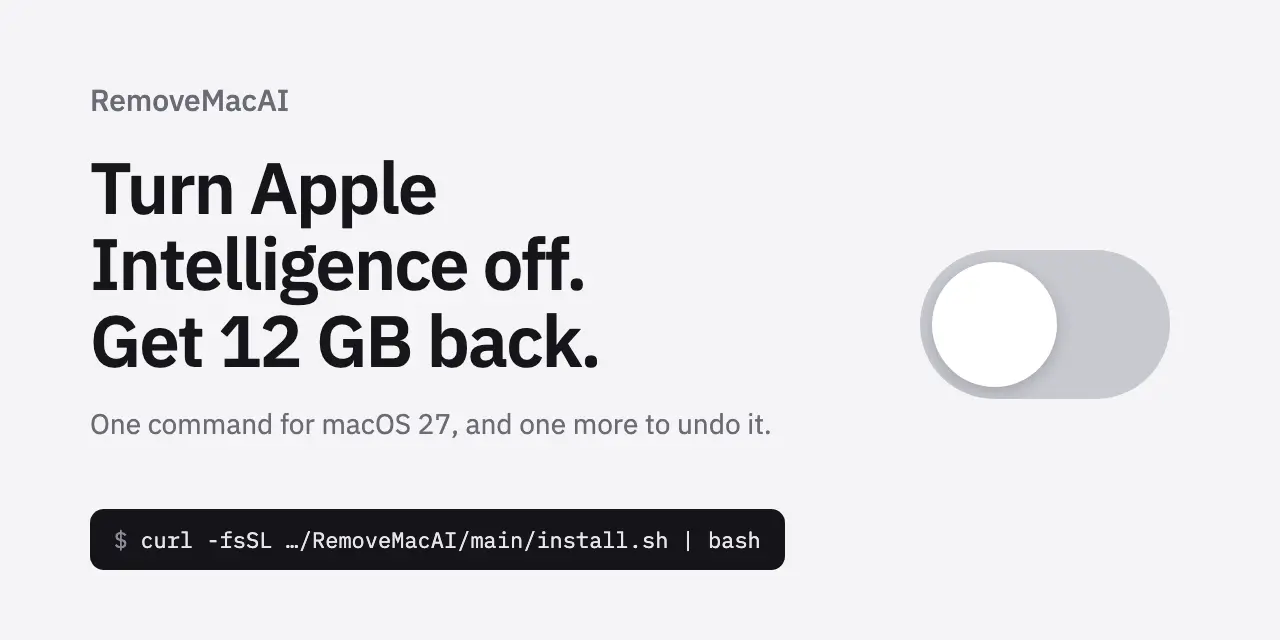
A new open-source tool called RemoveMacAI allows macOS Ventura users to fully disable Apple Intelligence and erase its downloaded AI models from their systems. The utility addresses a gap in Apple’s native settings, which lack a centralized toggle to completely deactivate the AI features. Available via GitHub, the tool provides a command-line method to turn off Apple Intelligence, delete associated model files, and prevent future downloads of these components.
Breaking news
 Canonical’s Web Presence Hit by Second DDoS Assault This Year
 Loops AI Secures $3.5 Million to Power a New AI Operating System for E‑Commerce
 Winverse AI Secures Tens of Millions in Seed Funding from DeepSeek and Long‑Z
 Google Adds Pixel 9 Series to Certified Refurbished Store
The need for RemoveMacAI arises from macOS Ventura’s fragmented approach to AI management. While users can disable certain features through System Settings, the underlying AI models remain stored on the device. These models, essential for tasks like summarization and predictive text, consume disk space and may raise privacy concerns. RemoveMacAI automates the process of disabling these features, deleting the models, and blocking their reinstallation. The tool’s creator emphasizes that all modifications can be reversed, allowing users to re-enable Apple Intelligence if desired.
The tool executes a series of commands to disable Apple Intelligence’s core functionalities. It modifies system configurations to prevent the AI models from loading and removes the files stored in the user’s Library directory. By adjusting background processes, RemoveMacAI ensures macOS does not automatically re-download the models. Users can run the tool by executing a curl command in the terminal, which fetches and runs the script. While the process is straightforward, it requires administrative privileges to modify system files.
What Are the Implications for Users?
RemoveMacAI offers users greater control over their devices, particularly for those prioritizing privacy or storage efficiency. By eliminating the AI models, users free up disk space and reduce potential data exposure. However, disabling these features may limit access to Apple’s AI-driven enhancements, such as intelligent writing assistance or personalized recommendations. Security experts caution that third-party tools like RemoveMacAI could introduce risks if not regularly updated, though the open-source nature allows for community scrutiny.
Apple has not yet commented on the tool, but its existence highlights user demand for granular control over AI features. As AI integration expands in future macOS versions, tools like RemoveMacAI may become essential for privacy-conscious users.
Frequently Asked Questions
Can I reverse the changes made by RemoveMacAI? Yes, the tool allows users to restore Apple Intelligence and re-download the models if needed.
Does RemoveMacAI require administrative privileges? Yes, the tool needs sudo access to modify system files and configurations.
Is RemoveMacAI safe to use? As an open-source project, it is transparent, but users should verify its integrity before installation.