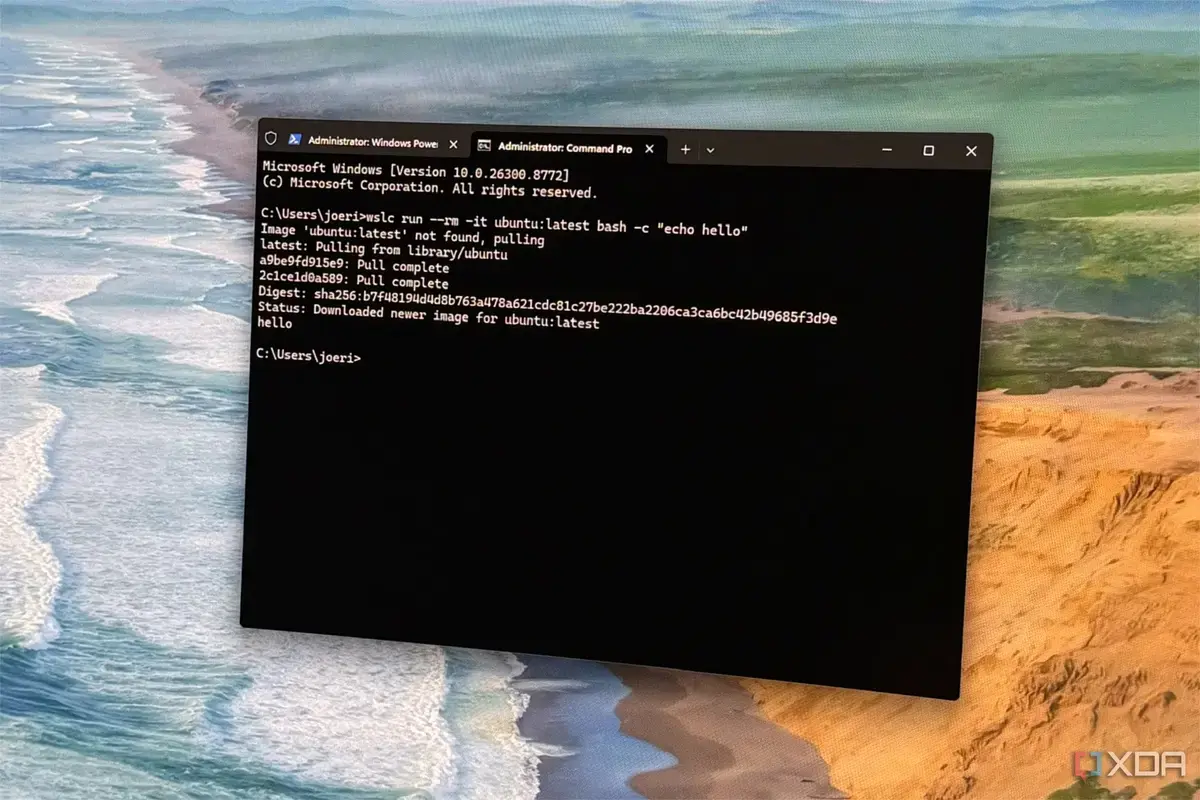
The Limitations of WSL Containers
A tech enthusiast, Joe Rice-Jones, recently shared his experience of switching from Docker Desktop to WSL Containers and back. This shift was largely influenced by his reliance on Docker Compose. Joe, a maker, meme creator, and self-proclaimed geek, has been writing about technology since 2018.
Breaking news
 China’s Tech Titans Spend $35 B on Nvidia RTX Pro 5500 GPUs
 Qualcomm to Execute Global Layoffs Following Annual Performance Reviews
 Salesforce to Buy Braze for $5.7 Billion
 Microsoft expands sovereign cloud with EU access controls and offline AI
Joe's journey began when he decided to move from Docker Desktop to WSL Containers. He was looking for a change and wanted to explore the capabilities of WSL Containers. However, he soon realized that he couldn't live without Docker Compose, a crucial tool for his work. Docker Compose allows users to define and run multi-container Docker applications.
Can WSL Containers Replace Docker Desktop?
WSL Containers, while powerful, lacked the seamless integration with Docker Compose that Joe needed. He found it challenging to work without the features and flexibility offered by Docker Desktop. As a result, he decided to switch back to Docker Desktop.
Frequently Asked Questions
The question remains: Can WSL Containers truly replace Docker Desktop for all users? Joe's experience suggests that for those heavily reliant on Docker Compose, the answer might be no. WSL Containers have their advantages, including better performance and resource utilization. However, the lack of compatibility with certain Docker features can be a significant drawback.
The switch back to Docker Desktop has allowed Joe to work more efficiently. His experience highlights the importance of choosing the right tools for specific needs. For developers and tech enthusiasts, finding the perfect balance between performance, compatibility, and features is crucial.