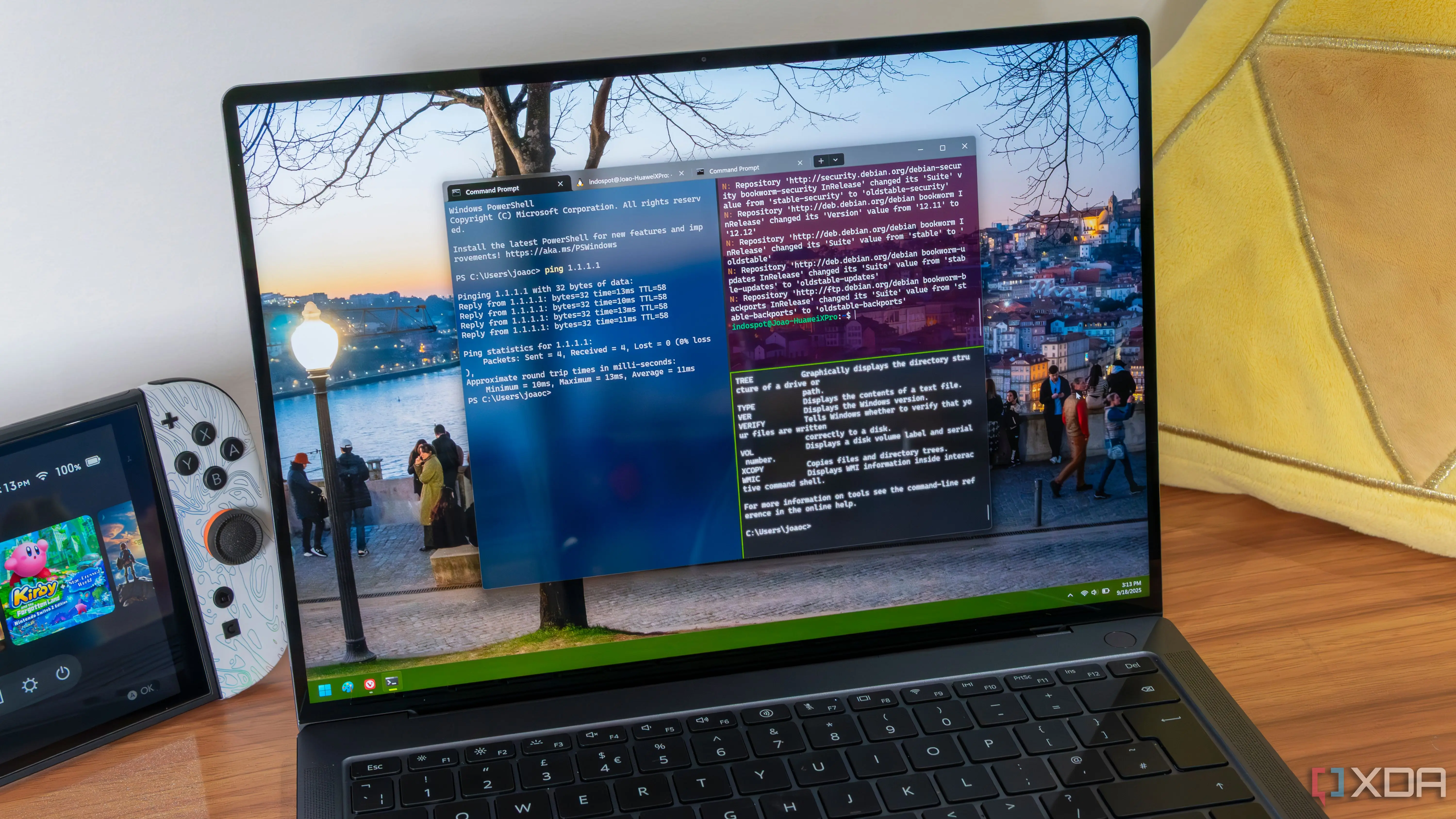
Automating Complex System Adjustments
The new configuration package resolves discrepancies in how Windows handles developer environments. Microsoft identified these flaws through internal testing and user feedback. The tool modifies registry keys and system parameters automatically. It ensures that file systems and network stacks behave predictably. Developers no longer need to guess which settings cause errors. The update applies to recent versions of the Windows operating system.
Breaking news
 Town AI Secures $108 Million Series B, Valued at $1 Billion After $55 M Pre‑Series
 Apple Prepares for Major Product Launch Event on October 28
 Apple Releases Release Candidates for watchOS, tvOS and visionOS 27.2
 Apple Limits iPhone Duo and iPhone 18 Pro Max to Reservation-Only Sales in Japan and South Korea
The primary function of this release is to enforce consistent behavior across machines. Developers often face inconsistent results when moving projects between computers. The new tool standardizes these variables immediately. It changes how the system manages temporary files and memory allocation. These adjustments reduce unexpected crashes during compilation processes. The software runs silently in the background after installation. Users can verify changes through simple command-line queries. This approach saves hours of troubleshooting time per project.
Does This Signal a Broader Strategy Shift?
The company stated that previous defaults were optimized for general consumers. However, consumer-focused settings frequently conflict with professional coding needs. For example, aggressive power saving modes could interrupt long-running builds. The new configuration disables these conflicting features entirely. It prioritizes stability over energy efficiency for developer accounts. This shift reflects a broader recognition of user pain points. Technical teams reported fewer support tickets related to environment setup. The tool integrates directly into existing development suites.
This release raises questions about future updates to the Windows ecosystem. Microsoft has historically resisted changing core defaults due to compatibility concerns. By providing a dedicated fix, they avoid altering the base install. This strategy allows them to maintain backward compatibility for casual users. Professional users receive the necessary tweaks without waiting for major OS updates. Industry analysts view this as a pragmatic solution to a persistent problem. It bridges the gap between marketing promises and technical reality. The company plans to expand similar tools for other roles.
Frequently Asked Questions
Who benefits most from this new configuration tool? Professional software developers and system administrators gain the most value. The tool eliminates common environmental errors that disrupt coding workflows. It is designed specifically for technical users rather than general consumers.
Does installing this tool change my regular Windows experience? No, the changes are isolated to developer-specific system parameters. Your daily browsing and media consumption remain unaffected. The modifications target only the components relevant to building and testing software.
