Reviving Legacy Hardware with Self‑Hosting
A tech enthusiast in Austin, Texas, repurposed a decade‑old desktop into a personal home server last month using a free, open‑source application. The transformation happened over a weekend, and the resulting server now handles file storage, media streaming, and automated backups for the household. Yash Patel, a former software engineer turned blogger, documented the process on his site, highlighting the app’s ease of use and low resource demands.
Breaking news
 Canonical’s Web Presence Hit by Second DDoS Assault This Year
 Loops AI Secures $3.5 Million to Power a New AI Operating System for E‑Commerce
 Winverse AI Secures Tens of Millions in Seed Funding from DeepSeek and Long‑Z
 Google Adds Pixel 9 Series to Certified Refurbished Store
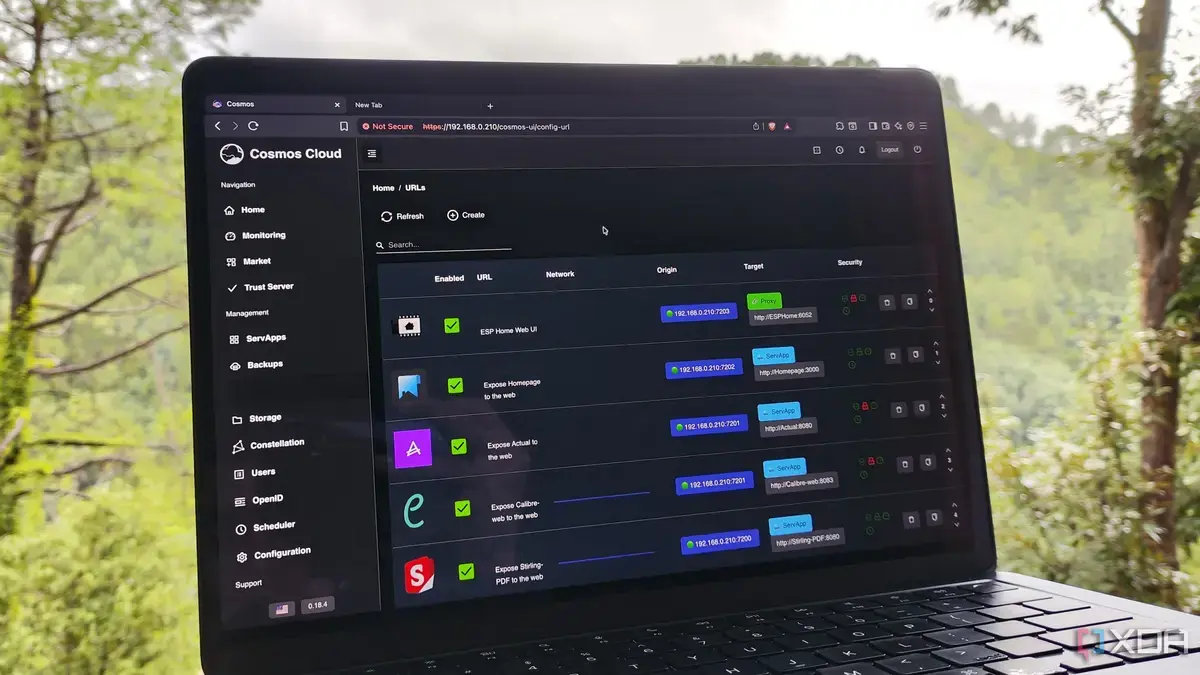
Patel chose the app after researching lightweight solutions that could run on modest hardware. He installed the software on a refurbished Intel i5 machine, configured it through a web interface, and connected it to his home network. The app’s modular design allowed him to add services such as a media library and a personal cloud without purchasing additional hardware. He noted that the server runs continuously with minimal power consumption, offering a cost‑effective alternative to commercial network‑attached storage devices.
The success story underscores a growing trend among hobbyists to extend the life of older computers. Patel explained that the app’s simplicity reduced the learning curve typically associated with self‑hosting. „I was able to get the server up and running in under four hours,” he said. The software’s community‑driven support provided troubleshooting tips and plugin recommendations, enabling users to customize functionality. By leveraging the PC’s existing components, Patel avoided the expense of buying a dedicated server chassis, while still achieving reliable performance for everyday tasks.
Can a Free App Really Replace Commercial NAS Solutions?
Industry analysts suggest that free, self‑hosted platforms can match many features of commercial network‑attached storage (NAS) units, especially for personal use. The key advantages include full data control, absence of subscription fees, and the ability to scale services as needed. However, experts caution that enterprise‑grade reliability and advanced security features may still require paid solutions. Patel’s experience demonstrates that for a typical household, a well‑maintained self‑hosted server can deliver comparable convenience without the ongoing costs.
The broader implication is a shift toward sustainable computing practices. As more users adopt similar setups, demand for energy‑efficient hardware and community‑maintained software is likely to rise. Patel plans to expand the server’s capabilities, adding home automation tools and exploring containerized applications. His experiment suggests that with the right tools, older PCs can become valuable assets rather than discarded e‑waste.
Frequently Asked Questions
What operating system does the app require? The software runs on most Linux distributions and can be installed on Windows Subsystem for Linux, offering flexibility for various user preferences.
Is any technical expertise needed to set up the server? Basic familiarity with command‑line interfaces helps, but the app’s graphical installer and extensive documentation guide beginners through the process.
How does the app handle data security? It includes built‑in encryption for file transfers and supports two‑factor authentication, though users should regularly apply security patches and backups.
