
Why Do Gamers Ignore Simple Fixes?
Gamers often know they’re doing something wrong with their gaming PCs but continue the habits anyway, according to tech writer Tanveer Singh. After leaving a seven-year corporate job to pursue his passion for technology and PC building, Singh highlights common oversights that even experienced users overlook. These mistakes, while seemingly minor, can impact performance, longevity, and overall enjoyment of gaming rigs.
Breaking news
 Echo Software Acquires Minimus Assets to Strengthen AI‑Driven Container Security
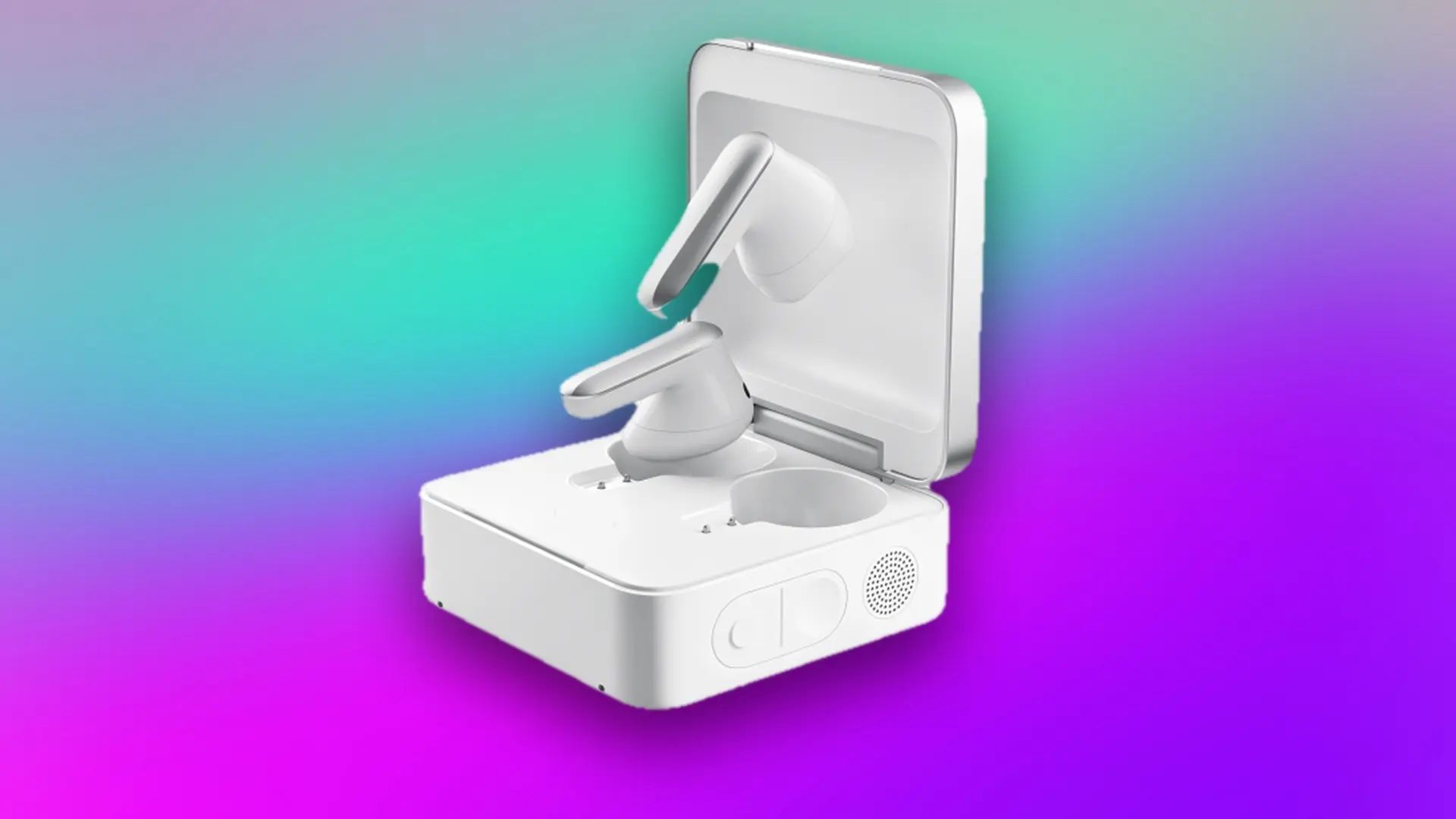 Plaud One Redefines Headphones for AI Note‑Taking
 Apple Event Logo Suggests iPhone 18 Pro May Feature New Colors and Camera Upgrade
 Plaud unveils smart earbuds that capture audio and execute tasks automatically
Many gamers neglect basic maintenance like dust cleaning, proper cable management, or updating drivers regularly, despite knowing better. Singh points out that skipping thermal paste replacement or ignoring airflow optimization leads to overheating and throttling. Others install too many background apps or fail to optimize Windows settings for gaming, unknowingly sacrificing frames per second. These habits persist not from ignorance, but from convenience or reluctance to disrupt a working setup.
How Much Performance Are You Really Losing?
Singh explains that the psychology behind these habits stems from a „if it ain’t broke, don’t fix it” mindset. Gamers fear that tinkering with a stable system might introduce new problems, even when improvements are guaranteed. He notes that many users delay upgrades or maintenance until a crash or significant slowdown forces action. This reactive approach, he argues, costs more in the long run through reduced component lifespan and frustrating performance drops during critical gaming moments.
According to Singh’s observations from years of building and testing PCs, poor airflow alone can cost 10-15% in sustained frame rates during long sessions. Outdated drivers or bloated software stacks may add another 5-10% loss in responsiveness. He emphasizes that these aren’t theoretical losses—real-world benchmarks show measurable gains after simple fixes like reapplying thermal paste, cleaning filters, or disabling startup bloat. The cumulative effect, he warns, turns a high-end rig into a mid-tier performer over time.
How often should I clean my gaming PC? Singh recommends a light dusting every two months and a deep clean every six months, especially if you have pets or live in a dusty environment.
Frequently Asked Questions
Is it necessary to update drivers if games run fine? Yes, he says—driver updates often include performance optimizations and bug fixes for new titles, even if current games seem stable.
Can cable management really affect cooling? Absolutely, Singh confirms. Poor airflow from tangled cables traps heat, making fans work harder and reducing overall system efficiency.