How Does Performance Compare to Windows Today?
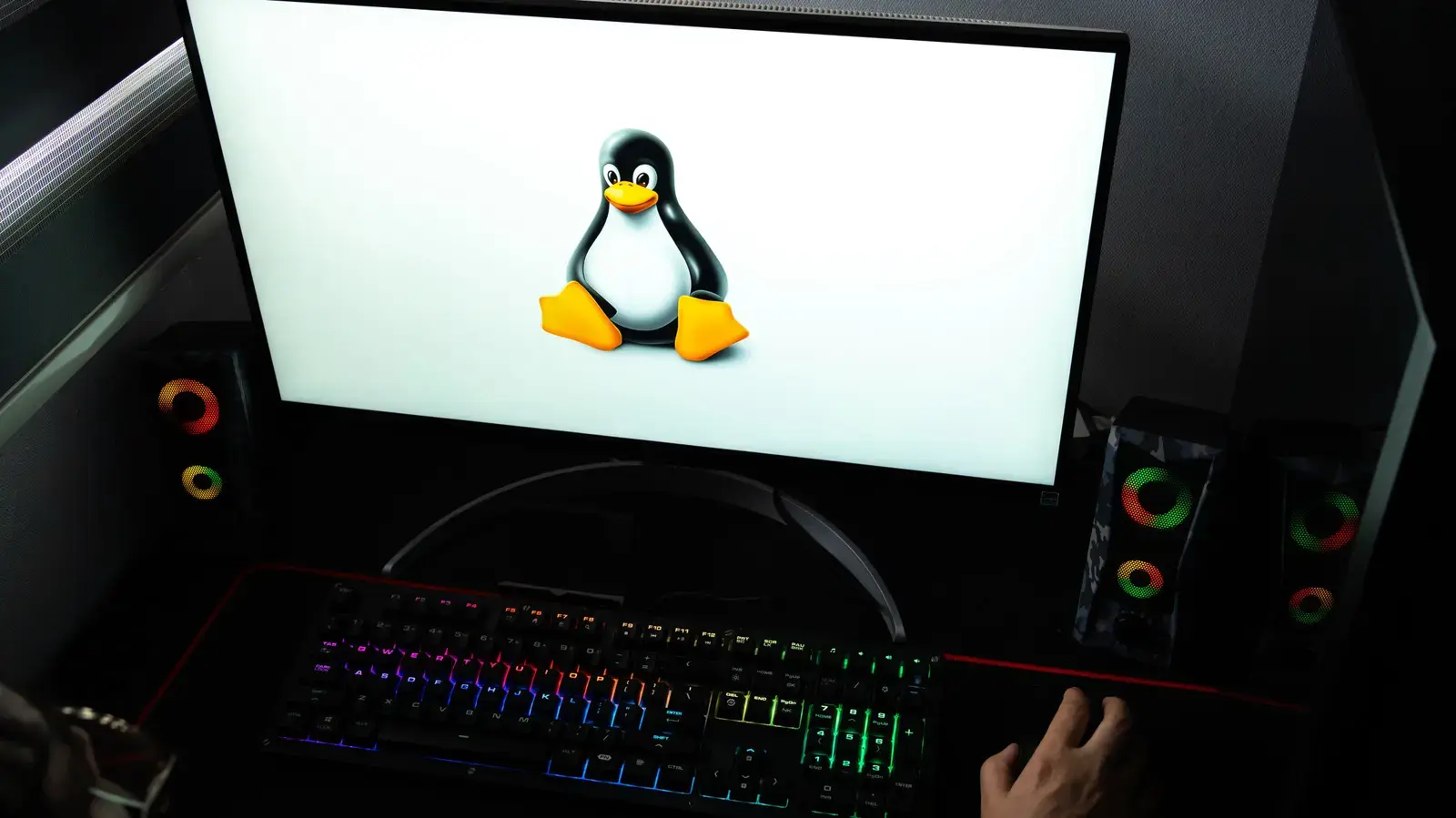
Five years ago, I switched to Linux for gaming after growing frustrated with Windows updates and bloatware. At the time, many doubted Linux could handle modern games smoothly. Today, I run a library of over 200 titles without major issues, thanks to tools like Proton and Lutris. My setup includes an AMD Ryzen 7 processor and an NVIDIA RTX 4070 graphics card, which work well with open-source drivers. The shift wasn't instant, but each year brought better compatibility and performance.
Breaking news
 Canonical’s Web Presence Hit by Second DDoS Assault This Year
 Loops AI Secures $3.5 Million to Power a New AI Operating System for E‑Commerce
 Winverse AI Secures Tens of Millions in Seed Funding from DeepSeek and Long‑Z
 Google Adds Pixel 9 Series to Certified Refurbished Store
The turning point came with the Steam Deck's launch in early 2022, which proved Linux gaming could reach mainstream audiences. Valve's Proton compatibility layer allows most Windows games to run on Linux with minimal configuration. I've played everything from indie hits like Hades to AAA titles such as Cyberpunk 2077 and Elden Ring without needing Windows. Community-driven projects like Gamemode and Mangohud help optimize performance and monitor frame rates in real time. Driver support from both NVIDIA and AMD has improved significantly, reducing the gap between Linux and Windows gaming experiences.
What Challenges Still Exist for Linux Gamers?
In benchmark tests, Linux often matches or slightly trails Windows in frame rates, depending on the game and driver version. For example, in Shadow of the Tomb Raider, I average 95 FPS on Linux versus 100 FPS on Windows at 1440p ultra settings. However, Linux tends to use fewer background resources, which can lead to smoother multitasking during gameplay. Load times are comparable when using NVMe SSDs, and Vulkan-based games frequently perform better on Linux due to lower driver overhead. Anti-cheat systems remain a hurdle for some online titles, but solutions like Wine and VKD3D-Proton are closing the gap.
Despite progress, certain genres and platforms still pose difficulties. Games relying on kernel-level anti-cheat, such as Fortnite and Valorant, remain largely unsupported due to security restrictions. Some publishers avoid Linux releases altogether, citing low market share, though this is changing as more users adopt the platform. Setting up non-Steam games can require manual configuration, which may deter less technical users. However, tools like Heroic Games Launcher simplify access to Epic Games Store titles, and Lutris scripts automate installations for many popular games. Regular updates to Mesa and Proton ensure steady improvements in compatibility and stability.
Do I need to give up Windows entirely to game on Linux? No, many users dual-boot or use virtual machines for occasional Windows-only games, but I've found Linux sufficient for my needs after five years.
Frequently Asked Questions
Can I use my existing Steam library on Linux? Yes, Steam Play with Proton enables most Windows games to run on Linux, though a small percentage may require tweaks or fail to launch.
Is Linux gaming suitable for competitive esports titles? It depends on the game; titles with native Linux support or Proton compatibility work well, but those with invasive anti-cheat systems often do not.
