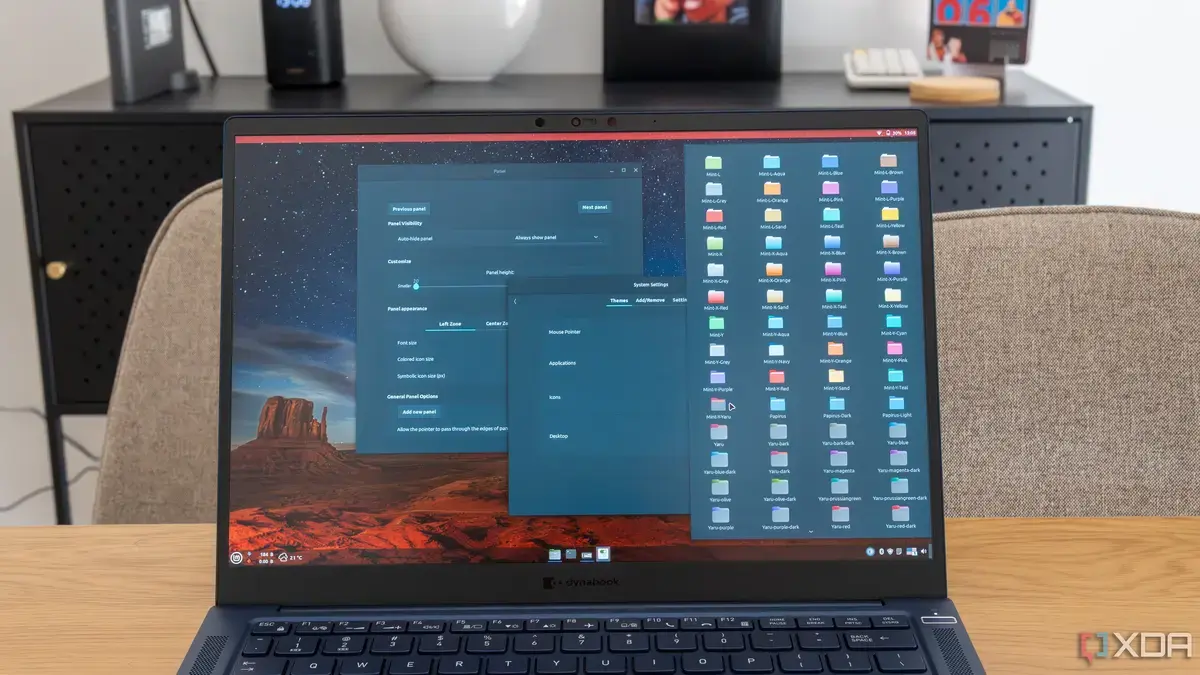
Why the New Kernel Is Failing Linux Mint
Linux Mint 21.3 users began reporting sudden system freezes and kernel panics in early July 2026 after the distribution adopted the Linux 6.5 kernel. The issue spread across desktop and laptop installations worldwide, prompting urgent discussions on forums and social media. Simon Batt, a long‑time tech writer, documented the problem and outlined a swift recovery method.
Breaking news
 Canonical’s Web Presence Hit by Second DDoS Assault This Year
 Loops AI Secures $3.5 Million to Power a New AI Operating System for E‑Commerce
 Winverse AI Secures Tens of Millions in Seed Funding from DeepSeek and Long‑Z
 Google Adds Pixel 9 Series to Certified Refurbished Store
The new kernel introduced several regressions that conflicted with common hardware drivers, especially for NVIDIA graphics cards and certain USB controllers. Crash logs frequently show „BUG: kernel NULL pointer dereference” followed by an automatic reboot. Community members traced the instability to a recent patch that altered memory management routines. Because the kernel is the core of the operating system, any fault can render the desktop unusable, forcing users to restart repeatedly.
Early testing missed the interaction between the 6.5 kernel and older BIOS firmware. Users with legacy hardware reported that the system would freeze during boot or after waking from suspend. The Mint development team acknowledged the bug but has not yet released a stable fix. In the meantime, the distribution’s update manager continues to push the problematic kernel, leaving many without a safe alternative. Analysts note that the rapid adoption of newer kernels, while usually beneficial, can expose hidden incompatibilities in widely used distributions.
Can Users Safely Revert to an Older Kernel?
Yes. The recovery steps involve selecting a previous kernel from the GRUB boot menu and then preventing the faulty version from reinstalling. After rebooting, users should press Esc or Shift to access GRUB, choose „Advanced options for Linux Mint,” and pick the 6.4‑series entry. Once the system loads, opening a terminal and running `sudo apt-mark hold linux-image-6.5*` will stop the update manager from reinstalling the problematic package. This method restores normal operation within minutes and does not affect user data or installed applications.
The crash episode highlights the fragility of automatic updates in a diverse hardware ecosystem. While the Mint team works on a patched kernel, the rollback technique offers an immediate lifeline for affected users. Experts expect a corrected kernel release within the next few weeks, after which most systems should return to stable performance. In the interim, users are urged to monitor official channels for announcements and to keep backups of critical files.
Frequently Asked Questions
What symptoms indicate the 6.5 kernel problem? Typical signs include sudden freezes, repeated „kernel panic” messages on screen, and automatic reboots shortly after login or after waking from sleep.
Will reverting to the older kernel affect software compatibility? No. The older kernel works with the same user‑space packages, so applications and system settings remain unchanged after the rollback.
How can I prevent future accidental kernel updates? Marking the problematic kernel package as „held” with `sudo apt-mark hold` stops the update manager from reinstalling it until the issue is resolved.
