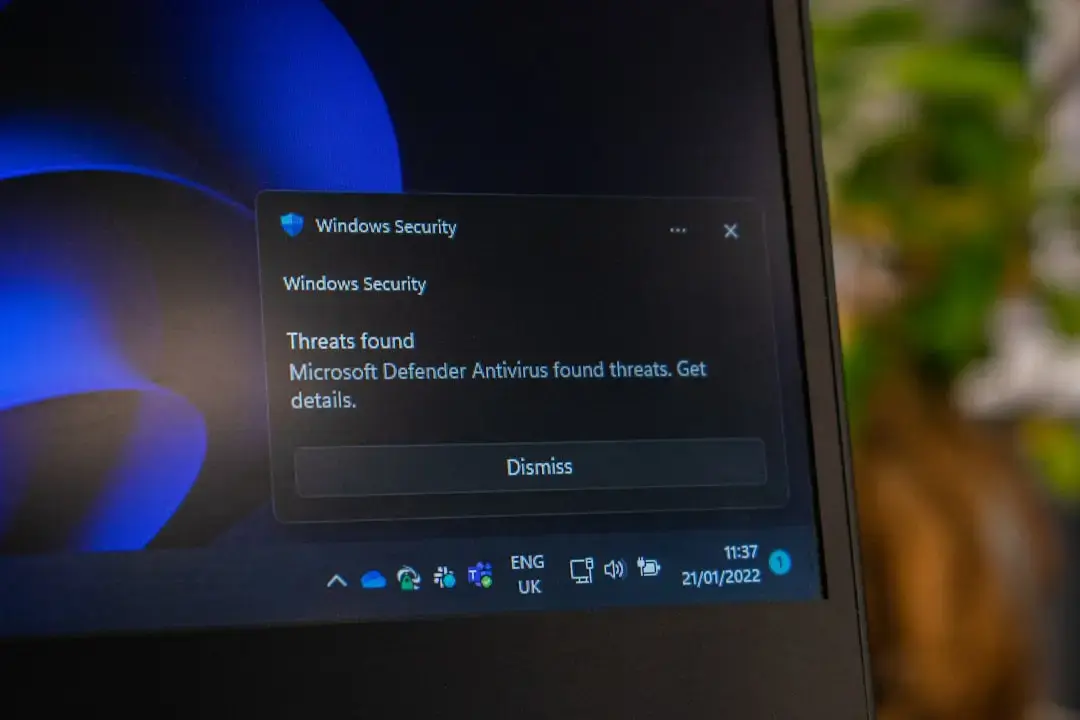
Why Gamers Notice Slower Frame Rates
Microsoft is rolling out a new security patch for Windows users. This update aims to close critical vulnerabilities in the operating system. However, gamers may notice a drop in frame rates after installation. The company confirmed the release on September 2, 2026. The patch targets specific flaws in how Windows handles background processes. While essential for security, it introduces minor overhead during gameplay. Users should monitor their systems closely after the update completes. Most players will experience only negligible changes. Yet, high-end competitive gamers might feel the difference. The fix remains straightforward for those who need to revert settings.
Breaking news
 Town AI Secures $108 Million Series B, Valued at $1 Billion After $55 M Pre‑Series
 Apple Prepares for Major Product Launch Event on October 28
 Apple Releases Release Candidates for watchOS, tvOS and visionOS 27.2
 Apple Limits iPhone Duo and iPhone 18 Pro Max to Reservation-Only Sales in Japan and South Korea
The update addresses a long-standing issue in the Windows kernel. Microsoft engineers identified that certain security checks were running inefficiently. These checks now consume slightly more processing power. This extra load can impact real-time applications like video games. The company prioritized stability over raw speed in this release. Developers tested the patch across various hardware configurations. Results showed consistent behavior across most modern PCs. The primary goal was to prevent unauthorized access to system memory. This vulnerability had existed for several months before detection. The patch ensures that memory allocation follows stricter protocols. Consequently, the operating system becomes more resilient against attacks.
The performance dip stems from increased CPU usage during idle states. When a game launches, the system allocates resources differently. The new security layer adds a small verification step. This step occurs every time the application requests memory. For casual players, this delay is imperceptible. Competitive players tracking milliseconds may see a two percent drop. Some users reported stuttering in open-world titles. These games rely heavily on constant memory swapping. The patch forces the system to validate each swap. This validation process creates a bottleneck under heavy load. Microsoft acknowledges this trade-off in their release notes. They state that security integrity outweighs marginal performance losses. Gamers can mitigate this by adjusting power plans. Setting the system to high performance mode helps offset the cost. This adjustment reduces the frequency of security checks. It allows the CPU to prioritize game threads more aggressively.
Can You Revert the Patch Without Losing Security?
Yes, but it requires manual intervention. Windows Update does not offer a simple rollback button. Users must access the advanced settings menu. From there, they can uninstall the specific cumulative update. This action restores previous performance levels. However, the system remains vulnerable to the original flaw. Experts recommend keeping the patch installed. Instead, optimize other system components to balance the load. Disabling unnecessary background services frees up CPU cycles. This compensates for the extra security overhead. Most users find that a clean boot resolves the issue. A clean boot disables non-Microsoft services temporarily. It helps identify if third-party software conflicts with the patch. If the problem persists, updating graphics drivers often helps. Newer drivers are optimized for the latest Windows kernels. They handle memory management more efficiently. This synergy between driver and OS minimizes the perceived lag.
Microsoft expects future updates to refine this process. Engineers are already working on a more efficient verification method. This next iteration aims to reduce the CPU footprint significantly. Gamers should not rush to uninstall the current patch. Waiting for the refined version offers the best of both worlds. Security remains paramount for all Windows users. The slight performance cost is a temporary inconvenience. The ecosystem benefits from a more stable foundation. As always, backing up save files before major updates is wise. This precaution prevents data loss during any unexpected glitches. The community continues to share tips for optimal settings. Forums remain active with discussions on balancing speed and safety. Microsoft monitors these reports closely. They use this feedback to fine-tune upcoming releases. The goal is seamless protection without sacrificing user experience.
Frequently Asked Questions
Does this patch affect all Windows versions? The update applies primarily to Windows 10 and 11. Older versions receive similar fixes through separate channels. The impact is most noticeable on systems with older processors.
How do I check if the patch is installed? Open Settings and navigate to Windows Update history. Look for the specific KB number listed under recent installations. This confirms whether the security layer is active.
Will the performance drop be permanent? No, the drop is relative to the previous version. Future updates will likely improve efficiency. The baseline performance remains unchanged for the most part.

