
Why Older Snapdragon Devices Are Left Behind
Google’s Linux Terminal app has finally found its way to devices powered by Qualcomm’s latest Snapdragon processors. The update arrives after months of speculation about when major hardware makers would gain access to this development tool.
Breaking news
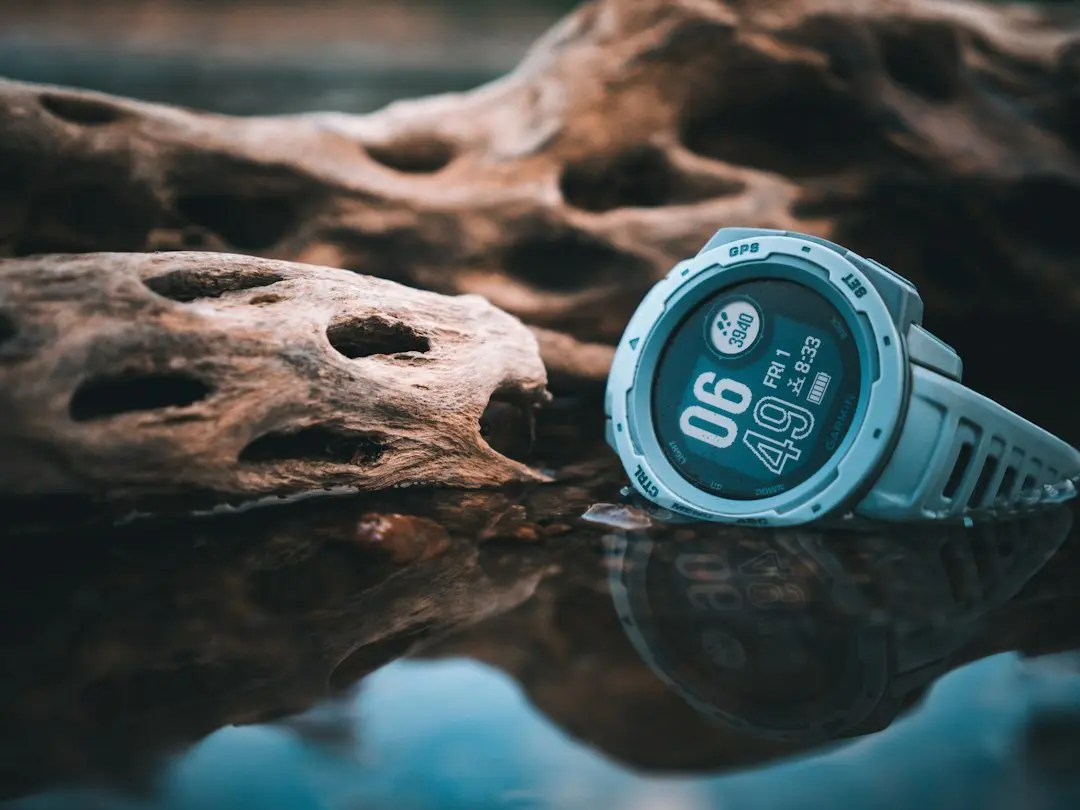 Garmin Keeps MIP Displays for Battery Life
 Apple Unveils MacBook Pro and iPad Mini Upgrades
 Claude Gains a Wallet: Anthropic Launches Personal Finance Beta
 OpenAI Unveils GPT-6 Cyber for Advanced Security Tasks
The app originally launched exclusively on Pixel phones. Since then, it has expanded to other manufacturers, but Snapdragon-based hardware was notably absent from the list. That gap has now closed with the latest chip generation.
The compatibility update is limited to Qualcomm’s newest Snapdragon chips. Older Snapdragon-based hardware does not receive the Linux Terminal app. This creates a clear divide between new and legacy devices. Users with older phones must wait for a future update or consider upgrading to newer hardware.
What This Means for Developers
Developers can now run a full Linux environment directly on their Android phones. The app provides a terminal interface for command-line operations. This is particularly useful for testing, automation, and running Linux-native applications without a separate computer.
The expansion to Snapdragon devices broadens the app’s reach significantly. Many flagship phones from Samsung, OnePlus, and other brands use Snapdragon chips. These devices now join the growing list of compatible hardware.
Frequently Asked Questions
Which Snapdragon chips are compatible with the Linux Terminal app? Only Qualcomm’s latest generation of Snapdragon chips support the app. Older Snapdragon models are not included in this update.
Can I install the Linux Terminal app on my older Snapdragon phone? No. The app is currently limited to devices with the newest Snapdragon processors. Older hardware will not receive compatibility until a future software update.
What can I do with the Linux Terminal app on my phone? You can run Linux commands, install packages, and execute scripts directly on your device. It functions as a lightweight Linux environment without needing a desktop computer.