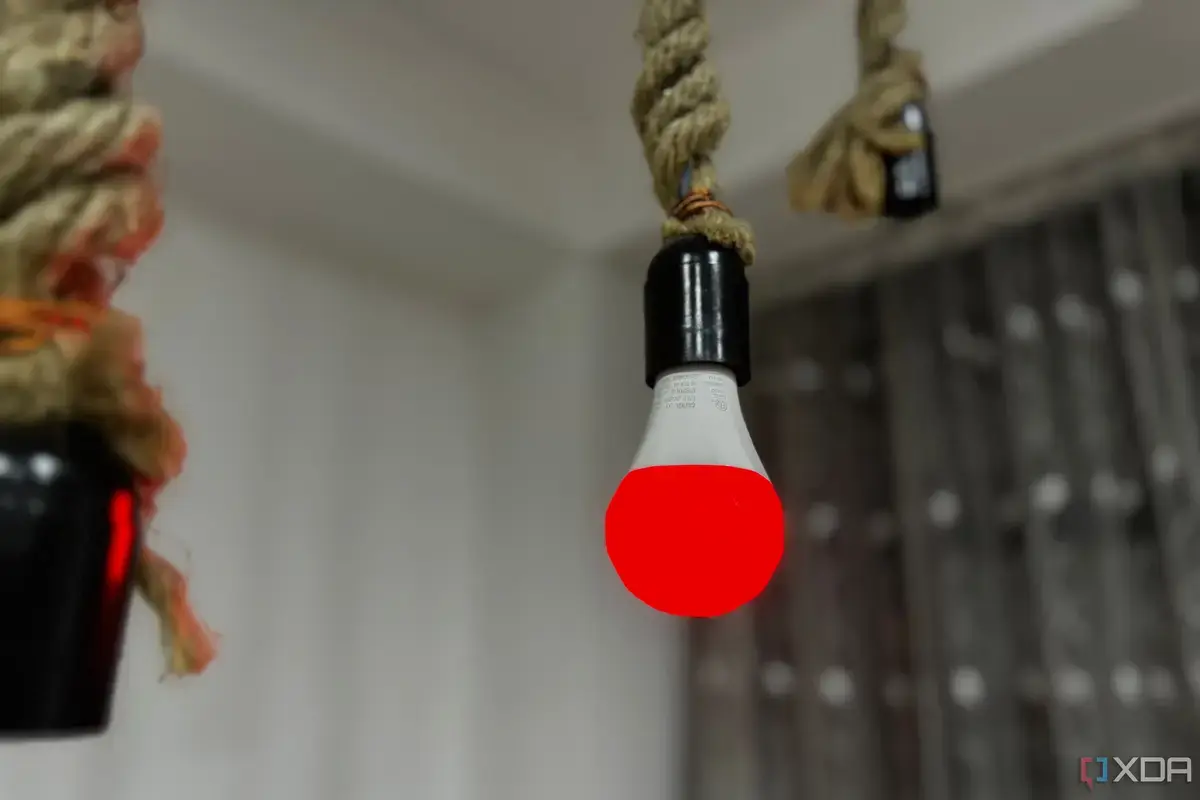
The Hidden Impact of Power Interruption
Many smart home systems can malfunction due to a simple oversight. Users often forget that traditional wall switches disrupt their smart devices. This common habit inadvertently cuts power to connected gadgets.
Breaking news
 Canonical’s Web Presence Hit by Second DDoS Assault This Year
 Loops AI Secures $3.5 Million to Power a New AI Operating System for E‑Commerce
 Winverse AI Secures Tens of Millions in Seed Funding from DeepSeek and Long‑Z
 Google Adds Pixel 9 Series to Certified Refurbished Store
This issue frequently leads to smart lights or other devices becoming unresponsive. The problem arises because the wall switch completely severs the electrical connection. This prevents the smart device from receiving commands or staying connected to the network.
When a smart device loses power, it can drop offline. This means it can no longer be controlled by apps or voice commands. Users then experience frustration when their smart home features fail to work. Restoring power often requires manual intervention or a full system reset. This defeats the purpose of automation and convenience.
Why Does This Happen with Smart Devices?
Smart devices need constant power to function correctly. They rely on a continuous electrical supply to maintain their network connection. Flipping a traditional wall switch off breaks this critical link. This forces the device to reboot and reconnect when power is restored. This process can be slow or sometimes fail entirely.
The solution often involves leaving wall switches in the onposition. Smart control should then come from apps, voice assistants, or dedicated smart switches. This ensures a consistent power supply to the smart devices. Overlooking this detail can lead to persistent smart home headaches.
Frequently Asked Questions
What is the main reason smart home devices stop working? The most common cause is accidentally turning off the power at a traditional wall switch. This cuts the electricity needed for the device to operate and stay connected.
How can I prevent my smart lights from going offline? Always leave the traditional wall switch in the onposition. Control your smart lights using their dedicated app, a smart hub, or voice commands instead.
Do all smart devices have this problem? Any smart device that relies on a constant power supply and is connected to a traditional wall switch can be affected. This includes smart lights, plugs, and certain appliances.
