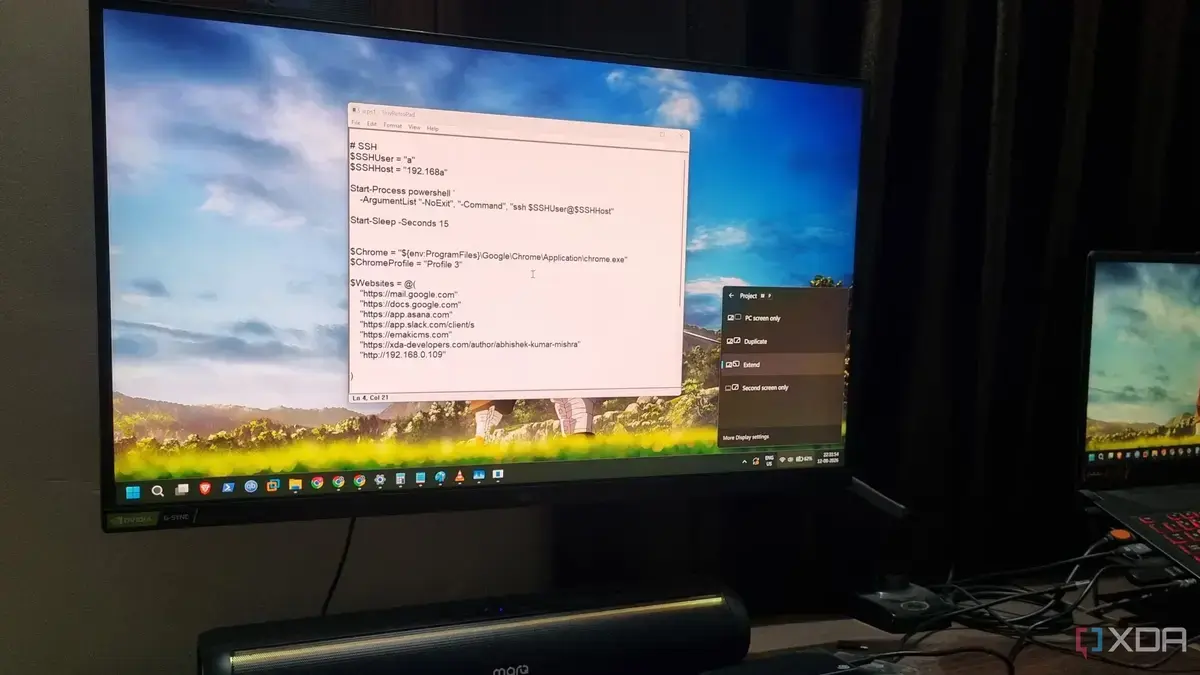
A Streamlined Approach to Text Editing
TinyRetroPad is a newly developed text editor that is significantly smaller than Windows Notepad. At just 2.73KB, it aims to provide a streamlined writing experience by focusing on essential features. This lightweight application revamps the traditional Notepad by utilizing Windows APIs and Rich Edit functionalities. Its design prioritizes simplicity and efficiency, catering to users who seek a no-frills text editing tool. The creator's goal was to strip away unnecessary features while retaining the core capabilities that users rely on.
Breaking news
 Canonical’s Web Presence Hit by Second DDoS Assault This Year
 Loops AI Secures $3.5 Million to Power a New AI Operating System for E‑Commerce
 Winverse AI Secures Tens of Millions in Seed Funding from DeepSeek and Long‑Z
 Google Adds Pixel 9 Series to Certified Refurbished Store
TinyRetroPad stands out due to its minimalistic size, making it 130 times smaller than its Windows counterpart. Despite its small footprint, it offers the functionalities that matter most to users, such as basic text editing and formatting options. The application is designed for those who prefer a straightforward interface without distractions.
The development of TinyRetroPad reflects a growing trend among users who desire simplicity in their software tools. Many find that complex applications often come with features they do not use, leading to a cluttered experience. TinyRetroPad addresses this concern by focusing solely on essential functions, ensuring that users can write without unnecessary interruptions.
Why Choose TinyRetroPad Over Traditional Notepad?
What makes TinyRetroPad a compelling choice for users? Its lightweight nature allows it to run smoothly on older machines or systems with limited resources. Additionally, the application’s reliance on native Windows functions ensures compatibility and stability, which are crucial for everyday tasks.
Users have reported that TinyRetroPad not only loads quickly but also handles basic text files efficiently. This is particularly advantageous for those who need to jot down quick notes or edit small scripts without the overhead of larger software. The simplicity of the interface means that even novice users can navigate it with ease.
The development of TinyRetroPad could signal a shift in how users interact with text editors. As more people seek efficient tools that focus on their needs, applications like TinyRetroPad may become increasingly popular.
Frequently Asked Questions
What platforms is TinyRetroPad available on? TinyRetroPad is designed for Windows operating systems, ensuring compatibility with a wide range of devices.
Can TinyRetroPad handle large files? While TinyRetroPad excels in editing small to medium-sized text files, users may encounter limitations with larger documents due to its lightweight design.
In conclusion, TinyRetroPad offers a refreshing alternative to traditional text editors. Its focus on essential features and minimal size makes it an appealing choice for users seeking efficiency and simplicity in their writing tools. As software continues to evolve, TinyRetroPad represents a return to basics, emphasizing functionality over complexity.
