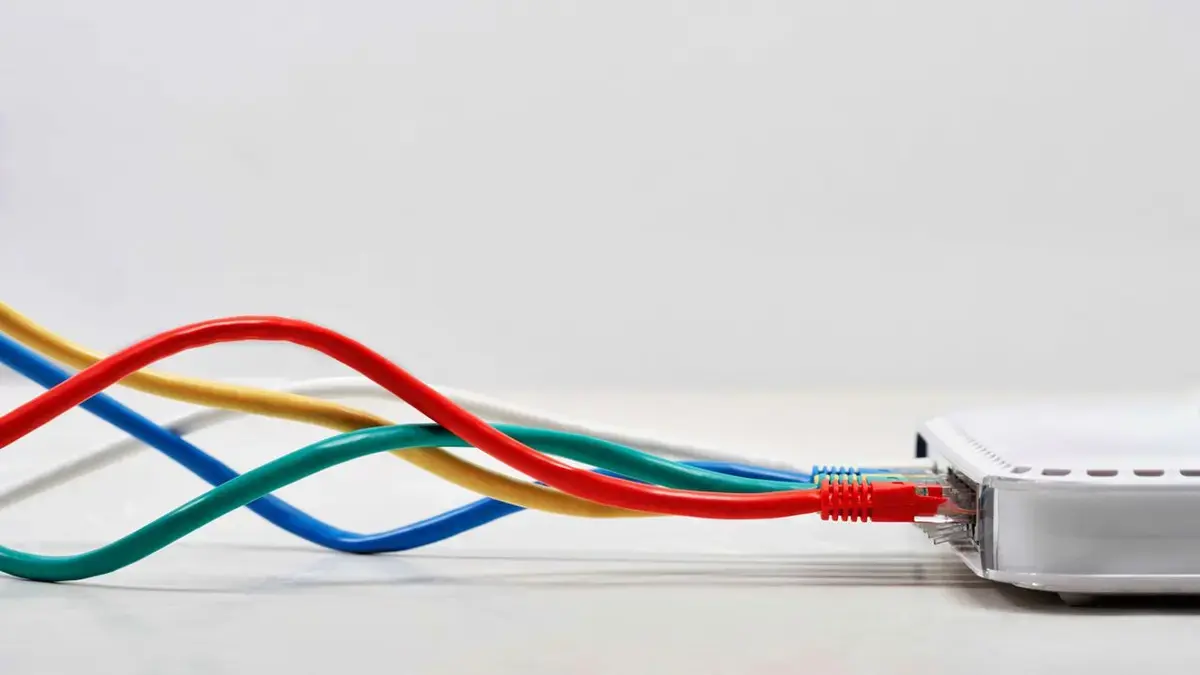
Extensive Flaws in Omada Platform
Owners of TP-Link Omada business networking equipment must update their systems immediately. Security researchers uncovered 15 critical flaws within the Omada platform. These vulnerabilities could allow attackers to take control of devices. TP-Link has already released patches to address these serious issues.
Breaking news
 Town AI Secures $108 Million Series B, Valued at $1 Billion After $55 M Pre‑Series
 Apple Prepares for Major Product Launch Event on October 28
 Apple Releases Release Candidates for watchOS, tvOS and visionOS 27.2
 Apple Limits iPhone Duo and iPhone 18 Pro Max to Reservation-Only Sales in Japan and South Korea
The security firm Forescout's Vedere Labs identified multiple weaknesses across the Omada product line. These included various ways hackers could exploit the system. The discovered vulnerabilities posed a significant risk to network integrity and data security for businesses using Omada gear.
How Can Users Protect Their Networks?
The 15 vulnerabilities were diverse in nature. They ranged from remote code execution to authentication bypasses. Some flaws could allow unauthorized access to sensitive network controls. Others might enable attackers to inject malicious code into the system. This comprehensive set of weaknesses highlighted a broad security challenge for the Omada platform.
# What kind of devices are affected?
Users should prioritize updating their TP-Link Omada devices without delay. TP-Link has made patches available to fix all reported vulnerabilities. Applying these updates is crucial to prevent potential cyberattacks. Ignoring these patches leaves networks exposed to significant security risks.
Failure to update could lead to hackers hijacking devices or accessing confidential data. Businesses rely on secure networking infrastructure. Therefore, prompt action is essential to maintain operational security and protect sensitive information.
# What should I do if I own an affected device?
The vulnerabilities impact TP-Link Omada business networking equipment. This includes various routers, switches, and access points designed for commercial use.
# What are the potential consequences of not updating?
You should immediately check for and install the latest firmware updates provided by TP-Link. These updates contain the necessary patches to fix the identified security flaws.
Not updating could allow attackers to gain unauthorized access to your network. This might lead to data breaches, device hijacking, or disruption of network services.

