How the AI Map Changed My Workflow
My files are still a mess, but at least Claude knows where they are
Breaking news
 Town AI Secures $108 Million Series B, Valued at $1 Billion After $55 M Pre‑Series
 Apple Prepares for Major Product Launch Event on October 28
 Apple Releases Release Candidates for watchOS, tvOS and visionOS 27.2
 Apple Limits iPhone Duo and iPhone 18 Pro Max to Reservation-Only Sales in Japan and South Korea
I’ve always struggled to keep my digital life organized. Whether it’s documents, photos, or downloads, my folders resemble a chaotic archive where finding anything feels like a scavenger hunt. Late-night bursts of motivation occasionally lead me to rename files or create new directories, but the effort rarely lasts. My system remains inconsistent, and searching for a specific file often wastes valuable time.
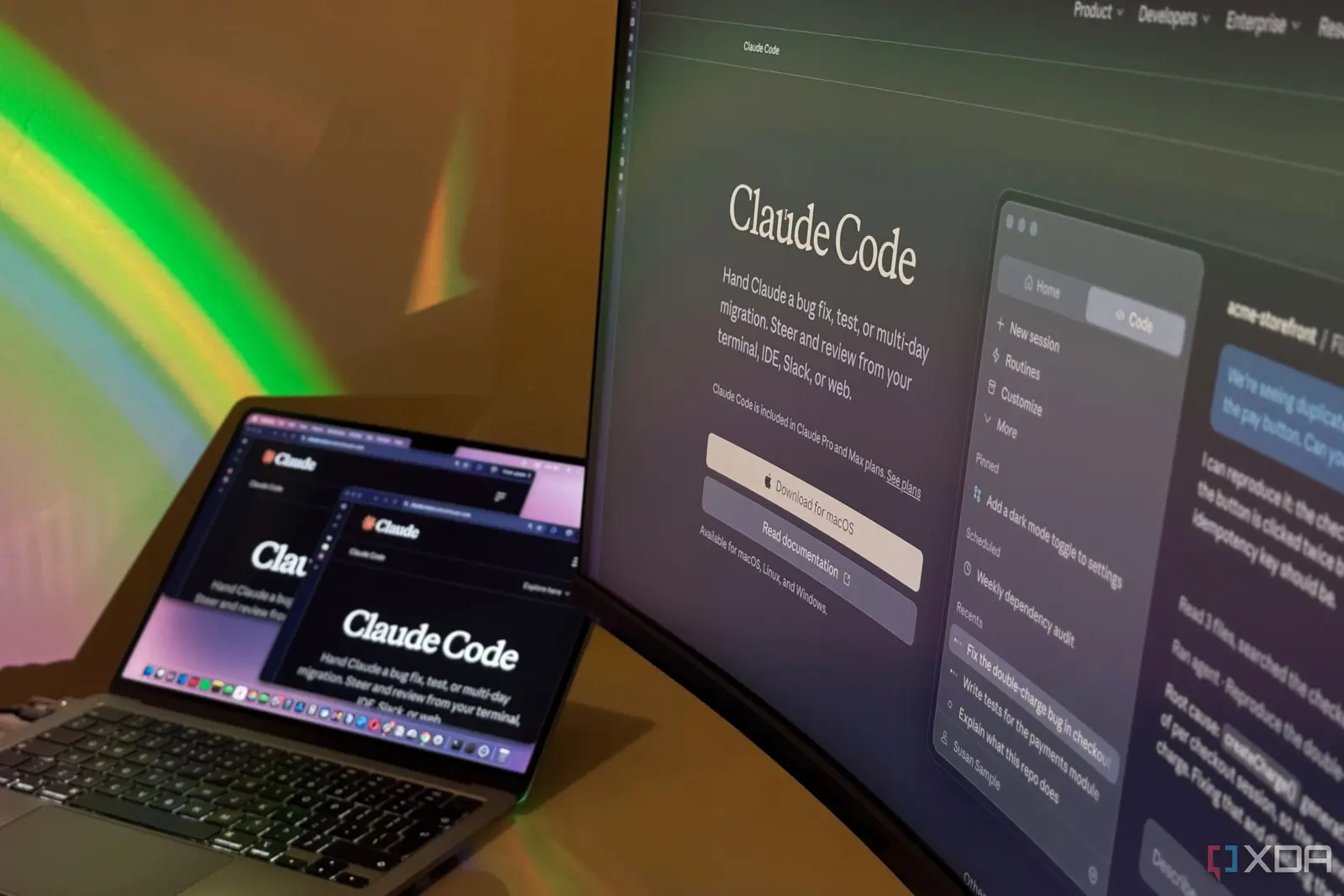
To tackle this, I turned to Claude Code, an AI assistant designed to help with coding and file management tasks. I asked it to scan my entire file directory and generate a visual map of where everything was stored. Claude analyzed file names, types, and locations, then created an interactive index that let me search by keyword, date, or category. Instead of digging through nested folders, I could now locate files in seconds using natural language queries.
The transformation was immediate. What used to take me nearly five minutes per search now averages under ten seconds. Claude’s map didn’t reorganize my files—it simply made them navigable. I no longer need to remember exact file names or folder paths; I can ask, „Show me the PDF I edited last Tuesday about budget planning,” and it returns the right result instantly. The tool respects my existing structure, working with my chaos rather than trying to fix it.
Can AI Fix Human Disorganization?
While my desktop still looks like a digital junkyard, the mental load of searching has plummeted. I spend less time frustrated and more time actually using my files. Claude didn’t make me organized—it made my disorganization manageable. For anyone drowning in digital clutter who lacks the discipline to maintain order, this kind of AI-assisted navigation offers a practical middle ground: keep your habits, but gain back your time. Frequently Asked Questions How does Claude Code create a file map without moving or renaming files? Claude scans the file system metadata—names, paths, timestamps, and types—to build a searchable index. It doesn’t alter any files; it only reads and references them to enable faster retrieval.
Is this tool safe to use on sensitive or personal data? Yes, Claude Code processes file information locally or within secure environments depending on setup. It doesn’t upload your files to external servers unless explicitly configured to do so, preserving privacy.
Can this work on external drives or cloud storage? As long as the storage is mounted or accessible through the file system, Claude can index it. Performance may vary with network drives, but local and synced cloud folders are fully supported.