How Muse Works Differently From Other AI Models
Unlike ChatGPT, Gemini, or Claude, which only respond to prompts, Muse runs continuously in the background, constantly looking for ways to help me stay on track, on time, and avoid mistakes caused by overlooking details. To benefit from this, I had to take a significant leap of trust: I had to grant it access to my personal data, and I did so with hesitation. On the day I started, I posted on X: „I allowed Muse AI to access my inbox, find an important message I forgot, draft a reply, edit it with me, and then send it. Have I lost my mind?” I also asked, „Have I gone crazy?” — a spontaneous reaction reflecting my limited confidence at the time.
Breaking news
 Town AI Secures $108 Million Series B, Valued at $1 Billion After $55 M Pre‑Series
 Apple Prepares for Major Product Launch Event on October 28
 Apple Releases Release Candidates for watchOS, tvOS and visionOS 27.2
 Apple Limits iPhone Duo and iPhone 18 Pro Max to Reservation-Only Sales in Japan and South Korea
My Previous Experience With AI Data Access
It’s not true that I’ve never allowed an AI to examine or access my data before. For example, Google Gemini can interpret information from Docs, Gmail, and Maps, but it lacks native agentic behavior. Interaction with data only occurs when I request it. It’s not like a diligent beaver working nonstop in the background to improve or at least change my life through autonomous actions. When I decided to grant Muse access to my Gmail account, the feeling was similar to strapping on a parachute and jumping from 14,000 feet. In return, Meta assures it applies strict privacy controls. Muse’s personal AI system operates in a virtualized cloud-based environment, isolated from other agents. Authentication data is stored in a „Secure Credential Vault,” and oversight mechanisms ensure agents do not engage in risky or inappropriate activities.
Why I Took the Risk
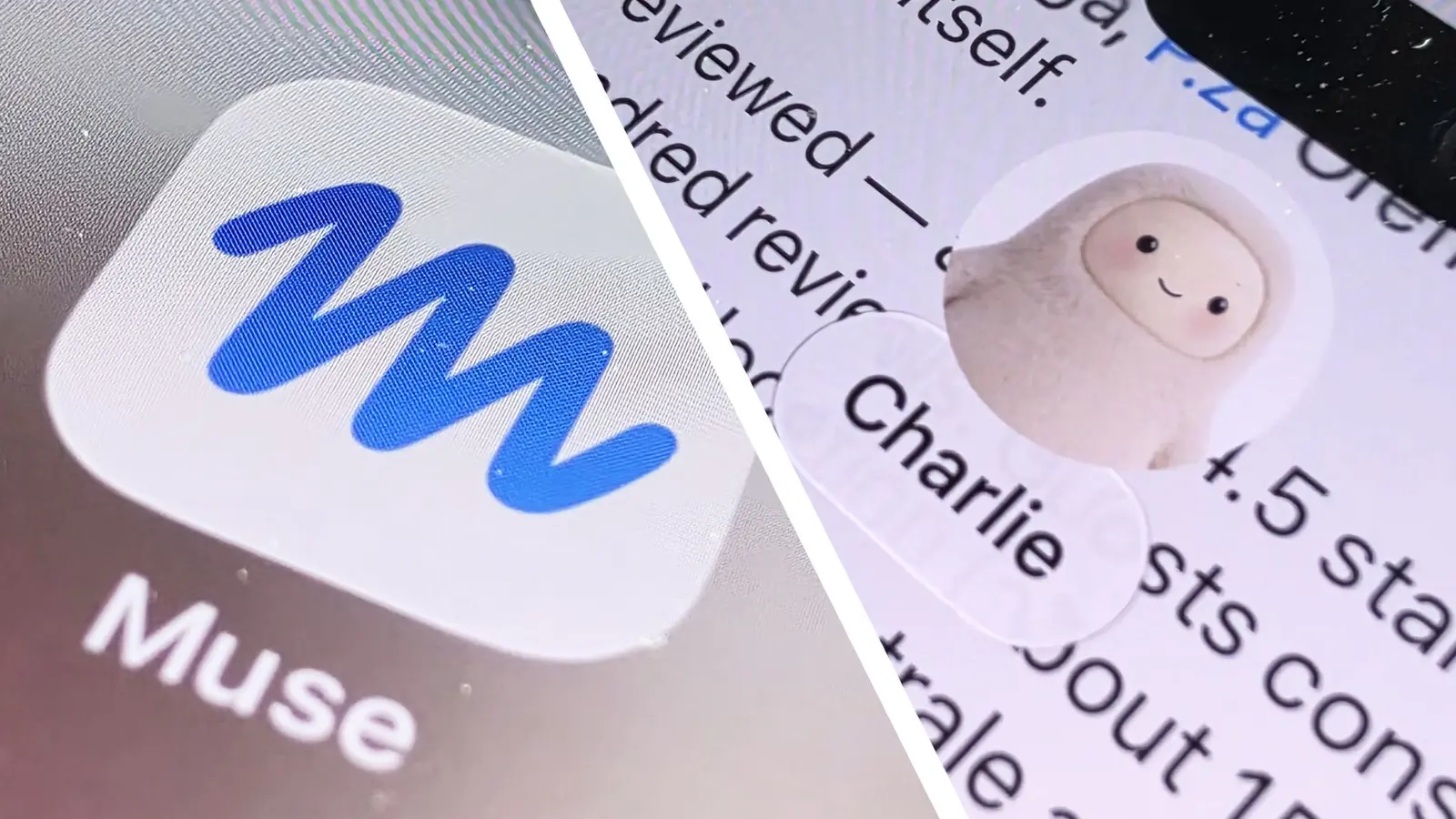
Yes, I was nervous when I granted Meta access, but I thought: „How can I understand this technology and inform my readers about it if I’m unwilling to try it and see if it’s a scam or, worse, a disaster?” Honestly, I didn’t expect much. Of course, the official avatar named Jolly is adorable. He appears at the top of the app, working on a tiny laptop — a smaller version of ourselves. I believed the promises about concrete help Muse could offer in my life were overly optimistic. Also, you can choose any name for the avatar, and I chose Charlie — yes, I’m a big fan of Charlie Chaplin.
Even what the app offered at first didn’t seem inspiring. Muse, or Charlie, said it could: manage my inbox, add or reschedule events in my calendar, and find deals on Facebook Marketplace. That last suggestion challenged me, as I have a deep aversion to Facebook Marketplace. It’s full of enthusiastic buyers who want to show up at your door immediately („Where is the bed?”). Still, knowing I had committed to giving Muse a chance, I agreed to let it access my personal email (my work Gmail makes connecting to unauthorized third-party systems nearly impossible).
What Muse Initially Offered
The link was established quickly, and I thought: „Something like this should be more complicated, just to prevent mistakes.” But once I completed the process, I reviewed the help offers Muse/Charlie presented. It said it could: find an email or update itself on a long message thread (which could be useful, since Gmail’s threading system is notoriously poor), draft a reply, and unsubscribe from newsletters. I was eager to start with the last task, as I’m subscribed to too many newsletters and notifications. My Gmail inbox is a mix of messages, but still not fully effective with Muse’s help, so I gave it a simple task: „Just check if I forgot anything urgent.”
How the Connection Was Established
Frankly, I didn’t expect much from this exercise, since personal email isn’t where most of my professional activity happens. Critical messages usually arrive at my work address, so I was surprised when Muse/Charlie quickly informed me that, although there was „no fire,” it had found three messages that were „worth a careful look.” The first was a security notification from Google. With a certain self-lucidity, Muse/Charlie said it was „just because of recent sign-in to me, nothing to worry about.” The second came from my mobile service provider, announcing a recent account change. Charlie suggested it was „worth a quick look if you haven’t done it yourself.” The last, however, surprised me. A public relations representative named „Bill” sent me a message to my personal address about a new communications product.
What Muse Actually Found
The information was (and remains) under embargo, so I can’t share details, but I can say that even from the very short summary Muse/Charlie provided, I was intrigued. „Open the message from Bill,” I told Muse/Charlie.