
Seamless Cloud Integration for Device Files
Android users can now automatically back up local files to Google Drive. This new Documentsbackup feature allows phones and tablets to upload saved files. Downloads from browsers like Chrome will be included.
Breaking news
 Trump Orders Federal Agencies to Adopt „Super Intelligence” Terminology
 The Silicon Valley Accountability Gap
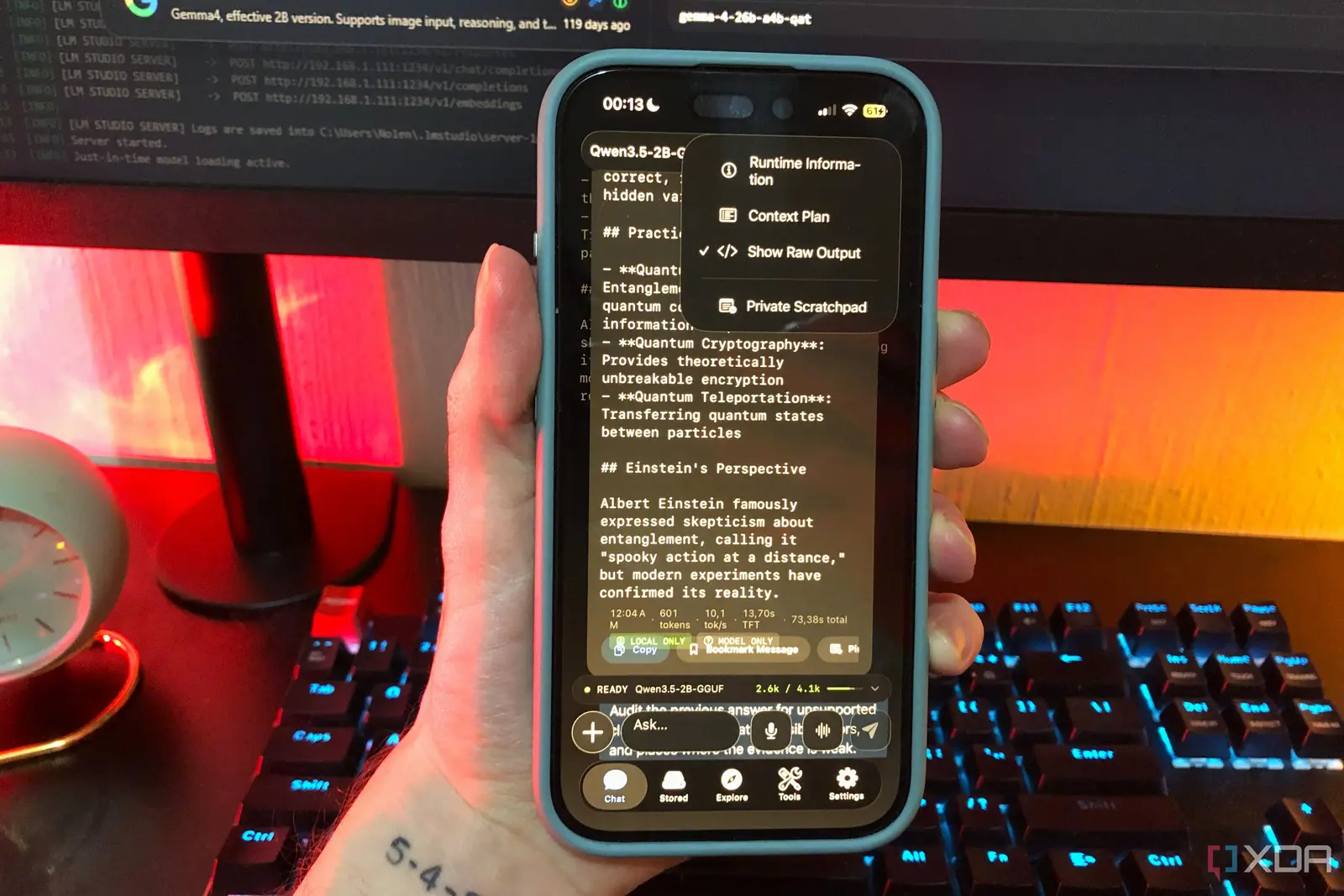 Running a Local AI Model on a Phone Handles Most Chat Prompts
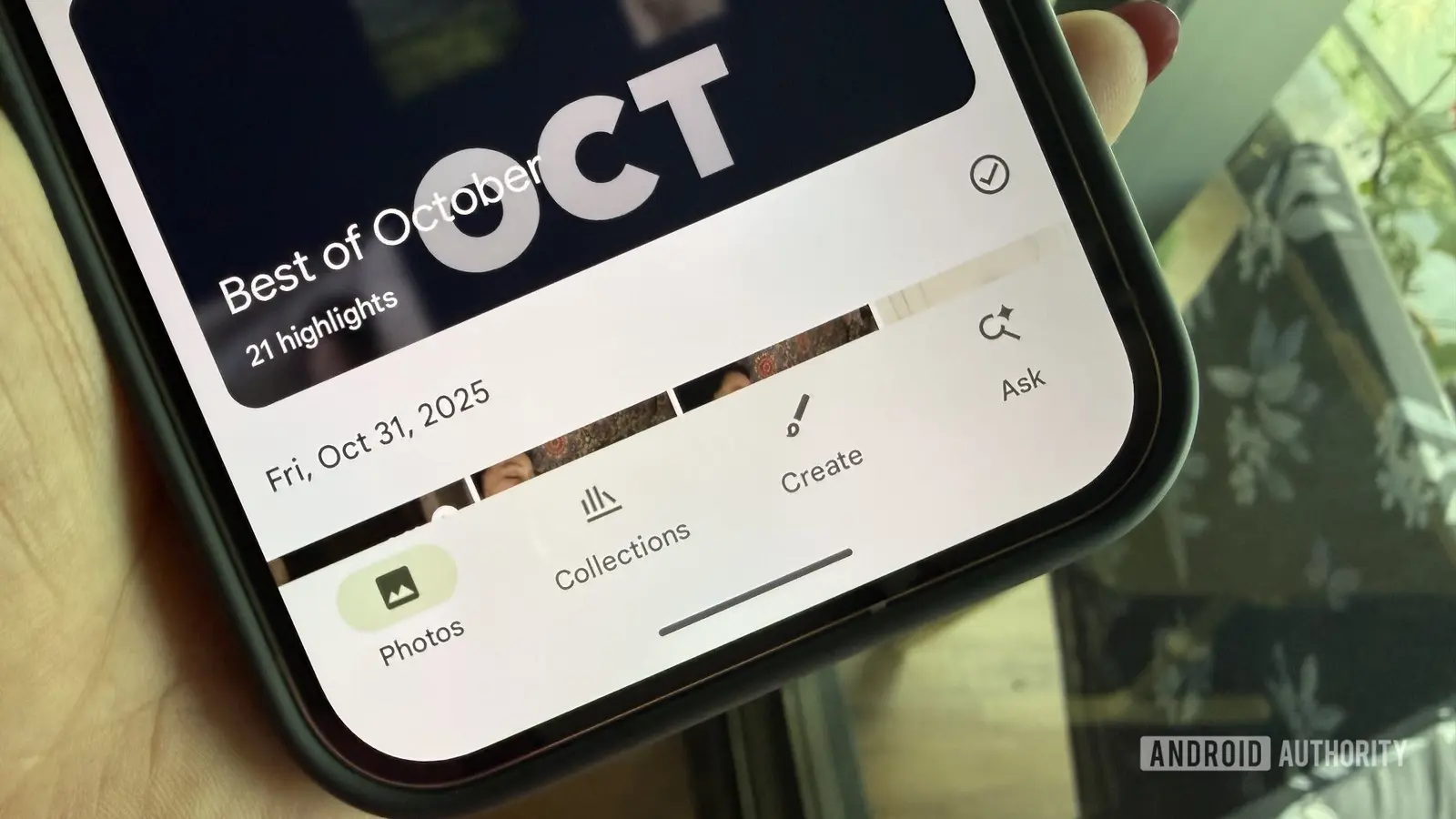 Google Photos Could Soon Offer a Fresh Start with Ask Photos Feature
This update provides a convenient cloud storage solution. Users will no longer lose important files if their device is lost or damaged. The feature ensures continuous access to personal documents and downloads.
The new system integrates local device storage directly with Google Drive. Any file saved directly to the Android device will be eligible for backup. This includes various document types and media files. The process runs in the background, ensuring files are always up-to-date in the cloud.
How Does This New Backup Benefit Users?
This move enhances data security and accessibility for Android users. It simplifies file management across multiple devices. Users can access their important documents from any device with Google Drive.
This backup offers significant advantages. It acts as a safety net against data loss from device malfunctions or theft. Users gain peace of mind knowing their essential files are securely stored off-device. It also streamlines the setup of new devices, as backed-up files can be easily restored. The feature simplifies sharing documents with others, as files are already in the cloud.
The introduction of this local backup option marks a significant improvement in Android's data management capabilities. It aligns with the growing need for reliable cloud storage solutions. This feature will likely become a standard expectation for mobile operating systems.
Frequently Asked Questions
What types of files are included in this new backup? This backup includes files saved directly to your device, such as documents and downloads from web browsers like Chrome. It covers various local files that users might store on their phone or tablet.
Is this backup feature automatic, or do I need to enable it? The feature is designed to be automatic once configured. Users will likely need to enable this Documentsbackup option in their settings to begin syncing files to Google Drive.
What happens if I lose my Android device after enabling this backup? If your device is lost, all files backed up through this feature will remain securely stored in your Google Drive account. You can then access these files from any other device with internet access.