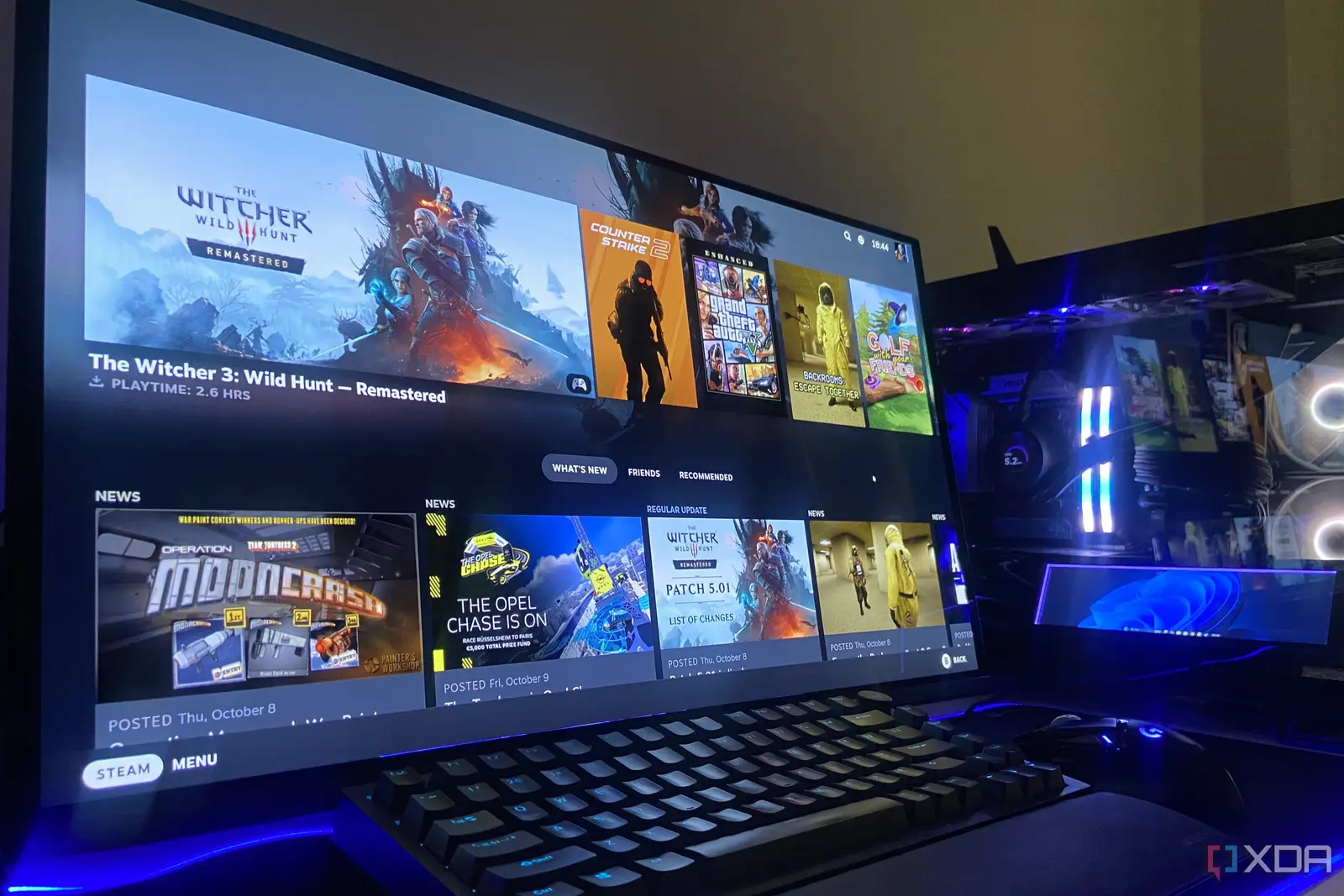
Optimizing Storage for Maximum Frame Rates
Windows 11 users are discovering that the Dev Drive feature, originally designed for software engineers, offers significant benefits for gamers. By moving large game libraries to these specialized storage partitions, players can experience faster load times and improved system responsiveness. This hidden performance boost is changing how enthusiasts manage their high-end PC storage.
Breaking news
 Chinese Firms Secure Over One Million Nvidia Graphics Cards for AI Development
 Accenture Market Cap Surges to $130B Ahead of Investor Day
 Paris Startup Naboo Rebrands to Target Finance and Procurement Teams
 Improving Data Integrity in Automated Document Processing
The Dev Drive utilizes the Resilient File System (ReFS), which is built for speed and data integrity. Unlike standard NTFS partitions, this format is optimized for high-frequency read and write operations. By isolating game files from the main operating system drive, users reduce the overhead that often causes stuttering during intensive gaming sessions.
Implementing a Dev Drive is a straightforward process within the Windows settings menu. Users can create a virtual hard disk or a dedicated partition specifically for their game installations. Once the drive is active, moving existing files is simple. The immediate result is often a noticeable reduction in the time spent waiting for game assets to load.
Is This Performance Hack Right for Every Gamer?
This approach is particularly effective for open-world titles that constantly stream data from the storage drive. Because the ReFS file system handles metadata differently than standard drives, the system spends less time processing file requests. This efficiency allows the CPU to focus on rendering graphics rather than managing disk access bottlenecks.
While the benefits are clear for those with large, modern titles, the setup requires a bit of maintenance. Users must ensure they have enough free space on their primary drive to create the partition. Additionally, because this system is technically a specialized environment, it is best reserved for games that truly demand high-speed storage performance.
Frequently Asked Questions
For most enthusiasts, the trade-off is well worth the effort. The ability to reclaim lost time during loading screens provides a smoother overall experience. As more users experiment with this feature, it is becoming a standard recommendation for anyone looking to squeeze extra performance out of their existing hardware.
What is the primary benefit of using a Dev Drive for gaming? The main advantage is faster loading times and reduced system overhead. By using the ReFS file system, the drive handles large game files more efficiently than standard configurations.
Can any Windows 11 user create a Dev Drive? Yes, the feature is available to all Windows 11 users through the system settings. You simply need enough available disk space to allocate a new partition for your game library.