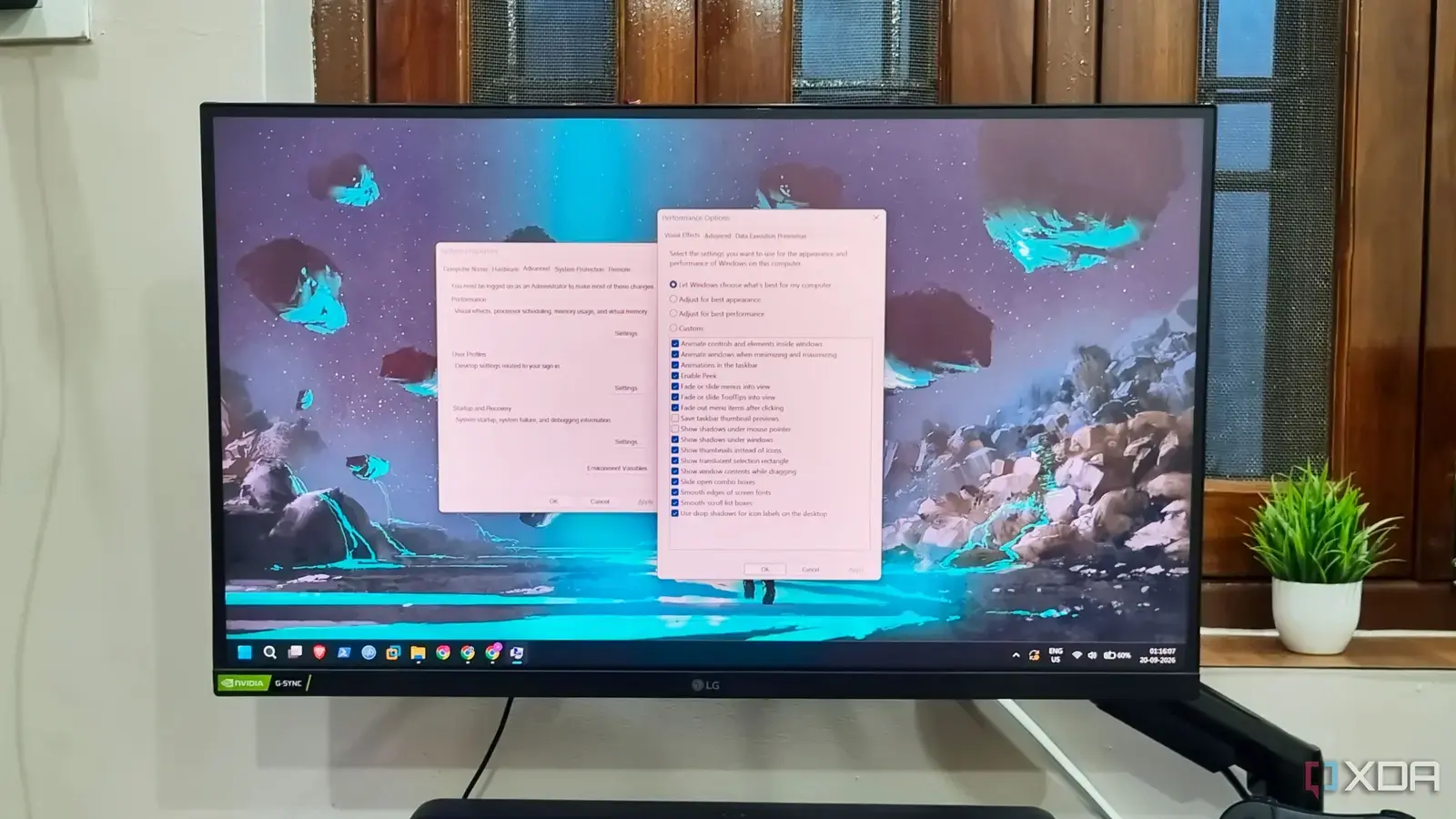
The Illusion of System Optimization
Many Windows 11 users frequently search for registry edits and optimization scripts to boost system performance. However, recent testing reveals that most of these popular tweaks offer negligible benefits. Instead of providing speed, these modifications often compromise system stability and remove essential features designed for long-term reliability and security.
Breaking news
 Canonical’s Web Presence Hit by Second DDoS Assault This Year
 Loops AI Secures $3.5 Million to Power a New AI Operating System for E‑Commerce
 Winverse AI Secures Tens of Millions in Seed Funding from DeepSeek and Long‑Z
 Google Adds Pixel 9 Series to Certified Refurbished Store
The internet is filled with guides claiming to unlock hidden potential within Microsoft’s latest operating system. These tutorials often suggest disabling background services, stripping away visual effects, or modifying deep registry keys. While these changes might seem logical on paper, they rarely translate into a noticeable improvement during daily computing tasks.
Most performance scripts target background processes that are actually vital for Windows to function correctly. Disabling these services can lead to broken update cycles, inconsistent hardware communication, or even system crashes. Furthermore, modern hardware is generally powerful enough that these micro-optimizations provide no tangible gain in speed.
Are Registry Edits Actually Dangerous?
The polish of Windows 11 is built on a complex foundation of integrated services. When users force these systems to shut down, they often trade stability for a placebo effect. The time spent troubleshooting these broken tweaks far outweighs any minor gain in raw processing power.
Modifying the registry is a high-risk activity that rarely yields high rewards for the average user. Many of the recommended tweaks are outdated relics from older versions of Windows that no longer apply to modern architecture. In many cases, these edits simply disable security features, leaving the machine vulnerable to exploits.
Frequently Asked Questions
Ultimately, the best way to maintain a fast system is to keep software updated and avoid installing unnecessary applications. Relying on community-made scripts introduces unnecessary variables that can degrade the user experience over time. Stick to official settings to ensure your PC remains both fast and secure.
Do registry tweaks make Windows 11 faster? Most registry tweaks provide no measurable performance increase on modern hardware. They often cause more system instability than they solve.
Is it safe to use optimization scripts found online? No, these scripts can disable critical system functions and security protocols. It is safer to manage performance through official Windows settings.
