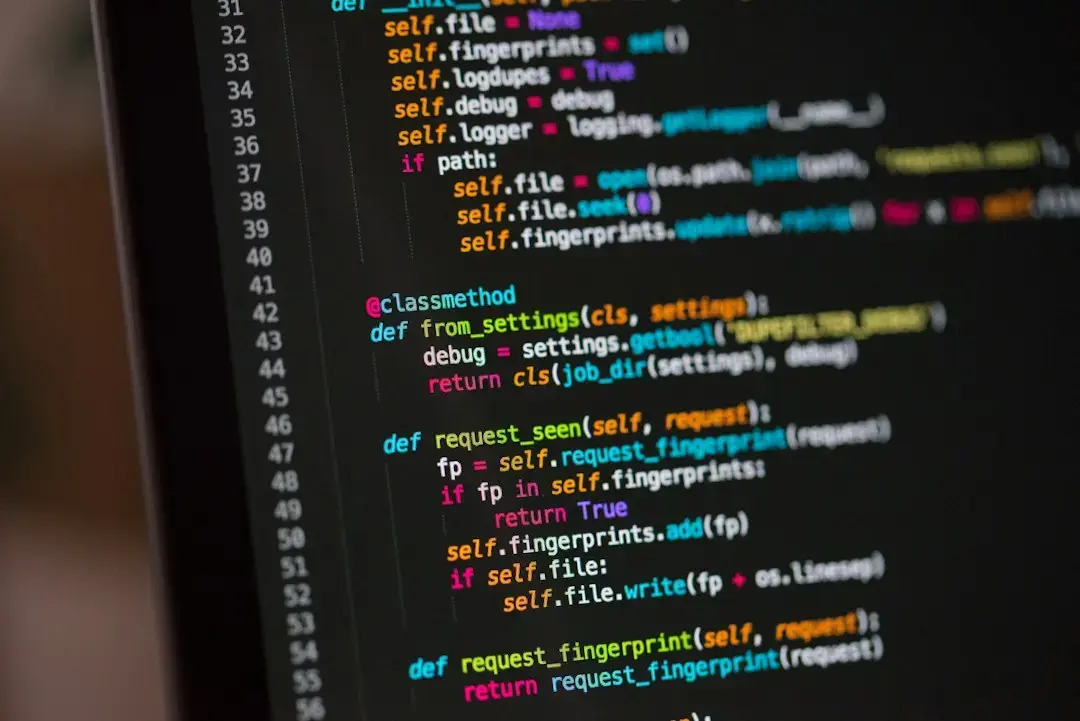
Customizing VS Code for Non-Coding Workflows
Parth Shah, a seasoned tech writer, transformed VS Code from a coding tool into his central workspace for writing, planning, and organizing daily tasks. Published on September 18, 2026, this shift reflects a growing trend of developers repurposing familiar environments for broader productivity needs. By integrating markdown support, task management extensions, and custom snippets, Shah created a seamless system that eliminates app-switching fatigue. His setup now handles everything from article drafting to meeting notes, all within a single interface he already knows intimately.
Breaking news
 Canonical’s Web Presence Hit by Second DDoS Assault This Year
 Loops AI Secures $3.5 Million to Power a New AI Operating System for E‑Commerce
 Winverse AI Secures Tens of Millions in Seed Funding from DeepSeek and Long‑Z
 Google Adds Pixel 9 Series to Certified Refurbished Store
Shah began by installing key extensions like Markdown Preview Enhanced and Todo Tree to support long-form writing and task tracking. He configured custom keybindings to quickly switch between writing modes and planning views. Snippets were created for common article structures, reducing repetitive typing. The integrated terminal allows him to run scripts or check references without leaving the editor. Over time, these tweaks turned VS Code into a personalized hub that adapts to his creative and organizational rhythms.
How Does This Setup Improve Daily Efficiency?
By centralizing writing, planning, and light coding in one place, Shah reduced context switching, which studies show can cost up to 40% of productive time. He now starts his day by reviewing a markdown-based agenda, drafts content in focused mode, and tracks progress using embedded task lists. The familiarity of the interface lowers the learning curve, letting him focus on output rather than tool navigation. This approach also ensures consistency in formatting and version control through built-in Git integration.
Is VS Code suitable for non-programmers doing writing tasks? Yes, with extensions for markdown, grammar checking, and distraction-free modes, it supports clean writing environments even without coding experience.
Frequently Asked Questions
Can task management in VS Code replace dedicated apps like Notion or Trello? For lightweight planning and personal workflows, it can be effective, especially when combined with calendar sync and file linking, though complex team projects may still benefit from specialized tools.
Does using VS Code for writing affect its performance as a code editor? No, the core editing experience remains fast and responsive; added extensions only impact memory usage slightly, which is manageable on modern systems.
