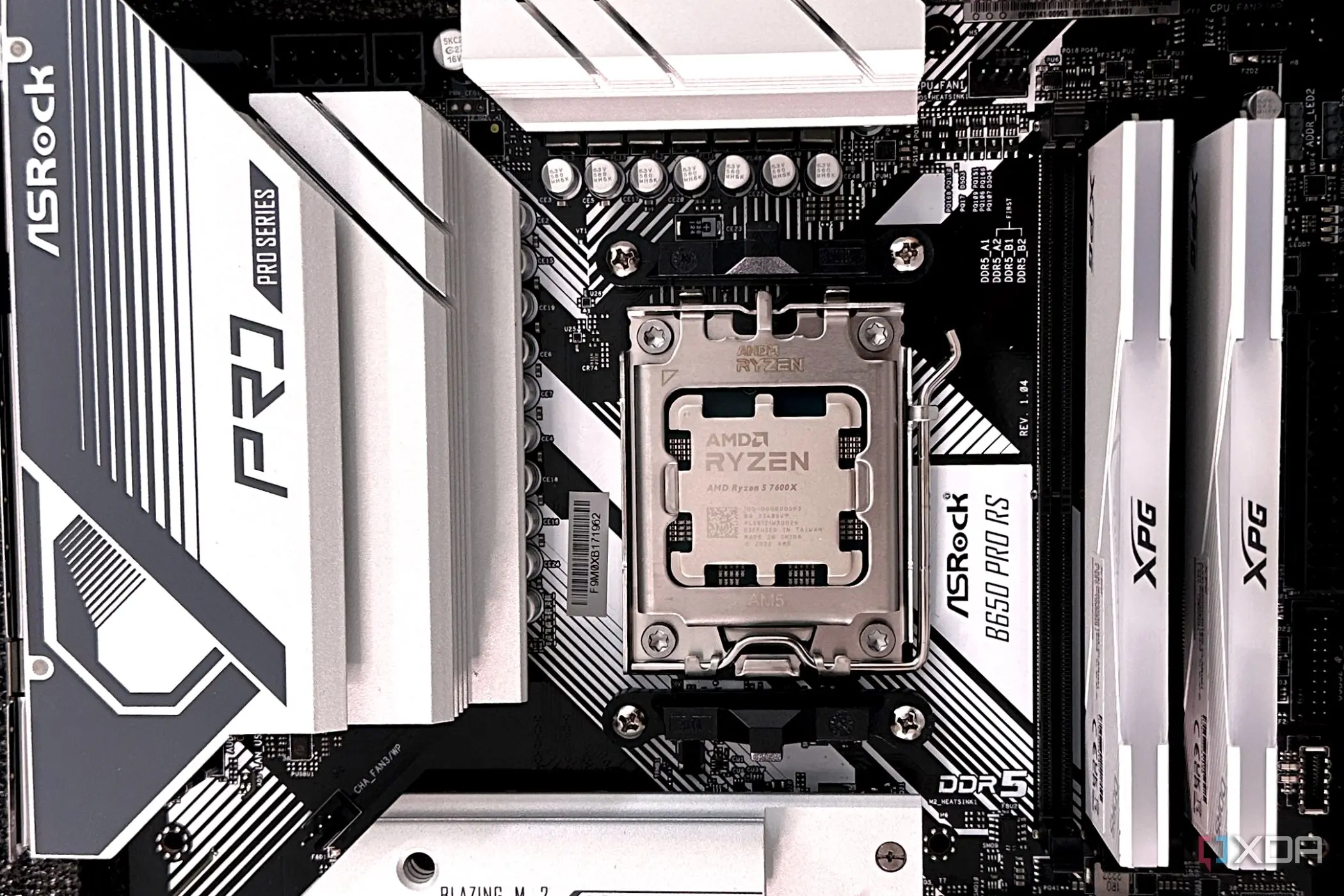
Hybrid Chips Confuse the Windows Scheduler
Microsoft’s operating system often selects suboptimal CPU cores for gaming workloads. This issue persists even when processors explicitly signal which cores are best suited for high-performance tasks. The mismatch between hardware capabilities and software scheduling creates inefficiencies for gamers seeking maximum frame rates.
Breaking news
 Town AI Secures $108 Million Series B, Valued at $1 Billion After $55 M Pre‑Series
 Apple Prepares for Major Product Launch Event on October 28
 Apple Releases Release Candidates for watchOS, tvOS and visionOS 27.2
 Apple Limits iPhone Duo and iPhone 18 Pro Max to Reservation-Only Sales in Japan and South Korea
The problem stems from how Windows manages thread placement on modern hybrid architectures. These chips feature a mix of high-power performance cores and energy-efficient efficiency cores. While the hardware provides clear data on core strengths, the OS scheduler does not always respect this information. Consequently, demanding game threads may run on slower cores, leading to inconsistent performance. Gamers experience this as stuttering or lower average frame rates during intense scenes.
Modern processors rely on a complex hierarchy of cores. Intel and AMD have both adopted designs that blend different types of processing units. Performance cores handle heavy loads, while efficiency cores manage background tasks. The operating system must decide where to place each thread. Ideally, critical game logic should run on the fastest available cores. However, Windows frequently fails to prioritize these specific units correctly.
Why Does Windows Ignore Hardware Hints?
This mismanagement occurs because the scheduler balances system-wide needs against individual application demands. It aims to save power and reduce heat. In doing so, it sometimes places high-priority game threads on slower cores. The result is a bottleneck that limits overall speed. Users who manually pin processes to specific cores often report significant improvements. This highlights the gap between automatic management and optimal manual configuration.
The discrepancy arises from the complexity of real-time decision making. The OS must react instantly to changing workloads. It cannot always wait for perfect data before assigning resources. Additionally, older versions of Windows lacked robust support for newer chip architectures. Updates have improved this, but issues remain for many users. Developers are working on better integration between drivers and the scheduler. This aims to ensure that hardware hints are respected more consistently.
For now, advanced users can mitigate the problem through task manager settings. Pinning game processes to performance cores can yield immediate gains. This manual intervention bypasses the automated scheduler’s occasional errors. As hardware continues to evolve, the demand for smarter software management will grow. The industry must bridge the gap between raw power and intelligent allocation.
Frequently Asked Questions
Does this affect all Windows PCs? No, the issue primarily impacts systems with hybrid CPU architectures. Traditional single-core-type processors do not face this specific scheduling conflict.
Can users fix this without restarting? Yes, users can adjust process affinity settings in Task Manager. This allows them to force game threads onto specific high-performance cores immediately.
Will future Windows updates solve this? Developers are actively refining the scheduler to better interpret hardware signals. Future updates aim to automate correct core selection without user intervention.
