Microsoft’s internal telemetry, referenced in recent developer documentation
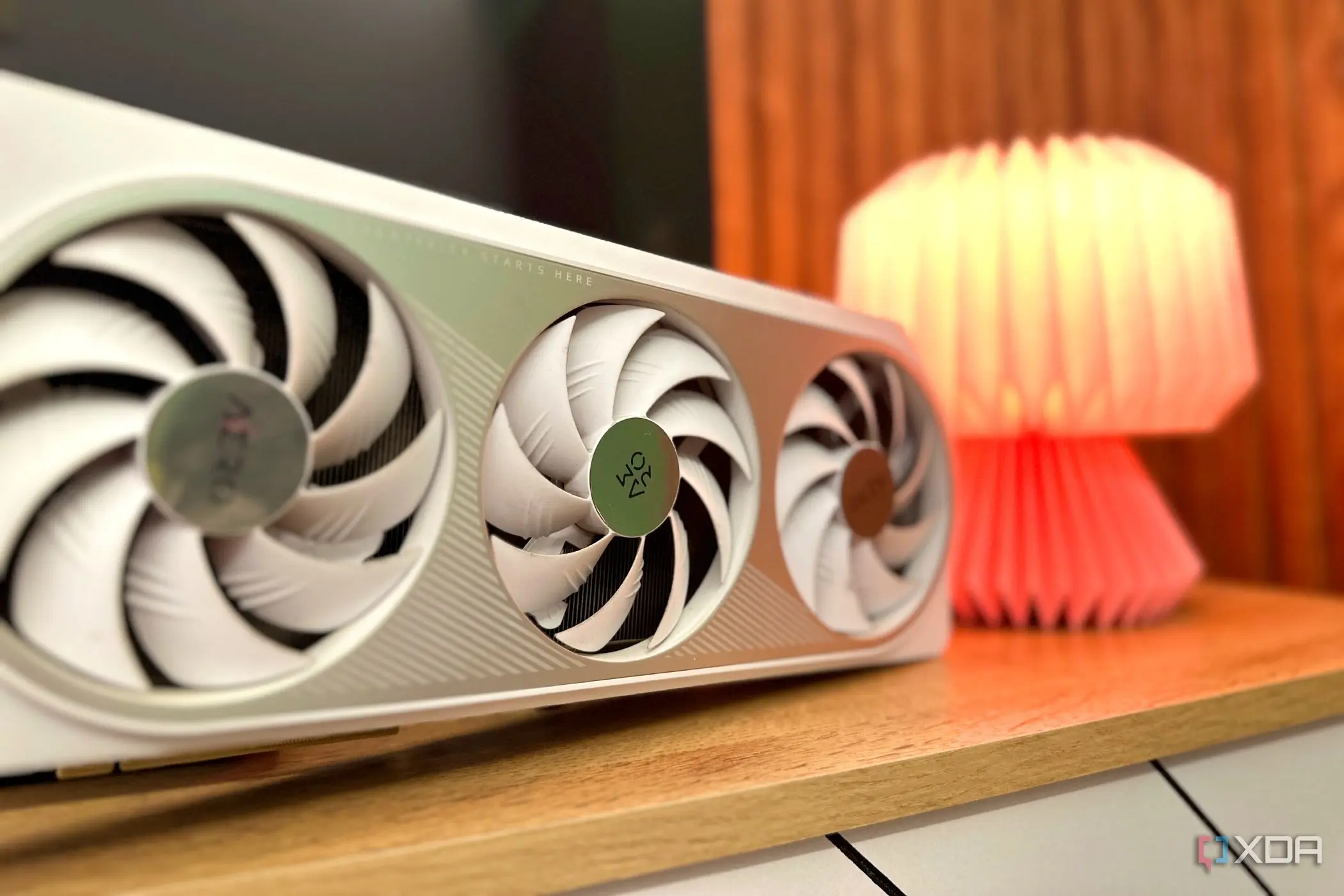
Hardware-Accelerated GPU Scheduling (HAGS) was a minor toggle in Windows settings around 2020 with little noticeable impact on performance or user experience. By August 2026, however, this feature has become increasingly significant as more Windows applications and system processes rely on it for optimal operation. What was once considered a niche setting for enthusiasts now plays a role in broader system stability and graphics handling across various workloads. The shift in HAGS relevance stems from evolving graphics driver models and changes in how Windows manages GPU resources. Initially introduced to reduce latency by letting the GPU manage its own memory scheduling, HAGS offered minimal gains in early implementations due to limited driver and application support. Over time, as more software adopted WDDM 2.7 and later frameworks, the toggle began to influence frame pacing, input responsiveness, and multitasking efficiency—particularly in mixed workloads involving gaming, video rendering, and compute tasks.
Breaking news
 Town AI Secures $108 Million Series B, Valued at $1 Billion After $55 M Pre‑Series
 Apple Prepares for Major Product Launch Event on October 28
 Apple Releases Release Candidates for watchOS, tvOS and visionOS 27.2
 Apple Limits iPhone Duo and iPhone 18 Pro Max to Reservation-Only Sales in Japan and South Korea
Microsoft’s internal telemetry, referenced in recent developer documentation, shows a measurable uptick in system smoothness when HAGS is enabled on compatible hardware. Why Did HAGS Go From Ignored to Essential? Early benchmarks from 2020 showed HAGS providing less than a 2% improvement in most scenarios, leading many users to disable it to avoid potential instability. However, updates to graphics drivers from NVIDIA, AMD, and Intel, combined with Windows 11’s deeper integration of GPU virtualization, have changed the equation. Applications such as video editing suites, 3D modeling tools, and even certain web browsers now offload more scheduling tasks to the GPU, making HAGS a factor in preventing bottlenecks.
The toggle is no longer a passive option but an active participant in
The toggle is no longer a passive option but an active participant in maintaining consistent performance under load. What Happens If You Turn HAGS Off Now? Disabling HAGS on modern systems can lead to increased latency in GPU-bound tasks, especially when multiple applications compete for graphics resources. Users have reported stuttering in gameplay during background video encoding and occasional delays in window rendering when HAGS is turned off. While not catastrophic, these effects are more pronounced than in earlier Windows versions due to the higher baseline reliance on GPU scheduling. Microsoft recommends leaving HAGS enabled unless specific compatibility issues arise with legacy software or custom drivers. Frequently Asked Questions Is HAGS safe to enable on older GPUs? HAGS requires WDDM 2.7 support and compatible drivers; older GPUs lacking these may not benefit or could experience issues, so checking hardware compatibility is advised. Does HAGS affect battery life on laptops?
The impact on power consumption is minimal; any changes are typically within normal variance and not significant enough to warrant disabling for battery savings. Should gamers always keep HAGS on? For most modern games and systems, enabling HAGS improves consistency, but users experiencing crashes or artifacts should test with it off to isolate problems.

