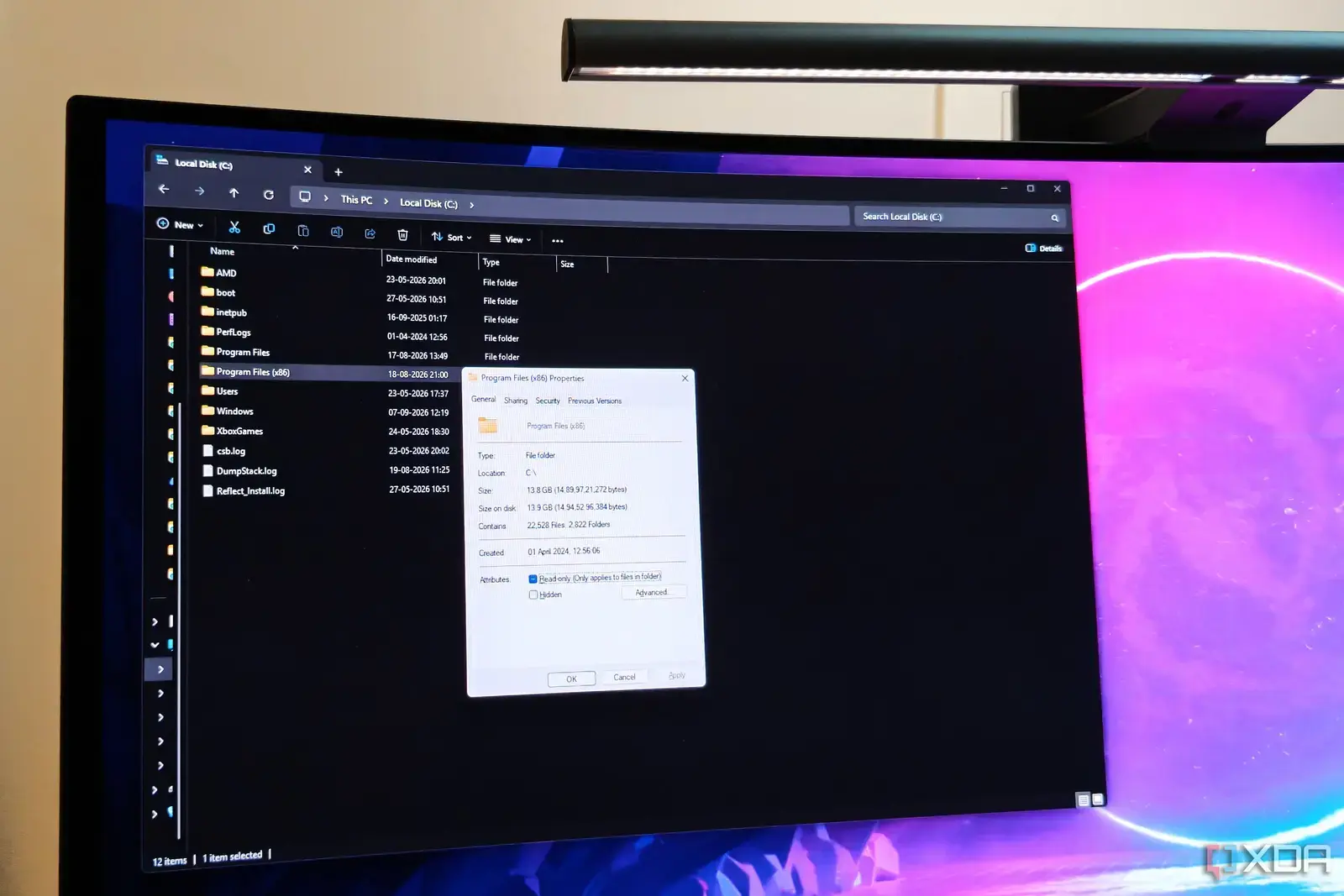
How These Keyboard Shortcuts Cut Through Daily Clutter
A tech writer with seven years of corporate experience recently discovered seven Windows Explorer keyboard shortcuts that dramatically improved his daily computer usage. These productivity boosters, which he wishes he'd learned years earlier, have transformed how he navigates files and folders on his Windows machines. The shortcuts were shared in a recent article published on September 7, 2026.
Breaking news
 Canonical’s Web Presence Hit by Second DDoS Assault This Year
 Loops AI Secures $3.5 Million to Power a New AI Operating System for E‑Commerce
 Winverse AI Secures Tens of Millions in Seed Funding from DeepSeek and Long‑Z
 Google Adds Pixel 9 Series to Certified Refurbished Store
The writer, who now owns a PC building business and specializes in Windows technology content, found that mastering these navigation tricks eliminated countless repetitive mouse movements and clicks. What once required multiple steps through menus and folder browsing can now be accomplished with simple key combinations, saving him valuable time each day. These efficiency gains compound significantly over weeks and months of regular computer use.
Why Every Windows User Should Master These Simple Combinations?
The most impactful shortcuts include Alt+Up for quickly moving to parent folders, Ctrl+Shift+N for instant new folder creation, and F2 for rapid file renaming without right-click menus. Additional game-changers involve Ctrl+D for accessing the address bar, Windows+E for launching Explorer directly, and Ctrl+Mouse Wheel for switching between different view modes. The F4 key also provides immediate access to previously visited locations, eliminating the need to retrace digital steps manually.
Beyond just saving time, these shortcuts reduce the physical strain of constant mouse usage and create a more fluid computing experience. The writer reports feeling more confident and efficient when managing files, whether organizing project documents or cleaning up desktop clutter. For professionals who spend hours navigating Windows Explorer daily, these small changes can translate into meaningful productivity improvements.
What's the quickest way to create a new folder in Windows Explorer? Press Ctrl+Shift+N to instantly create a new folder in your current location without any menu navigation.
Frequently Asked Questions
How can I quickly rename files without right-clicking? Select the file and press F2 to immediately begin editing the filename, then hit Enter when finished.
Which shortcut opens Windows Explorer directly? The Windows+E key combination launches a new Explorer window instantly, bypassing the need to search through the Start menu.
