
How the New Navigation Works in Practice
Apple has introduced two key enhancements to Apple Maps in the iOS 27 update, focusing on improved navigation and user customization. The changes are part of a broader set of refinements aimed at making the mapping experience more intuitive and responsive for i Phone users. While the overall look of the app remains familiar, these updates bring meaningful functionality beneath the surface.
Breaking news
 Trump Orders Federal Agencies to Adopt „Super Intelligence” Terminology
 The Silicon Valley Accountability Gap
 Running a Local AI Model on a Phone Handles Most Chat Prompts
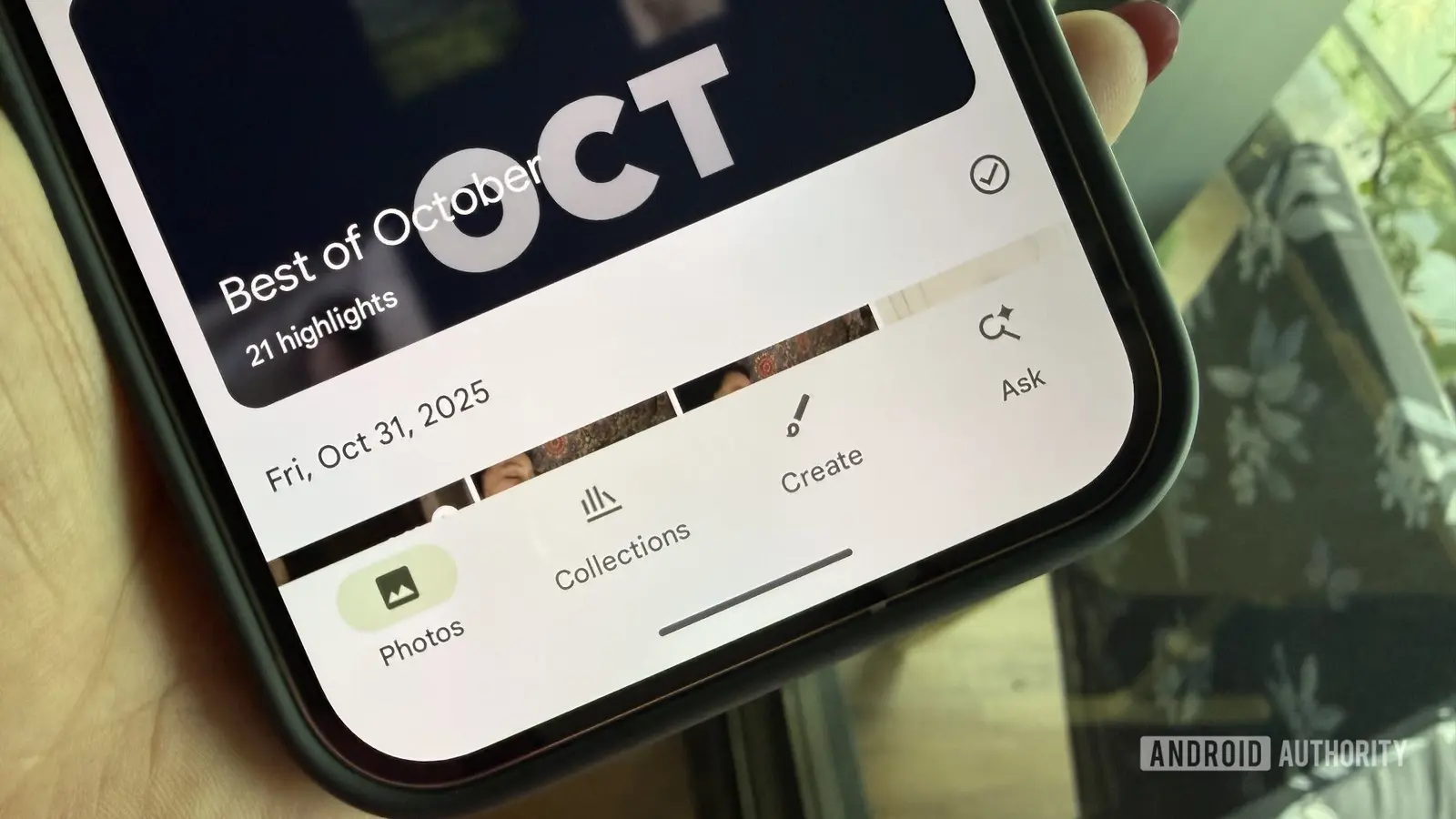 Google Photos Could Soon Offer a Fresh Start with Ask Photos Feature
The first major feature is an upgraded turn-by-turn navigation system that now adapts in real time to traffic conditions, road closures, and incidents reported by other users. This dynamic routing helps drivers avoid delays by suggesting alternative paths before congestion builds. The second addition allows users to save and organize favorite locations into personalized collections, such as „Weekend Getaways” or „Favorite Coffee Shops,” which can be shared across devices via i Cloud.
What Collections Mean for Everyday Users
The improved navigation engine uses anonymized data from i Phone users to detect slowdowns and hazards more quickly than before. When a sudden slowdown is detected ahead, Maps will prompt the driver with a voice alert and visual cue to consider a detour. This system builds on existing traffic awareness but reacts faster and with greater precision, particularly in urban areas where conditions change rapidly. Apple says the update reduces average travel time by up to 15% in heavy traffic scenarios during testing.
Collections let users group places they visit often or plan to visit, making it easier to access them later without searching each time. For example, someone planning a trip can create a collection for restaurants, hotels, and attractions in a destination city and share it with friends or family. The feature syncs across i Phone, iPad, and Mac, ensuring consistency across Apple devices. Apple notes that this addresses long-standing user feedback about the need for better trip planning tools within Maps.
Do I need to update to iOS 27 to get these Maps features? Yes, the new navigation and collections features are only available in iOS 27 and later versions. Older iOS versions will not include these updates.
Frequently Asked Questions
Can I use Collections offline? Saved collections can be viewed offline, but real-time updates and sharing require an internet connection. Map data for navigation must also be downloaded ahead of time for full offline use.
Will these changes work with CarPlay? Yes, both the enhanced navigation and collections features are fully compatible with CarPlay, providing the same experience on supported vehicle displays.