Why Drive Bays and Network Speed Matter More Than CPU
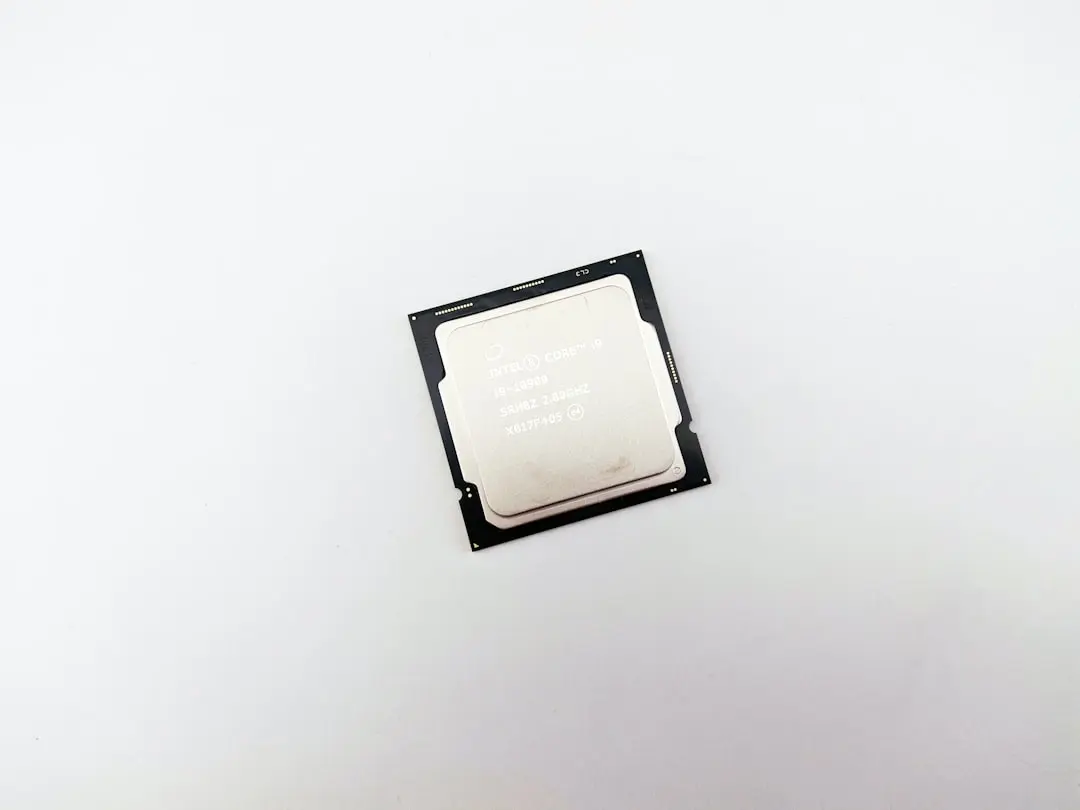
A new wave of ultra-affordable mini PCs powered by Intel's N100 processor has flooded the market, promising low-cost solutions for home servers and network storage. Priced under $150, these compact devices attract users seeking to replace traditional NAS units with something quieter and more energy-efficient. However, despite their appeal as general-purpose servers, they fall short as direct NAS replacements due to critical hardware limitations unrelated to processing power.
Breaking news
 China’s Tech Titans Spend $35 B on Nvidia RTX Pro 5500 GPUs
 Qualcomm to Execute Global Layoffs Following Annual Performance Reviews
 Salesforce to Buy Braze for $5.7 Billion
 Microsoft expands sovereign cloud with EU access controls and offline AI
The core issue lies not in the N100 CPU, which handles lightweight server tasks efficiently, but in the typical storage and connectivity configurations found in these mini PCs. Most models come with only one or two SATA ports, often shared with M.2 slots, severely restricting the number of hard drives that can be installed. Additionally, gigabit Ethernet is standard, but 2.5G or 10G networking—common in dedicated NAS units—is rare, limiting throughput for multi-user environments. USB 3.0 ports are frequently used for external storage, but this introduces latency and reliability concerns compared to native SATA connections.
Can You Still Use an N100 Mini PC for Light NAS Duties?
A true NAS requires expandable storage bays and robust network bandwidth to manage concurrent file transfers, media streaming, and backup operations. The N100 mini PCs, while capable of running NAS software like TrueNAS or OpenMediaVault, lack the physical infrastructure to scale. Users attempting to connect multiple drives via USB hubs often encounter performance bottlenecks and compatibility issues. One tester reported that transferring large files over USB 3.0 dropped to under 100 MB/s when two drives were active simultaneously, far below the potential of direct SATA connections.
For basic personal use—such as occasional file sharing or streaming to a single device—an N100 mini PC can function adequately as a NAS alternative. Enthusiasts have successfully deployed them with two internal drives and careful network management. However, as storage needs grow or multiple users access the system, the limitations become apparent. The lack of hardware RAID support, limited power delivery to drives, and absence of hot-swap bays further reduce their suitability for serious NAS roles.
Can I add more storage using a USB 3.0 hub? Yes, but performance will suffer due to shared bandwidth and increased latency, making it unsuitable for heavy or concurrent workloads.
Frequently Asked Questions
Is the N100 processor too weak for NAS tasks? No, the N100 is more than capable of handling NAS software; the bottleneck is storage connectivity and network speed, not CPU power.
Will future N100-based mini PCs improve as NAS options? Possibly, if manufacturers prioritize dual SATA ports, better networking, and dedicated drive bays in budget models, but current offerings remain inadequate for true NAS replacement.