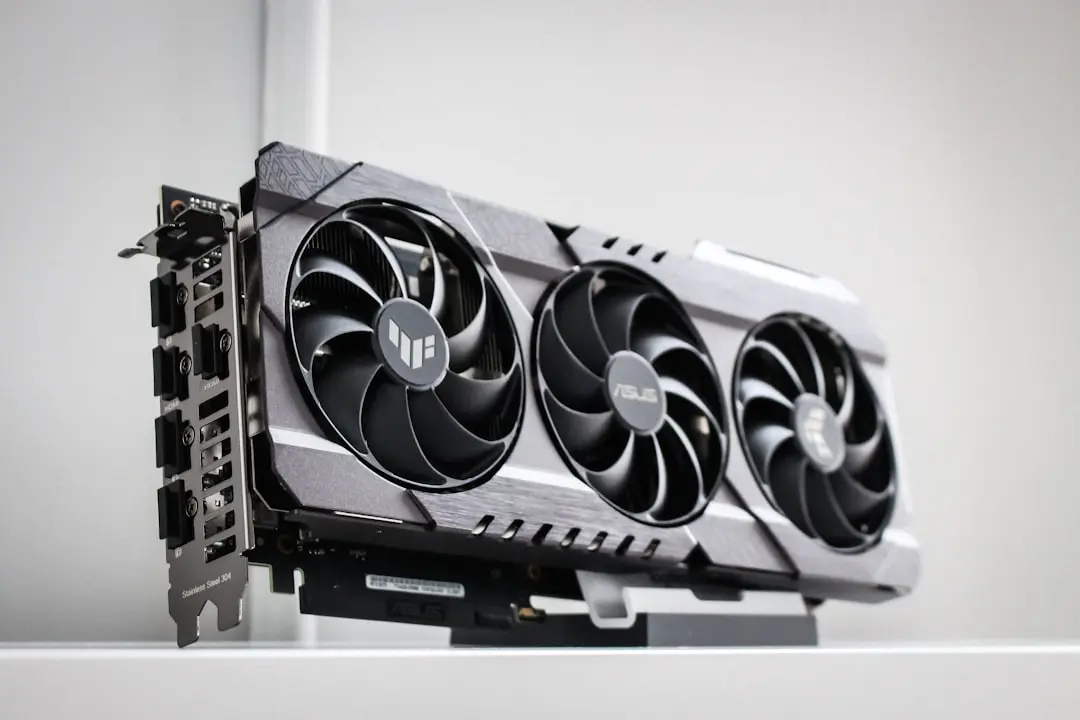
Why Power Limit Affects Noise More Than Fans
A simple adjustment to a single GPU slider dramatically reduced noise from my desktop computer without touching fan speeds or cooling settings. The change, made in September 2026, eliminated the constant whine that had sounded like a jet engine preparing for takeoff during everyday use. This fix came after months of tolerating loud operation despite clean fans and moderate temperatures.
Breaking news
 Trump Orders Federal Agencies to Adopt „Super Intelligence” Terminology
 The Silicon Valley Accountability Gap
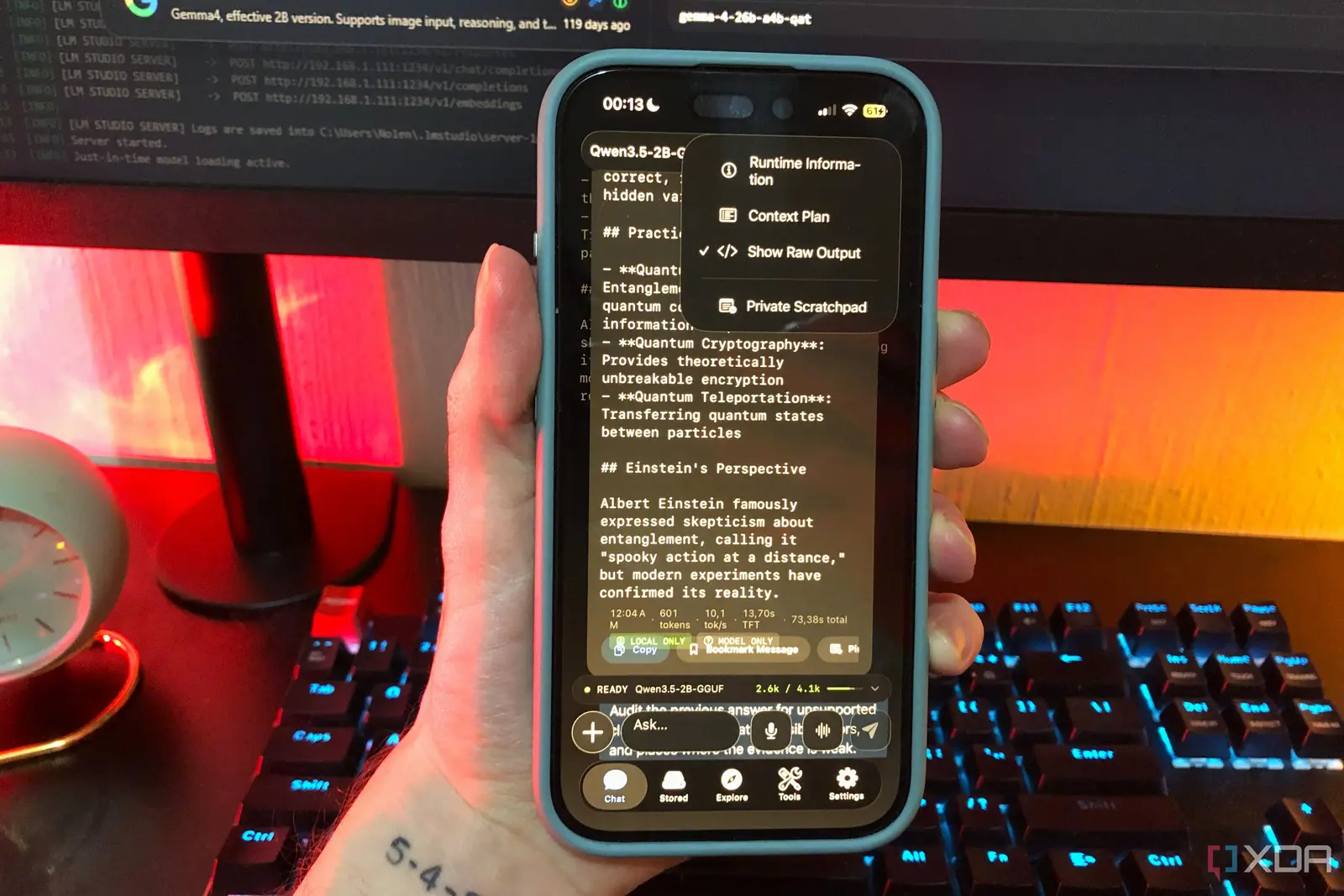 Running a Local AI Model on a Phone Handles Most Chat Prompts
 Google Photos Could Soon Offer a Fresh Start with Ask Photos Feature
The breakthrough involved adjusting the power limit setting in the GPU control panel, not the fan curve. By lowering the power target slightly, the graphics card reduced its boost clock and voltage draw during light workloads. This prevented unnecessary spikes in power consumption that were causing the coil whine and high-pitched noise, even when the system wasn’t under heavy load. The fan speeds remained unchanged, yet the overall acoustic output dropped significantly.
Can This Fix Work for Other Systems?
Modern GPUs often run at higher power levels than needed for basic tasks, triggering vibrations in inductors and capacitors that produce audible noise. Lowering the power limit stops the card from pushing into inefficient performance states where electrical components resonate. This resonance, known as coil whine, is a common source of high-frequency noise mistaken for fan issues. The fix works because it addresses the root electrical cause rather than masking it with slower fans.
Yes, users with similar noise issues—especially those hearing whine during idle or light use—can try this method. It requires accessing GPU software like MSI Afterburner or the manufacturer’s control panel. Results vary by hardware, but many report quieter operation without sacrificing noticeable performance in daily tasks. Monitoring temperatures afterward is advised to ensure stability.
Will lowering the power limit reduce gaming performance? Only slightly in demanding scenarios, and most users won’t notice a difference in everyday use or less intensive games.
Frequently Asked Questions
Is this safe for my GPU? Yes, as long as you don’t drop the power limit too low—small adjustments of 5-10% are typically safe and reversible.
Do I need to reinstall drivers after making this change? No, the setting persists until changed again and doesn’t require driver reinstalls.