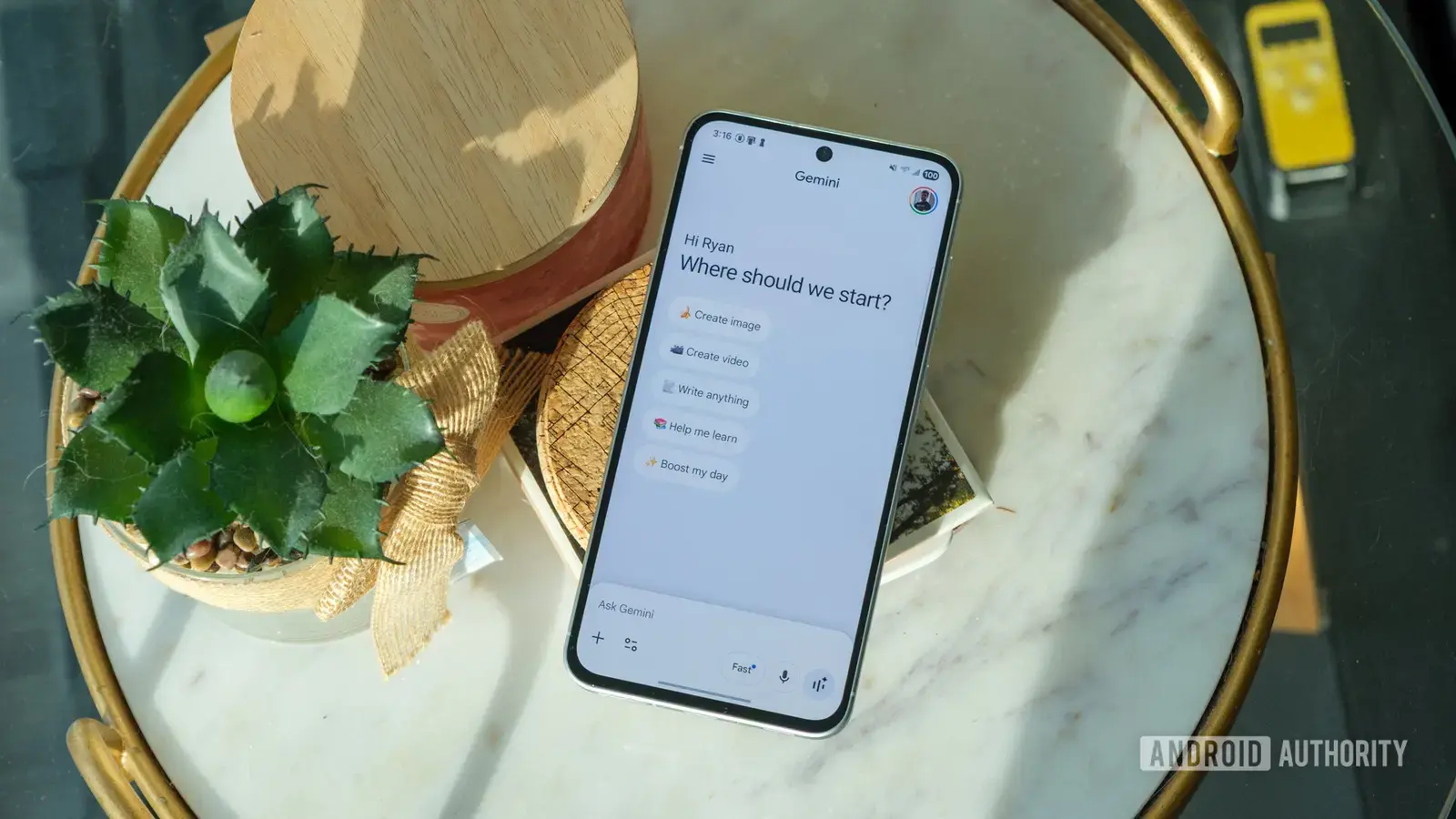
By turning passive reading into an audiovisual experience, Google Vids aims to
Google has introduced a new feature called Vids that transforms static documents into engaging video presentations. Launched in early September 2026, the tool is designed to help users who struggle to read lengthy assignments or reports by converting text-based content into short, narrated videos. The feature integrates directly with Google Workspace, allowing seamless conversion of Docs, Slides, and Sheets files into video format with minimal user input. The technology behind Google Vids uses artificial intelligence to analyze document structure, extract key points, and generate voice-over narration paired with relevant visuals. Users can choose from various templates and voice styles to customize the output, making it suitable for educational, professional, or personal use. Early adopters have reported saving significant time when reviewing dense materials, particularly students facing tight deadlines. How Does Google Vids Improve Learning Efficiency?
Breaking news
 Town AI Secures $108 Million Series B, Valued at $1 Billion After $55 M Pre‑Series
 Apple Prepares for Major Product Launch Event on October 28
 Apple Releases Release Candidates for watchOS, tvOS and visionOS 27.2
 Apple Limits iPhone Duo and iPhone 18 Pro Max to Reservation-Only Sales in Japan and South Korea
By turning passive reading into an audiovisual experience, Google Vids aims to boost comprehension and retention, especially for auditory learners. The tool automatically highlights important sections and paces the narration to match average reading speeds, reducing cognitive load. Educators have begun experimenting with Vids to create supplementary learning materials, noting increased engagement among students who typically avoid long-form text. Can Google Vids Replace Traditional Study Methods? While not intended to replace deep reading or critical analysis, Google Vids serves as a helpful supplement for initial content review or revision. It is particularly useful for revisiting complex topics or preparing for exams when time is limited. Google emphasizes that the feature supports accessibility goals, offering an alternative for users with dyslexia or visual fatigue. Frequently Asked Questions What file types can be converted using Google Vids?
Currently, Google Vids supports Google Docs, Slides, and Sheets files, with plans to expand compatibility to PDFs and Microsoft Office formats in future updates. Is there a limit to the length of documents that can be processed? Yes, the tool currently handles documents up to 10,000 words, which covers most college assignments and standard business reports. Do users need an internet connection to use Google Vids? Yes, since the processing relies on cloud-based AI models, an active internet connection is required to generate and render the video output.

