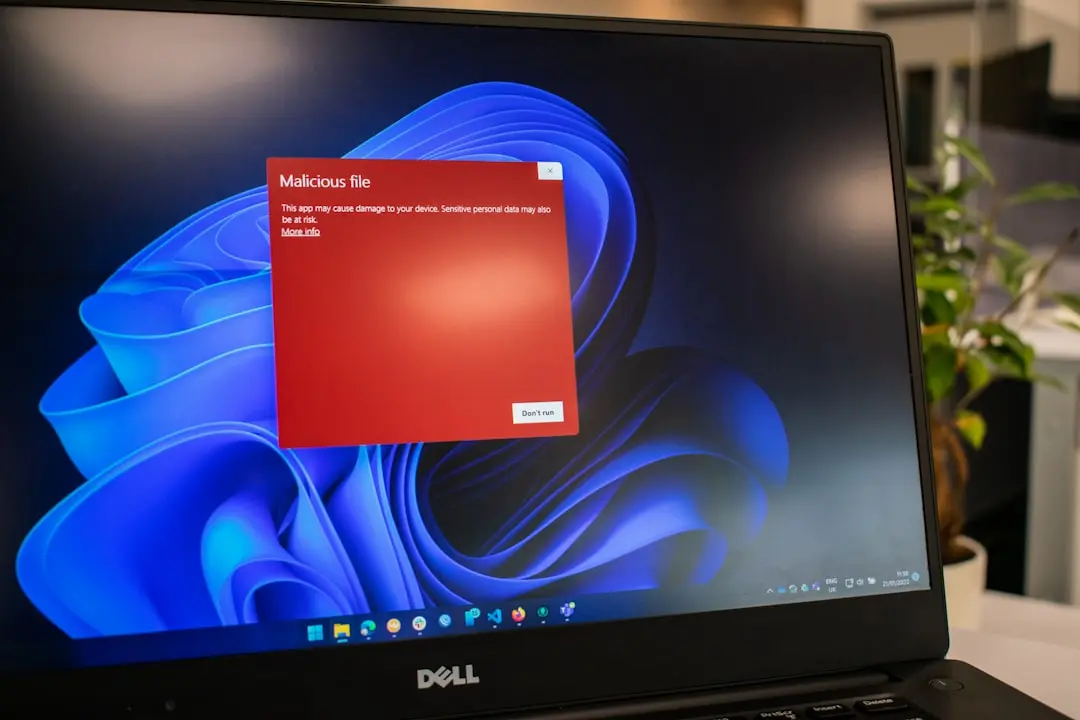
Why are users seeing incorrect Defender status messages
Microsoft asked customers this week to ignore incorrect alerts that Defender Antivirus has been turned off after installing the latest Defender updates. Although this issue has been affecting users in the Release Preview Channel of the Windows Insider program, the company confirmed the alerts are erroneous and do not reflect the actual security status of the system.
Breaking news
 Town AI Secures $108 Million Series B, Valued at $1 Billion After $55 M Pre‑Series
 Apple Prepares for Major Product Launch Event on October 28
 Apple Releases Release Candidates for watchOS, tvOS and visionOS 27.2
 Apple Limits iPhone Duo and iPhone 18 Pro Max to Reservation-Only Sales in Japan and South Korea
The false notifications appear shortly after users apply recent Defender Antivirus definition updates, triggering a warning that the antivirus feature has been disabled. Microsoft explained that this is a display glitch within the Windows Security interface and not an actual deactivation of protection. The underlying antivirus engine remains active and continues to provide real-time threat defense despite the misleading alert.
How long will the false alerts persist
The issue stems from a timing conflict in how the Windows Security app reads the status of Defender Antivirus following an update. During the brief period when definition files are being refreshed, the status checker incorrectly reports the service as off. Microsoft engineers identified the root cause in the status reporting module and confirmed it does not impact the core scanning or protection functions.
Microsoft stated that a fix is currently being tested internally and will be rolled out to affected Insider builds in an upcoming update. Users in the Release Preview Channel are advised to disregard the warnings until the patch arrives. The company emphasized that no action is required from users and that their devices remain protected during this period.
Is my computer actually vulnerable when this alert appears? No, Microsoft confirmed that Defender Antivirus remains fully active and continues to scan for threats in real time despite the false warning.
Frequently Asked Questions
Do I need to reinstall or manually restart Defender Antivirus? No, the service does not require any user intervention. The alert will resolve automatically once the update fix is applied.
Will this issue affect regular Windows users outside the Insider Program? Currently, the problem is limited to the Release Preview Channel of the Windows Insider Program and has not been reported in stable versions of Windows 10 or 11.

