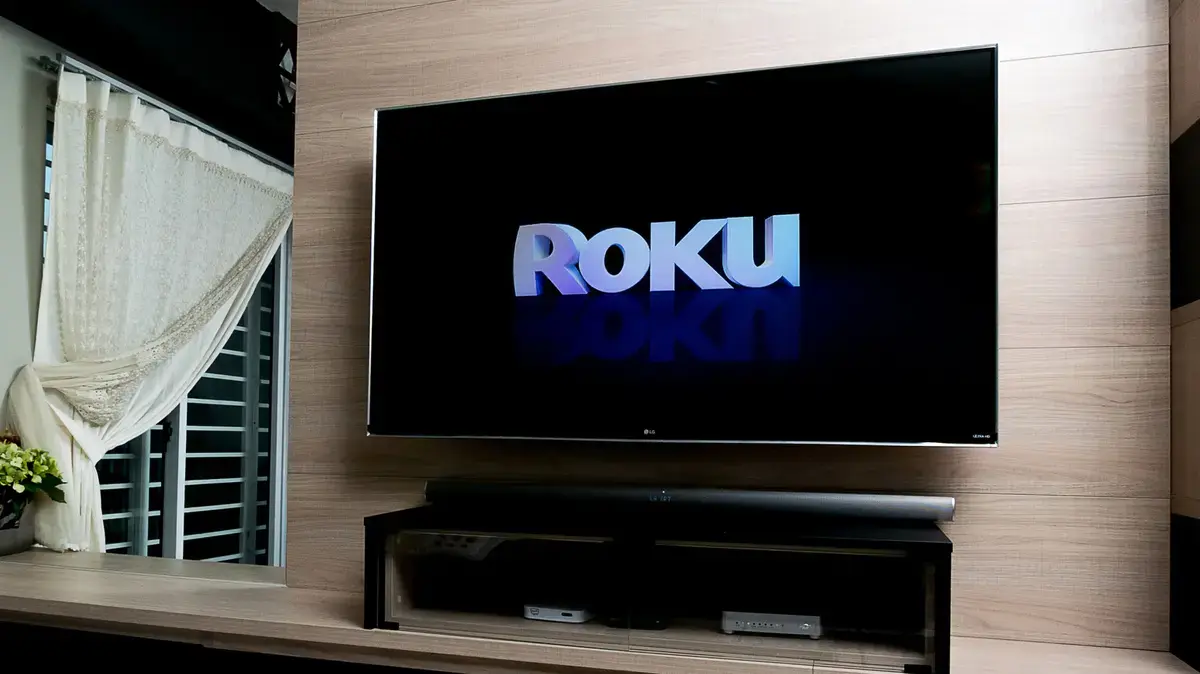
Unlocking Your Roku's Speed Potential
A previously obscure remote control sequence has emerged as a potential solution for sluggish Roku devices. This secret method could significantly improve the speed and responsiveness of Roku TVs and streaming players. Many users experience a slowdown in their smart devices over time, and Roku is no exception.
Breaking news
 Canonical’s Web Presence Hit by Second DDoS Assault This Year
 Loops AI Secures $3.5 Million to Power a New AI Operating System for E‑Commerce
 Winverse AI Secures Tens of Millions in Seed Funding from DeepSeek and Long‑Z
 Google Adds Pixel 9 Series to Certified Refurbished Store
This performance dip often results from accumulated temporary data, known as a cache. Over time, this stored information can clog the system, leading to buffering, freezing, and general unresponsiveness. Clearing this cache is a common maintenance step for many electronics.
The newly revealed technique involves a specific button combination on the Roku remote. This sequence acts like a hidden command, similar to old video game cheat codes. Executing these steps can force the device to clear its internal cache. This action frees up system resources and allows the Roku to operate more efficiently.
Why Do Devices Slow Down Over Time?
Users have reported noticeable improvements in app loading times and overall navigation speed after performing this reset. It offers a simple, free way to revitalize an aging Roku device. This method avoids the need for a full factory reset, which would erase all user settings and installed applications.
Smart devices, including Roku players, constantly store temporary files as they operate. These files help apps load faster and improve user experience in the short term. However, if not periodically cleared, this data can build up. It then consumes valuable memory and processing power, leading to a decline in performance.
Regular cache clearing helps maintain optimal device speed. This newly discovered remote shortcut provides a convenient way for Roku owners to perform this essential maintenance. It offers a quick fix for common performance issues without extensive troubleshooting.
Frequently Asked Questions
What is the cacheon a Roku device? The cache is a collection of temporary data stored by your Roku. This data helps apps and features load quickly, but too much can slow the device down.
Will clearing the cache delete my apps or settings? No, clearing the cache using this method will not delete your installed applications or personalized settings. It only removes temporary files.
How often should I clear my Roku's cache? There's no strict rule, but clearing the cache every few months, or whenever you notice a performance slowdown, can help maintain optimal speed.
