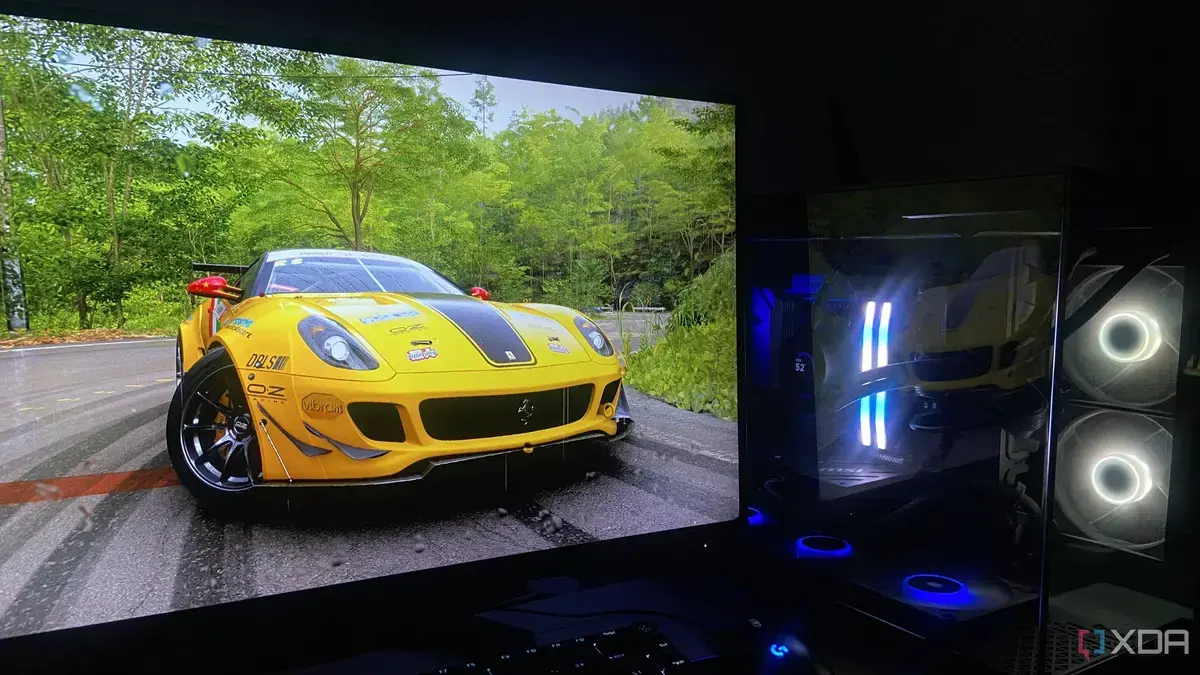
The Art of Tweaking
Gamers are increasingly relying on frame generation to enhance their gaming experience. However, one enthusiast claims manual tweaking yields better results. Abhinav Raj, a tech enthusiast, has been experimenting with GPU settings for years.
Breaking news
 Canonical’s Web Presence Hit by Second DDoS Assault This Year
 Loops AI Secures $3.5 Million to Power a New AI Operating System for E‑Commerce
 Winverse AI Secures Tens of Millions in Seed Funding from DeepSeek and Long‑Z
 Google Adds Pixel 9 Series to Certified Refurbished Store
Manual tweaking involves adjusting various GPU settings to optimize performance. Raj argues that this approach produces more authentic visuals compared to AI-driven frame generation. He has built three gaming rigs and has been fine-tuning their settings for optimal performance.
Can Manual Tweaking Outperform AI?
Raj's approach involves tweaking three key settings: adjusting the graphics card's clock speed, modifying the memory timing, and optimizing the fan settings. By doing so, he claims to have achieved significant improvements in frame rates and overall visual quality. For instance, he notes that adjusting the clock speed can result in a substantial boost to frame rates.
While AI-driven frame generation has its advantages, Raj believes that manual tweaking offers more control and flexibility. By fine-tuning the GPU settings, gamers can achieve a more personalized gaming experience. Moreover, Raj argues that manual tweaking eliminates the potential artifacts and inconsistencies associated with AI-generated frames.
Frequently Asked Questions
As the gaming industry continues to evolve, the debate between manual tweaking and AI-driven frame generation is likely to persist. Gamers will need to weigh the benefits and drawbacks of each approach to determine what works best for them.
What are the three key GPU settings to tweak? The three settings are clock speed, memory timing, and fan settings. Can manual tweaking be applied to any GPU? Most modern GPUs allow for some degree of manual tweaking, but the extent of customization varies. Will manual tweaking void my GPU warranty? Generally, tweaking GPU settings within reasonable limits does not void the warranty.