Understanding the Test Phases
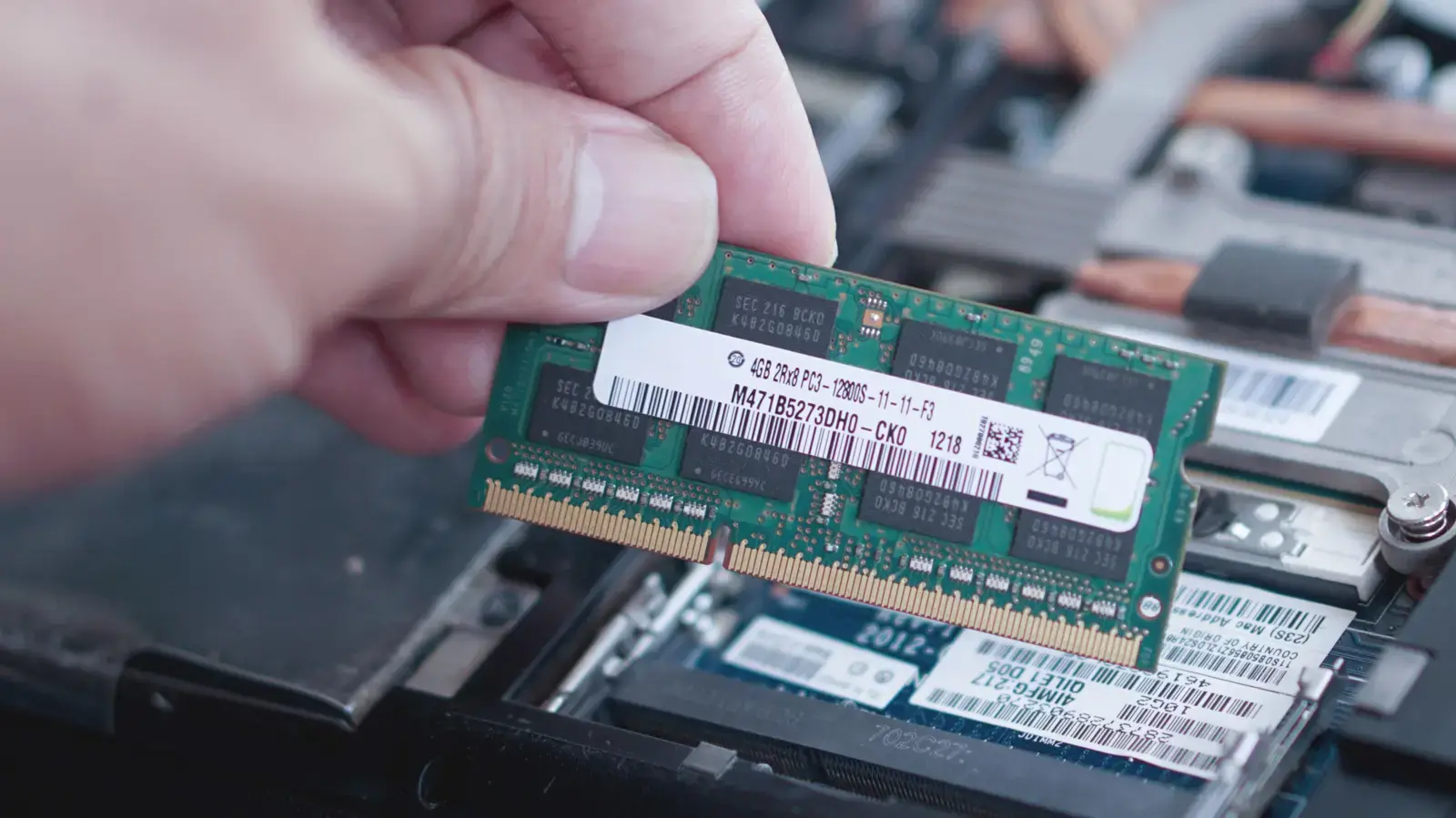
Microsoft’s built‑in Windows Memory Diagnostic utility tests RAM for errors. It helps users pinpoint faulty memory that can cause slow performance, application crashes, or unexpected restarts. The tool may trigger random freezes during heavy workloads, especially on older PCs with declining reliability.
Breaking news
 Town AI Secures $108 Million Series B, Valued at $1 Billion After $55 M Pre‑Series
 Apple Prepares for Major Product Launch Event on October 28
 Apple Releases Release Candidates for watchOS, tvOS and visionOS 27.2
 Apple Limits iPhone Duo and iPhone 18 Pro Max to Reservation-Only Sales in Japan and South Korea
To launch the tool, type ' Windows Memory Diagnostic' in the Start menu and select the option. The program restarts the computer, runs read‑write tests on each memory module, and reports any detected faults. It operates without additional software and provides a clear error log for troubleshooting.
The first phase checks for read errors by writing and reading each memory cell. The second phase stresses the RAM by alternating patterns, revealing instability that simple checks miss. A final verification step compares results against baseline standards to confirm stability. Each phase targets different memory patterns to ensure thorough coverage.
When Should You Use the Diagnostic Tool?
Run the utility after installing new RAM, after a system crash, or when performance feels sluggish. Regular checks can catch early degradation before it leads to data loss. It is also useful after Windows updates that modify system files, ensuring memory compatibility remains intact. Running the test after a major software upgrade helps verify that new drivers have not introduced memory conflicts.
Faulty memory can degrade user experience, cause frequent reboots, and increase repair costs. Microsoft recommends combining the diagnostic with other troubleshooting steps for comprehensive results. Ignoring early signs may result in irreversible data loss and costly hardware replacements. Keeping memory clean improves overall system responsiveness.
Frequently Asked Questions
Can the Windows Memory Diagnostic replace professional hardware testing? It provides a reliable first check, but a dedicated memory tester offers deeper analysis. For critical systems, professional tools may still be needed.
How long does the test typically take? The duration varies with RAM size and speed, usually ranging from ten to thirty minutes. Longer tests are advisable for large memory configurations.
Will the tool fix any errors it finds? No, it only detects issues; you must replace or reseat the faulty modules to resolve them.

