Understanding the CPU-GPU Partnership
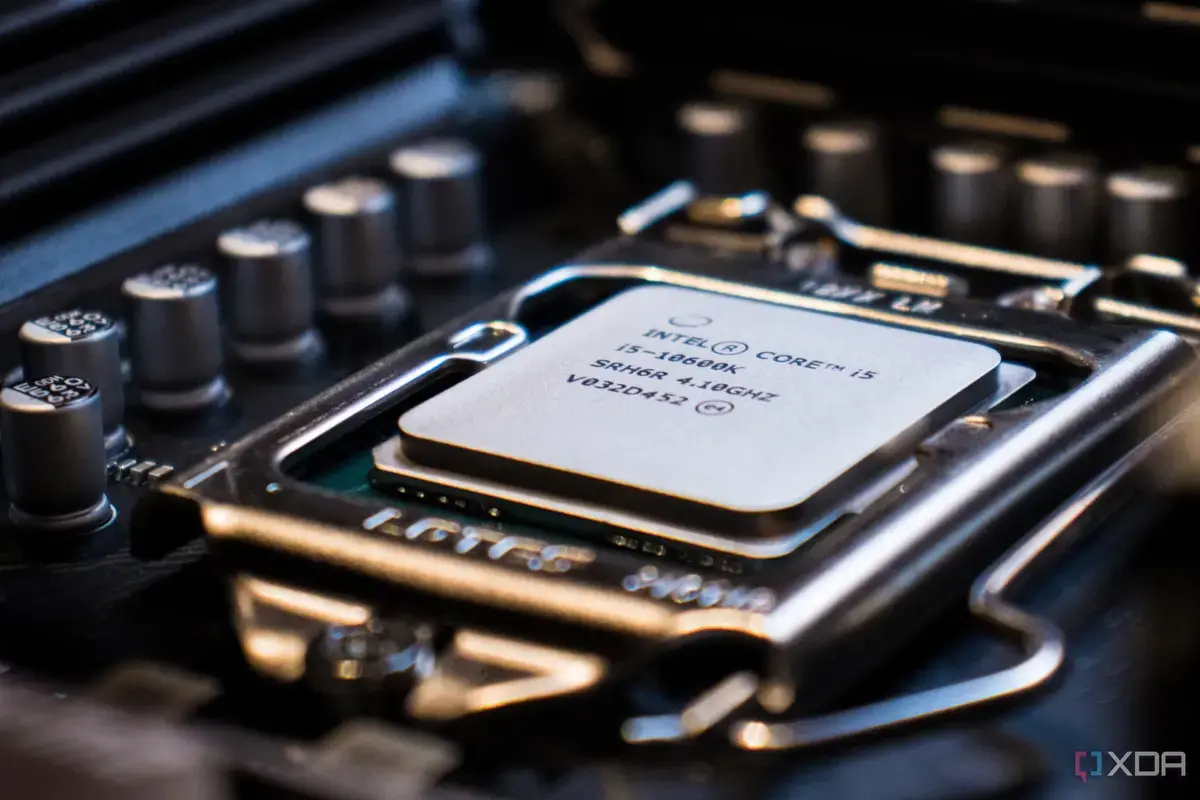
Many computer users often blame their graphics card (GPU) for performance issues. However, experts say the central processing unit (CPU) is frequently the real bottleneck. A powerful GPU cannot perform optimally without a strong CPU to support it. This often leads to frustration for users expecting better performance from their expensive graphics cards.
Breaking news
 Eufy Unveils Local AI Home Security Ecosystem at IFA
 The Rapid Evolution of Data Center Security in the AI Era
 The High-Voltage Risks Facing Modern AI Data Centers
 Apple’s New CEO Renames Lake Ontario To Lake America In Maps App
This common misconception highlights a key aspect of computer hardware interaction. The CPU is responsible for processing general tasks and feeding data to the GPU. If the CPU is too slow, it cannot keep up with the GPU's demands. This creates a bottleneck, limiting the GPU's potential.
Think of the CPU and GPU as a team. The GPU handles complex visual rendering. The CPU manages everything else and prepares the data for the GPU. If the CPU falls behind, the GPU sits idle, waiting for instructions. This means even a top-tier graphics card will underperform if paired with an inadequate CPU. Users might see lower frame rates or stuttering, incorrectly attributing it to the GPU.
How Can You Identify a CPU Bottleneck?
Identifying a CPU bottleneck involves monitoring your system's performance. Tools can show CPU and GPU usage during demanding applications. If your GPU usage is consistently low while your CPU usage is high, a bottleneck is likely. This indicates your CPU is struggling to provide enough data for your GPU to process. Upgrading your CPU could unlock your GPU's full potential.
Understanding this relationship is crucial for anyone building or upgrading a PC. Balancing these components ensures a smoother, more efficient computing experience. Investing in a balanced system prevents performance disappointments.
Frequently Asked Questions
What is a CPU bottleneck? A CPU bottleneck occurs when your central processing unit cannot process data fast enough to keep your graphics card fully utilized. This limits the overall performance of your computer, especially in demanding applications.
How do I check for a CPU bottleneck? You can use performance monitoring software to check CPU and GPU utilization during gameplay or other intensive tasks. If your CPU usage is consistently high and your GPU usage is low, a bottleneck is present.
Does a better GPU always mean better performance? Not necessarily. A better GPU will only improve performance if your CPU can keep up with its demands. If your CPU is too slow, a new GPU might not provide the expected performance boost.