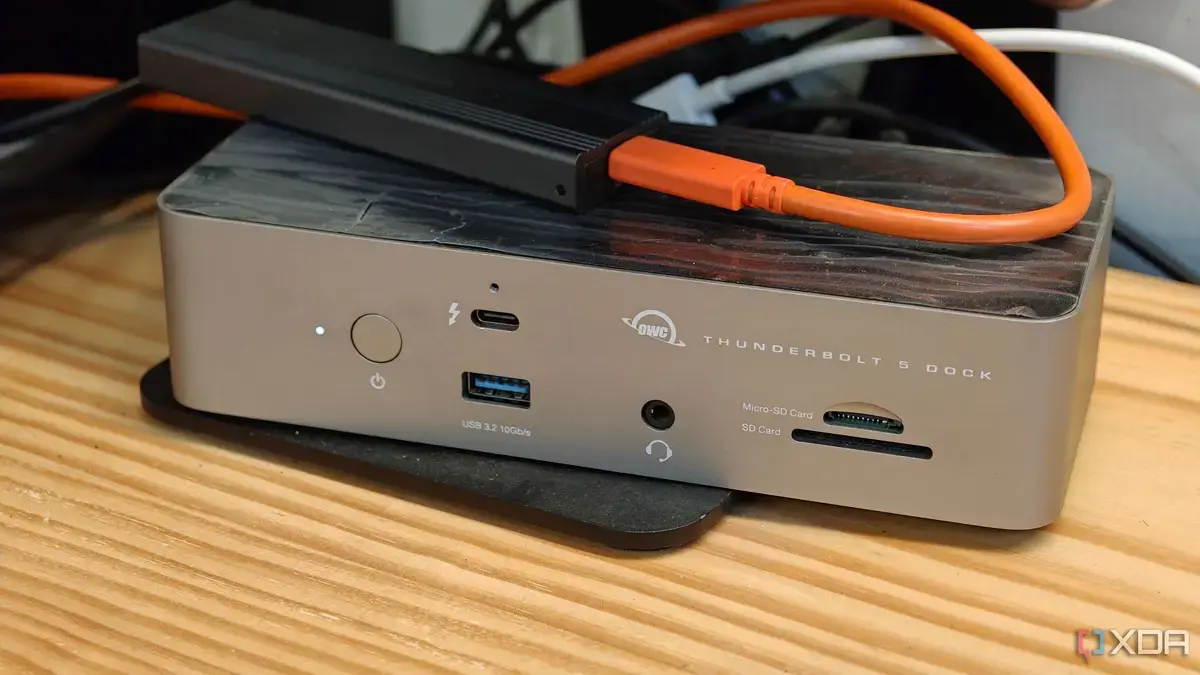
The Dock: Bridging Mobile and Desktop
Modern Android phones, particularly Google Pixel devices, now offer a robust desktop experience. This functionality allows users to connect their smartphone to an external display. The key to unlocking its full potential, however, lies in using the right docking station.
Breaking news
 Canonical’s Web Presence Hit by Second DDoS Assault This Year
 Loops AI Secures $3.5 Million to Power a New AI Operating System for E‑Commerce
 Winverse AI Secures Tens of Millions in Seed Funding from DeepSeek and Long‑Z
 Google Adds Pixel 9 Series to Certified Refurbished Store
This setup effectively turns a pocket-sized device into a capable computer. It leverages the phone's processing power for a larger screen environment. The desktop mode provides a familiar interface for productivity tasks.
How Does a Dock Enhance the Experience?
A high-quality dock is essential for a seamless transition. It provides crucial ports for peripherals like keyboards and mice. Without a proper dock, the desktop mode's utility is severely limited. Many docks also offer power delivery, keeping the phone charged. This ensures uninterrupted work sessions. The right dock creates a true workstation from your phone.
The dock acts as a central hub for all connections. It allows for multiple USB accessories to be plugged in simultaneously. This includes external storage and network adapters. Some docks even support Ethernet for a stable internet connection. The enhanced connectivity makes the desktop mode genuinely practical. It moves beyond a mere novelty feature.
The desktop interface itself is intuitive and well-designed. It supports multitasking with multiple windows. Users can run Android apps on a larger display. This greatly improves efficiency for many tasks. From document editing to web browsing, the experience is surprisingly fluid.
What Makes a Dock Rightfor Desktop Mode?
A suitable dock must offer sufficient power output. It needs to charge the phone while powering other devices. Multiple USB-A ports are crucial for connecting accessories. An HDMI output is necessary for display connectivity. Some advanced docks also include SD card readers. These features collectively create a comprehensive desktop setup. Choosing the correct dock is paramount for maximizing productivity.
The evolution of Android's desktop mode signals a shift in computing. Phones are becoming increasingly versatile. This capability could reduce the need for separate laptops for some users. It offers a portable and powerful computing solution.
What is Android's desktop mode? Android's desktop mode allows a smartphone to connect to an external monitor. It displays a desktop-like interface, enabling users to work with apps on a larger screen. This transforms the phone into a functional computer.
Frequently Asked Questions
Why is a dock essential for desktop mode? A dock provides the necessary ports to connect peripherals like keyboards, mice, and external storage. It also supplies power to the phone and connected devices, making the desktop experience practical and efficient.
Can any Android phone use desktop mode? While many modern Android phones have desktop mode capabilities, Google Pixel devices are particularly optimized for it. The performance and features may vary depending on the phone's hardware and software implementation.
