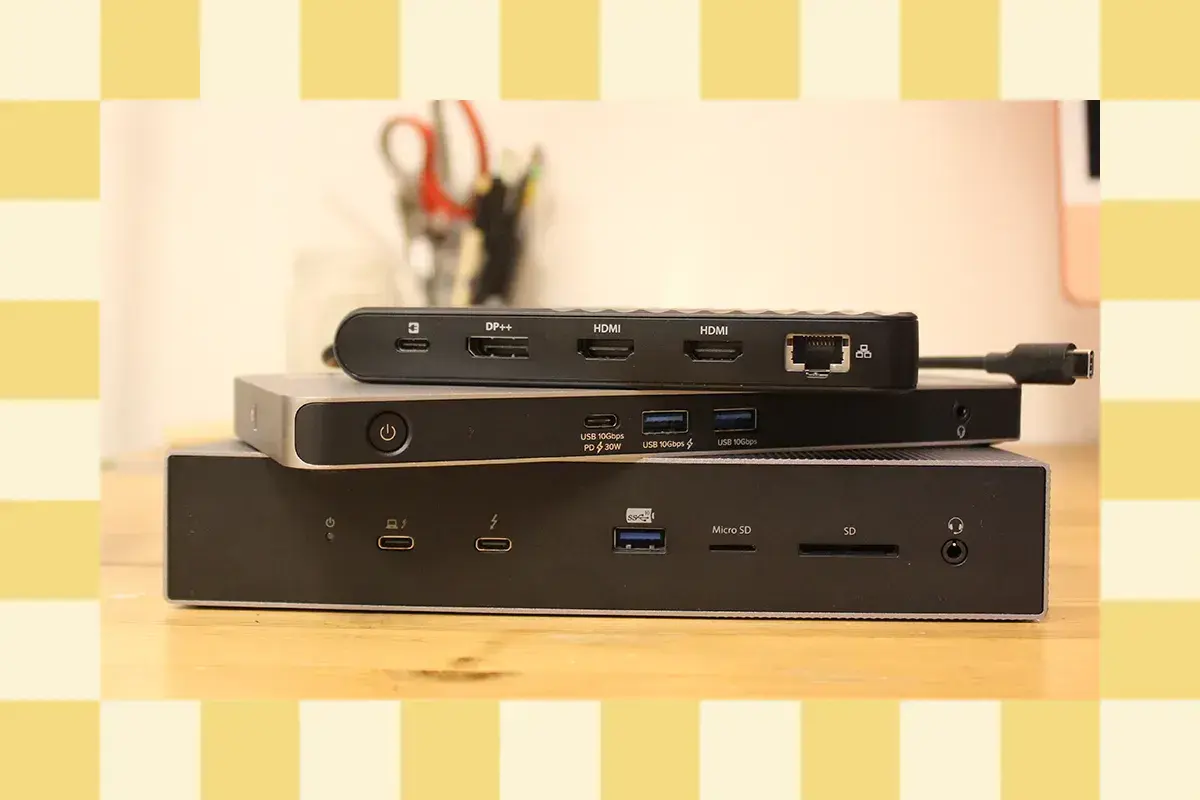
Unlocking the Full Desktop Experience
When it comes to laptops, users often find themselves limited by their device's portability and lack of desktop capabilities. However, with the right laptop docking station, users can unlock a full desktop experience, complete with multiple monitors, keyboards, and other peripherals.
Breaking news
 Canonical’s Web Presence Hit by Second DDoS Assault This Year
 Loops AI Secures $3.5 Million to Power a New AI Operating System for E‑Commerce
 Winverse AI Secures Tens of Millions in Seed Funding from DeepSeek and Long‑Z
 Google Adds Pixel 9 Series to Certified Refurbished Store
Laptop docking stations have become increasingly popular among professionals and creatives who need to work on the go but still require a robust desktop setup. These devices connect to a laptop via a single cable, providing users with a wide range of ports and features that can significantly enhance their productivity.
Can a Single Cable Really Make a Difference?
One of the key benefits of laptop docking stations is their ability to expand a user's desktop setup. By connecting multiple monitors, keyboards, and other peripherals, users can create a customized workspace that meets their specific needs. This can be particularly useful for professionals who need to work on complex projects or for creatives who require multiple screens for their workflow.
For example, the Dell WD19 docking station provides users with up to 130 watts of power, allowing them to connect multiple monitors, a keyboard, and other peripherals. The station also features USB-A, USB-C, and Ethernet ports, making it easy to connect a range of devices. Similarly, the HP Thunderbolt Dock G2 offers users a range of ports, including USB-A, USB-C, and HDMI, as well as support for up to three 4K monitors.
Frequently Asked Questions
While some users may be skeptical about the benefits of laptop docking stations, the reality is that these devices can make a significant difference in terms of productivity. By providing users with a wide range of ports and features, these stations can help to streamline workflows and reduce the need for multiple cables and adapters.
In addition to their practical benefits, laptop docking stations can also provide users with a more comfortable and ergonomic working experience. By allowing users to connect multiple monitors and peripherals, these stations can help to reduce eye strain and improve overall comfort.
