This setup allows high-bandwidth activities like 4K streaming or online gaming
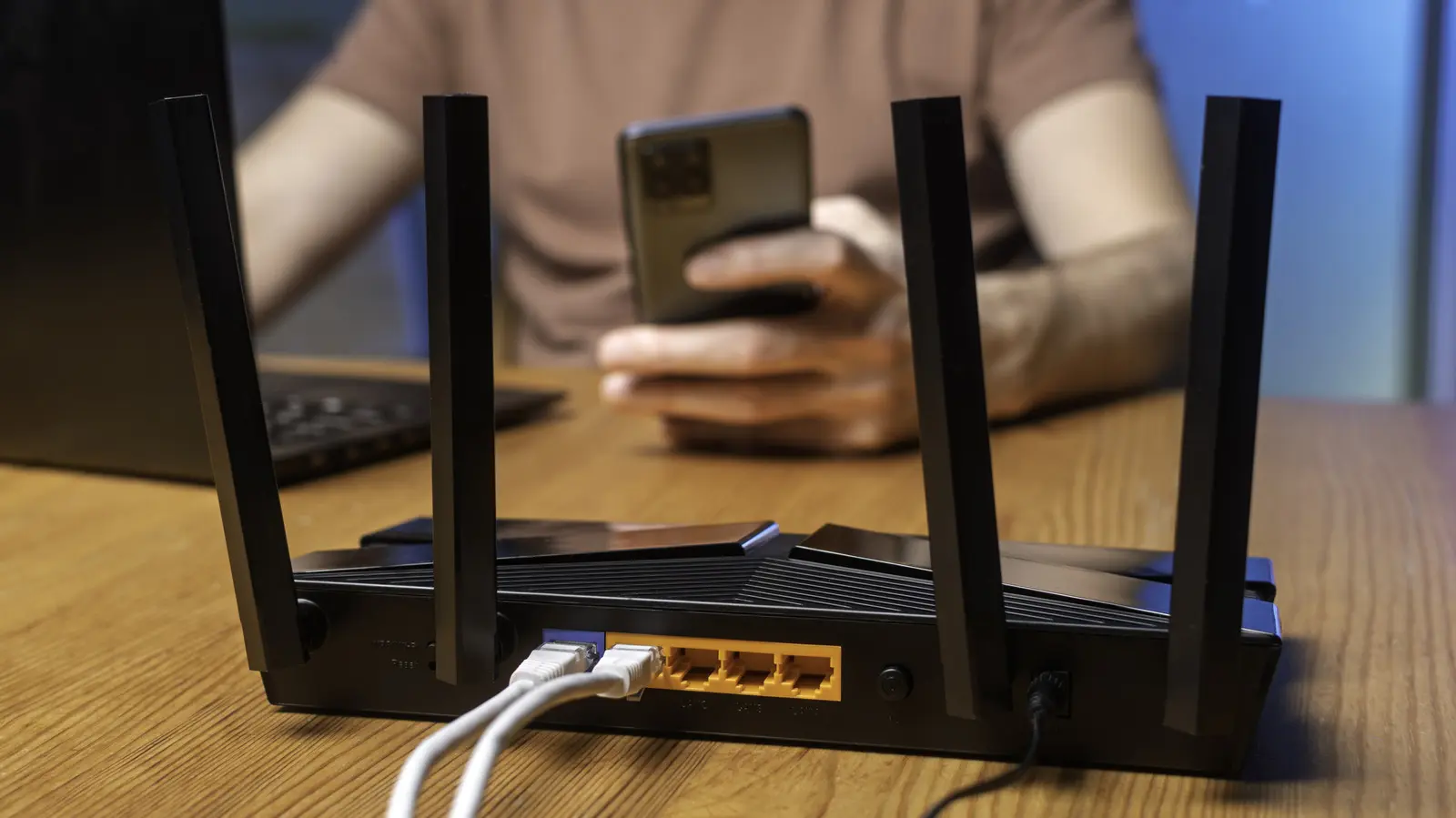
Many households rely on Wi-Fi for multiple devices including smartphones, laptops, smart TVs, and gaming consoles, all needing stable connections simultaneously. As more gadgets connect to home networks, congestion can slow speeds and cause buffering, especially during peak usage times. Choosing the right router type helps manage this demand effectively by distributing traffic across different frequency bands to reduce interference and improve performance. Dual-band routers operate on two frequencies: 2.4 GHz and 5 GHz. The 2.4 GHz band offers wider coverage but slower speeds, while the 5 GHz band provides faster data transfer over shorter distances. Tri-band routers add a second 5 GHz band, creating three total channels—one 2.4 GHz and two 5 GHz bands—to handle more devices without overloading a single band.
Breaking news
 Town AI Secures $108 Million Series B, Valued at $1 Billion After $55 M Pre‑Series
 Apple Prepares for Major Product Launch Event on October 28
 Apple Releases Release Candidates for watchOS, tvOS and visionOS 27.2
 Apple Limits iPhone Duo and iPhone 18 Pro Max to Reservation-Only Sales in Japan and South Korea
This setup allows high-bandwidth activities like 4K streaming or online gaming to use one 5 GHz band exclusively, while other devices share the remaining bands, minimizing lag and maintaining consistent speeds across the network. How Tri-Band Technology Reduces Network Congestion By splitting traffic across three bands, tri-band routers prevent bottlenecks when many devices are active at once. For example, a video call on one device won’t disrupt a download on another if they’re using different 5 GHz channels. This separation is particularly beneficial in homes with smart home systems, multiple users, or heavy streaming habits. While dual-band routers suffice for smaller households with moderate usage, tri-band models offer noticeable advantages in environments where network demand frequently peaks, ensuring smoother performance without manual band switching. Is a Tri-Band Router Worth the Extra Cost? The value of a tri-band router depends on your specific usage patterns and number of connected devices.
If you regularly stream ultra-high-definition content, participate in
If you regularly stream ultra-high-definition content, participate in competitive online gaming, or have more than ten devices connected simultaneously, the investment may justify improved reliability and speed. However, for apartments or smaller homes with fewer than eight devices and light to moderate internet use, a well-positioned dual-band router often delivers adequate performance at a lower price point. Evaluating your household’s digital habits helps determine whether the added band provides meaningful benefits or unnecessary overhead. Frequently Asked Questions Can a tri-band router improve Wi-Fi speed for a single device? No, a tri-band router does not increase the maximum speed of one device beyond what its hardware and internet plan allow. Instead, it reduces congestion by giving devices more options to connect on less crowded bands, which can maintain consistent speeds when multiple devices are active.
Do all devices need to support tri-band to benefit from the router? No, devices only need to be compatible with either the 2.4 GHz or 5 GHz bands to connect. The router intelligently assigns each device to the least congested appropriate band, so older gadgets still benefit from reduced network load even if they can’t use both 5 GHz channels.
Is setting up a tri-band router more complicated than a dual-band model? Setup is generally similar for both types, involving connecting to the modem and configuring network names and passwords via an app or web interface. Most modern tri-band routers include automatic band steering, which simplifies management by handling device distribution without user intervention.

