The Legacy Of Floppy Disk Drives
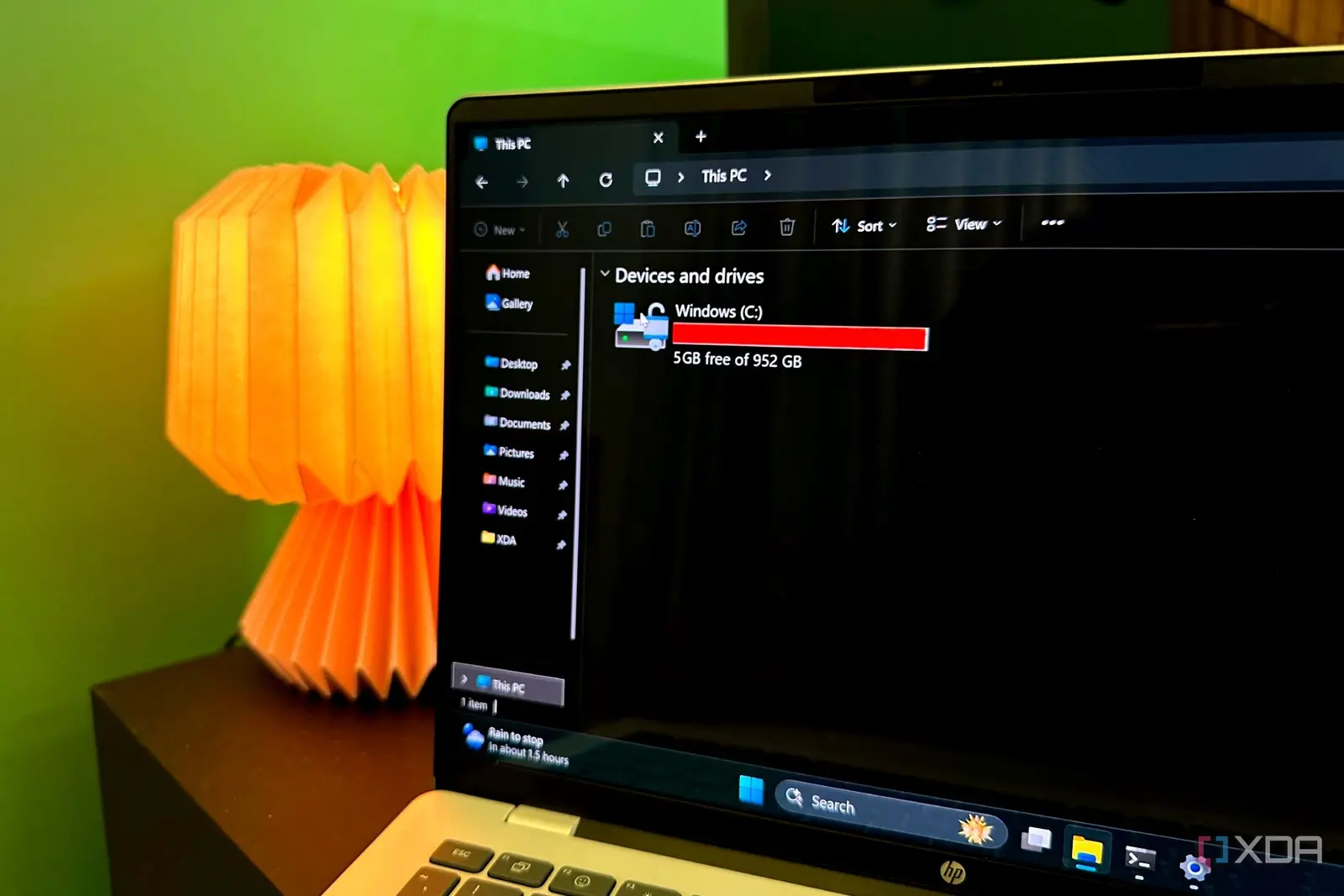
Microsoft Windows has operated from the C: drive for decades, a convention that confuses many modern users who expect the primary storage location to be labeled A: or B:. This persistent naming scheme is not a recent design choice but a legacy decision rooted in the early days of personal computing. The operating system’s root directory remains fixed on the third letter of the alphabet, a quirk that has survived multiple hardware generations and technological shifts since the 1970s.
Breaking news
 Trump Orders Federal Agencies to Adopt „Super Intelligence” Terminology
 The Silicon Valley Accountability Gap
 Running a Local AI Model on a Phone Handles Most Chat Prompts
 Google Photos Could Soon Offer a Fresh Start with Ask Photos Feature
The origin of this labeling system lies in the architecture of early IBM PC-compatible machines. When these computers were first designed, manufacturers included two built-in floppy disk drives to handle boot processes and data transfer. These physical drives were designated as A: and B: by the BIOS firmware. Because the hard disk was an optional add-on component at the time, it naturally took the next available letter in the sequence, which was C:. This simple alphabetical order established a hierarchy that software developers quickly adopted for their own applications.
The transition from removable media to fixed storage did not change the established naming conventions. As hard disks became standard equipment in every computer, the letters A: and B: remained reserved for floppy drives in the system registry. Even after floppy drives disappeared from mainstream desktops in the late 1990s, the designation stuck. Changing the root drive letter would have required massive updates to thousands of existing programs. Developers had hardcoded paths referencing C:\Windows or C:\Program Files into their code. Altering this structure would have broken compatibility with older software, creating a significant barrier for users upgrading their systems. Consequently, Microsoft kept the C: drive as the default installation point to ensure smooth transitions between operating system versions.
Why Did Not Change To A: Or B
This stability provided a reliable framework for system administrators and casual users alike. The predictability of the drive letter allowed for standardized backup solutions and system recovery tools. While modern solid-state drives and larger hard disks offer vastly more capacity than the original magnetic platters, the logical structure of the file system remains unchanged. The C: drive serves as the anchor for the entire operating system, housing critical system files, user profiles, and application data.
One might wonder why the primary drive was not renamed to A: once floppy drives became obsolete. The answer lies in backward compatibility and the sheer volume of installed software. If Microsoft had shifted the system drive to A:, every program expecting files on C: would have failed to locate them. This would have caused widespread errors and required users to manually reconfigure settings for hundreds of applications. The cost of changing the standard outweighed the benefit of a more logical naming scheme. Additionally, the letters A: and B: were often still used by optical drives or other removable media in later years, keeping them occupied in the device tree.
Frequently Asked Questions
The persistence of the C: drive highlights how deeply embedded historical decisions can become in modern technology. It serves as a reminder that current standards are often shaped by constraints that no longer exist. As computing continues to evolve, this specific quirk may eventually fade if a new generation of operating systems emerges. However, for now, the C: drive remains the definitive home for Windows, preserving a connection to the era when two small floppy disks defined the limits of personal computing power.
Why is the hard drive called C: instead of A:? Early PCs had two floppy drives labeled A: and B:. The hard drive was the third storage device, so it received the next letter, C:. This convention stuck due to software compatibility needs.
Can I rename my C: drive to A:? You can technically change the drive letter in Windows, but it is risky. Many programs rely on the C: label for system paths. Renaming it without updating all dependencies can cause system instability or application failures.