Instant Access via Keyboard Shortcuts
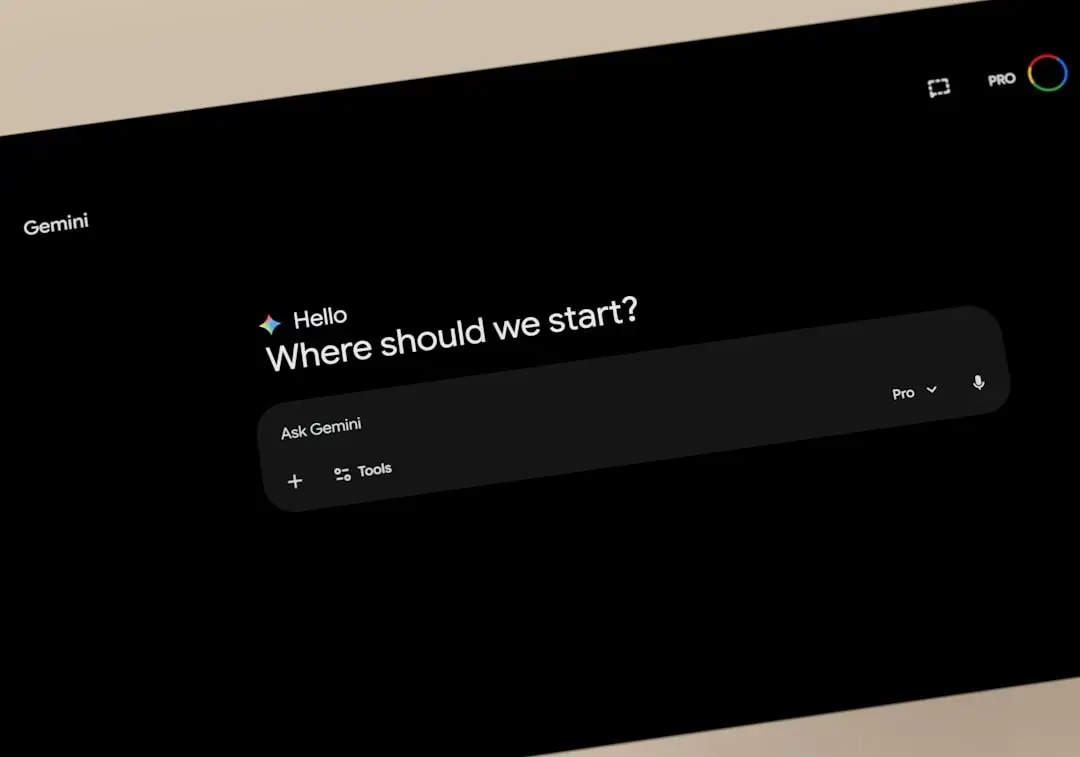
Google has officially released a dedicated Gemini application for Windows, bringing advanced artificial intelligence directly to the desktop. Users can now access the AI assistant instantly through a simple keyboard shortcut. This integration aims to streamline digital workflows by removing the need to navigate through web browsers for AI tasks.
Breaking news
 Trump Orders Federal Agencies to Adopt „Super Intelligence” Terminology
 The Silicon Valley Accountability Gap
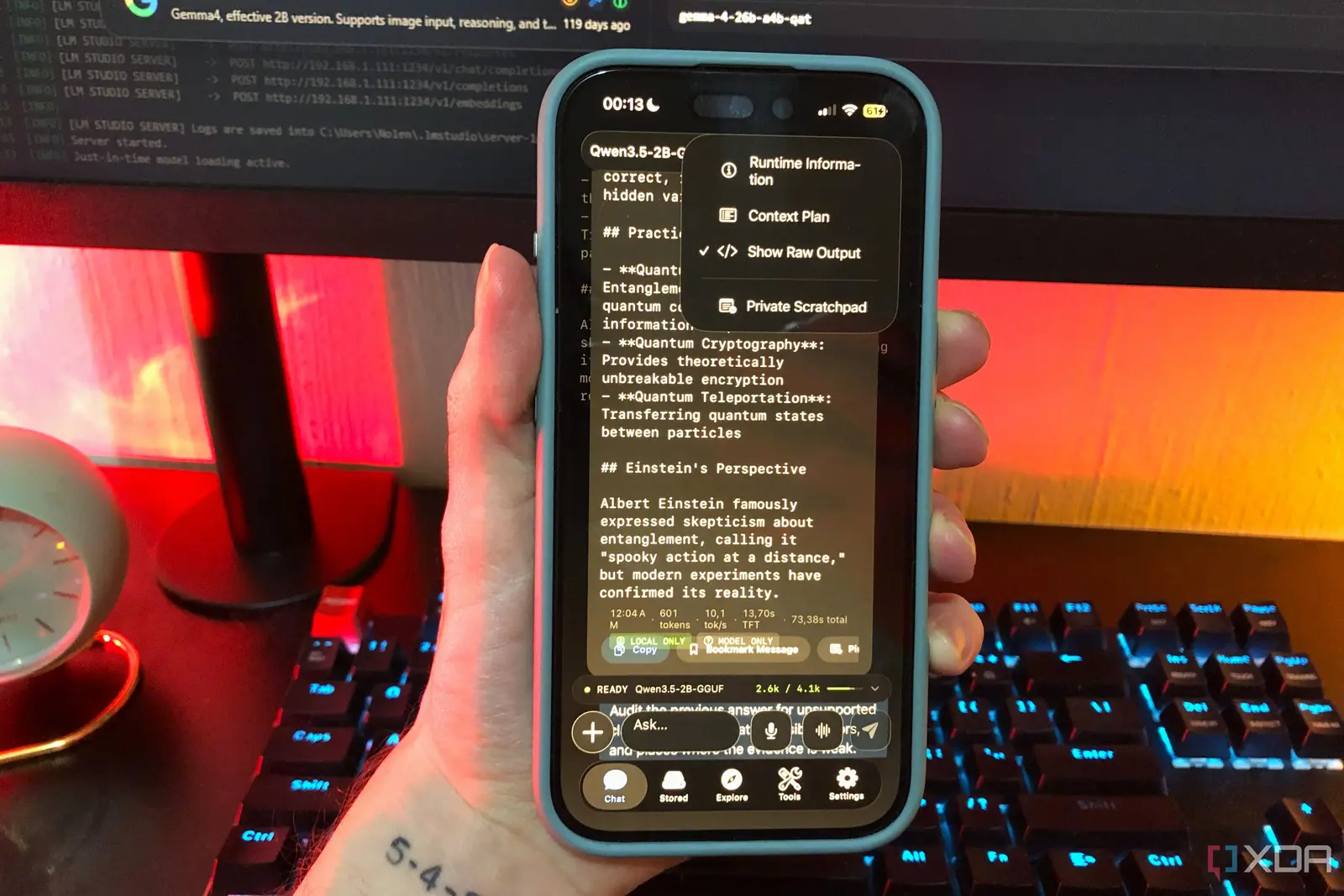 Running a Local AI Model on a Phone Handles Most Chat Prompts
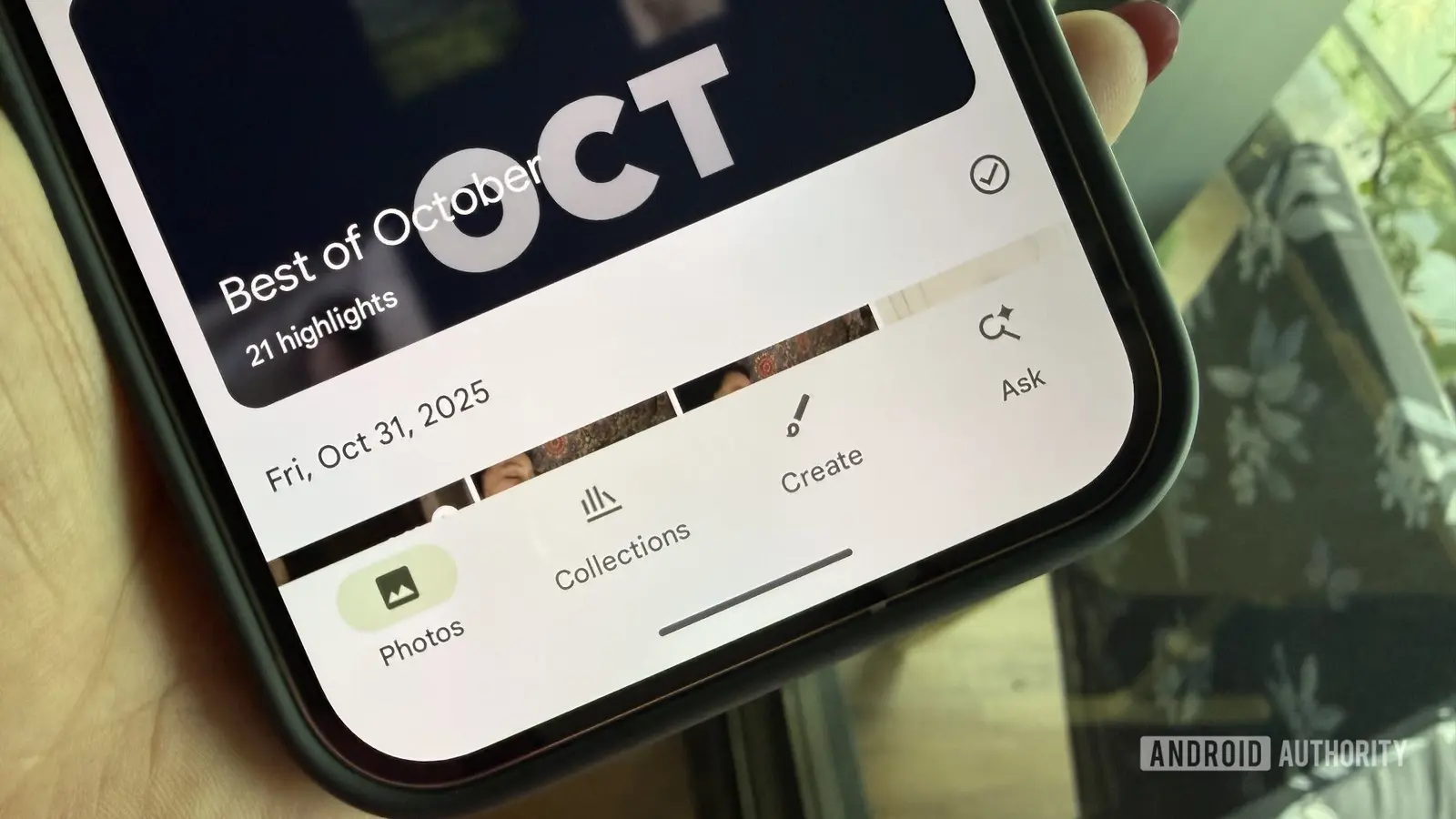 Google Photos Could Soon Offer a Fresh Start with Ask Photos Feature
The new software creates a seamless bridge between the user and Google’s large language models. By embedding the assistant into the operating system environment, the company intends to make AI help a standard part of the computing experience. This move reflects a broader industry shift toward making generative AI tools as accessible as traditional office software.
The core feature of this Windows release is the ability to trigger the interface without leaving active applications. By pressing a specific key combination, users can open a dialogue box to ask questions, draft emails, or summarize documents. This functionality is designed to minimize disruptions for professionals working on complex projects or multitasking across various windows.
How Will This Change Your Daily Workflow?
The interface is built to remain lightweight while providing the full capabilities of the Gemini web experience. Users can expect the same conversational depth and This consistency ensures that moving between different devices or platforms remains a fluid experience for regular users.
Integrating AI directly into the desktop environment changes how people interact with their computers. Instead of switching tabs, users can now query the assistant in real time while viewing their primary work. This immediate feedback loop could significantly increase productivity for those who rely on AI for research or content creation.
Frequently Asked Questions
The rollout marks a significant milestone in Google’s strategy to make its AI ecosystem ubiquitous. By meeting users where they work, the company is positioning its technology as an essential utility rather than a standalone website. Future updates will likely focus on deeper system integration to further automate common desktop tasks.
Does the app require a constant internet connection? Yes, the application functions as a gateway to cloud-based models, meaning it requires an active internet connection to process queries and generate responses.
Can I customize the keyboard shortcut to open the app? The software is designed for quick access, and users can manage their shortcut preferences within the application settings to suit their personal workflow.