Performance remains strong because the model runs efficiently on Apple Silicon
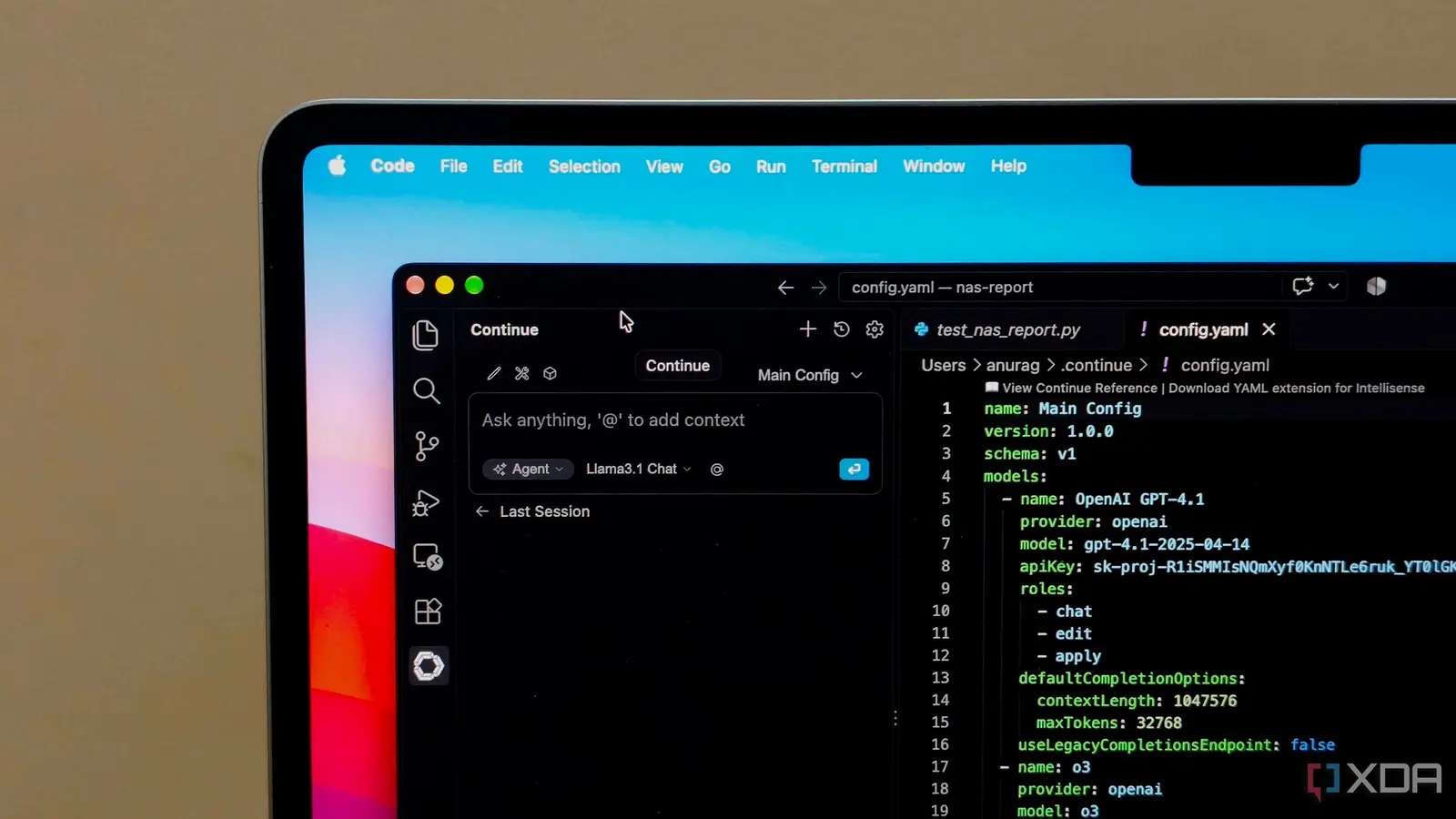
A developer switched from GitHub Copilot to a locally hosted large language model on their Mac using LM Studio, integrating it directly into VS Code for real-time coding assistance without internet dependency. This change allows uninterrupted AI-powered code suggestions even when working offline, addressing a key limitation of cloud-based tools while maintaining comparable performance for daily development tasks. The setup leverages existing local LLM capabilities already used for other purposes, repurposing the model to function as an inline coding assistant within the editor. By connecting the model directly to VS Code, the developer avoids context-switching between applications and retains consistent support during flights, remote work, or network outages.
Breaking news
 Town AI Secures $108 Million Series B, Valued at $1 Billion After $55 M Pre‑Series
 Apple Prepares for Major Product Launch Event on October 28
 Apple Releases Release Candidates for watchOS, tvOS and visionOS 27.2
 Apple Limits iPhone Duo and iPhone 18 Pro Max to Reservation-Only Sales in Japan and South Korea
Performance remains strong because the model runs efficiently on Apple Silicon hardware, with low latency for common coding queries like function completion, error explanation, and boilerplate generation. How Local LLMs Handle Real-Time Code Assistance The integration works by configuring VS Code to send code context to the local model via an API endpoint served by LM Studio, which processes prompts and returns suggestions in real time. The developer notes that response times are competitive with Copilot, especially for shorter completions, and that the model adapts well to project-specific patterns when given relevant file context.
Unlike cloud services, there are no usage limits or subscription fees, and all
Unlike cloud services, there are no usage limits or subscription fees, and all code remains on the device, enhancing privacy for sensitive projects. Can Local Models Match Cloud-Based AI Accuracy? While the local model doesn’t have access to the vast training data of proprietary systems like Copilot, the developer reports no noticeable drop in usefulness for everyday coding tasks such as writing loops, debugging snippets, or suggesting API calls. Fine-tuning isn’t required; instead, effective prompting and context window management yield strong results. The trade-off is slightly less broad knowledge, but gains in reliability, offline access, and control over data outweigh this for their workflow. Frequently Asked Questions What hardware is needed to run a local LLM for coding assistance?
A modern Mac with Apple Silicon (M1 or later) provides sufficient performance for running quantized LLMs locally, though any machine with a capable GPU or CPU can work depending on model size and quantization level. Do I need to retrain the model for my specific coding projects? No retraining is necessary; the model uses in-context learning from the code you provide in your prompts, allowing it to adapt to your project’s style and patterns without modification. Is the coding assistance as fast as GitHub Copilot? In practice, response times are very similar for typical code completions, with local inference often matching or exceeding cloud latency due to eliminated network round trips, especially on efficient hardware.