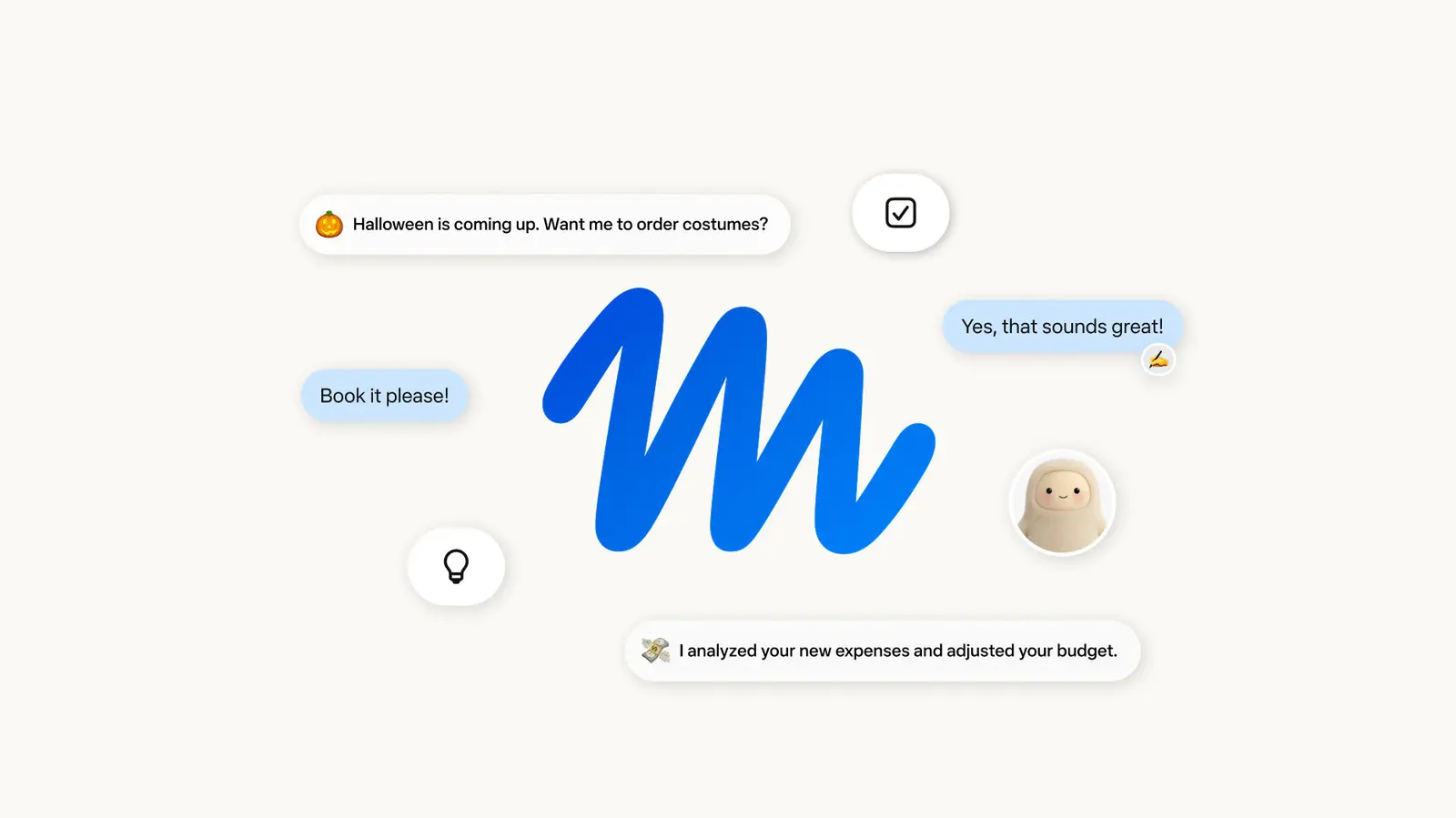
How Muse Handles Everyday Tasks
Meta has released its first consumer-facing AI agent, Muse, marking a significant step into the competitive AI assistant market. The launch, announced in September 2026, introduces a tool designed to handle everyday tasks through natural language interaction. Early users report a straightforward setup process, though initial testing reveals both promise and limitations in functionality.
Breaking news
 Trump Orders Federal Agencies to Adopt „Super Intelligence” Terminology
 The Silicon Valley Accountability Gap
 Running a Local AI Model on a Phone Handles Most Chat Prompts
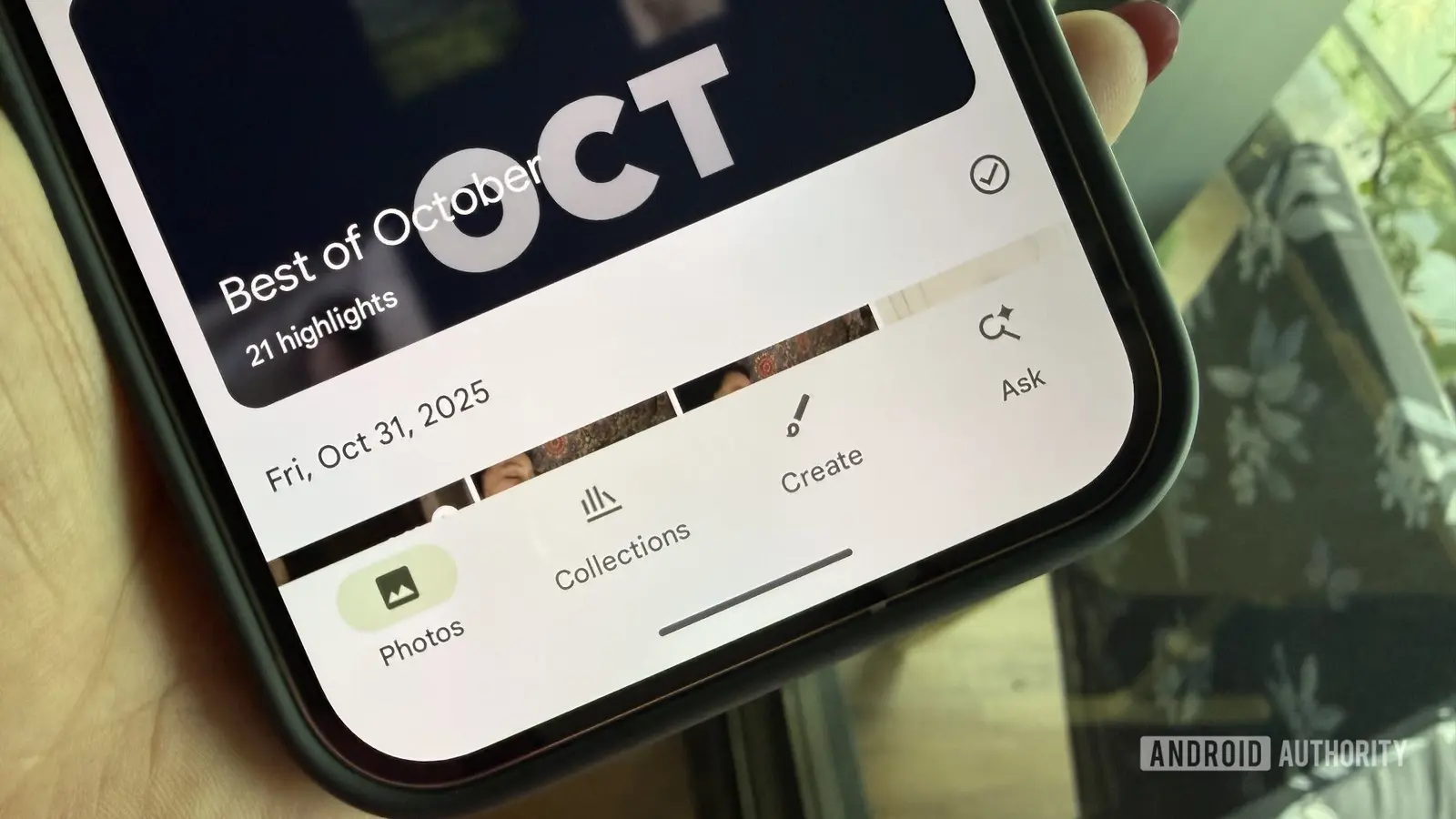 Google Photos Could Soon Offer a Fresh Start with Ask Photos Feature
Getting started with Muse requires users to adjust privacy settings immediately upon installation. Opting out of data sharing is recommended as a first step to maintain control over personal information. The agent integrates with Meta’s existing ecosystem, allowing access to calendars, messages, and smart home devices when permissions are granted. During early testing, Muse demonstrated competence in scheduling meetings and drafting messages but struggled with complex multi-step requests.
What Limits Muse’s Capabilities Compared to Rivals?
Muse operates through a conversational interface accessible via Meta’s apps and wearable devices. Users can ask it to summarize emails, set reminders, or control connected devices using voice or text. The agent relies on Meta’s Llama 4 model, optimized for real-time responsiveness. While it excels at simple, repetitive actions, it often requires clarification for ambiguous queries. Feedback from beta testers indicates satisfaction with speed but frustration over occasional misinterpretations of context.
Unlike some competitors, Muse currently lacks deep third-party app integration and advanced It cannot perform tasks like coding assistance or detailed financial analysis, focusing instead on consumer-oriented utilities. Meta acknowledges these gaps, stating future updates will expand functionality based on user feedback. Privacy advocates note that while opt-out options exist, default settings still collect interaction data to improve the model, raising concerns about transparency.
How do I disable data sharing in Muse? Users can turn off data sharing in the settings menu under Privacy Controls, where toggles allow disabling usage history and personalization features.
Frequently Asked Questions
Can Muse work without a Meta account? No, Muse requires an active Meta account to function, as it relies on the company’s authentication and cloud infrastructure for processing requests.
Is Muse available on iOS and Android? Yes, Muse is accessible through the latest versions of Facebook, Instagram, and WhatsApp apps on both iOS and Android platforms, with no separate download needed.