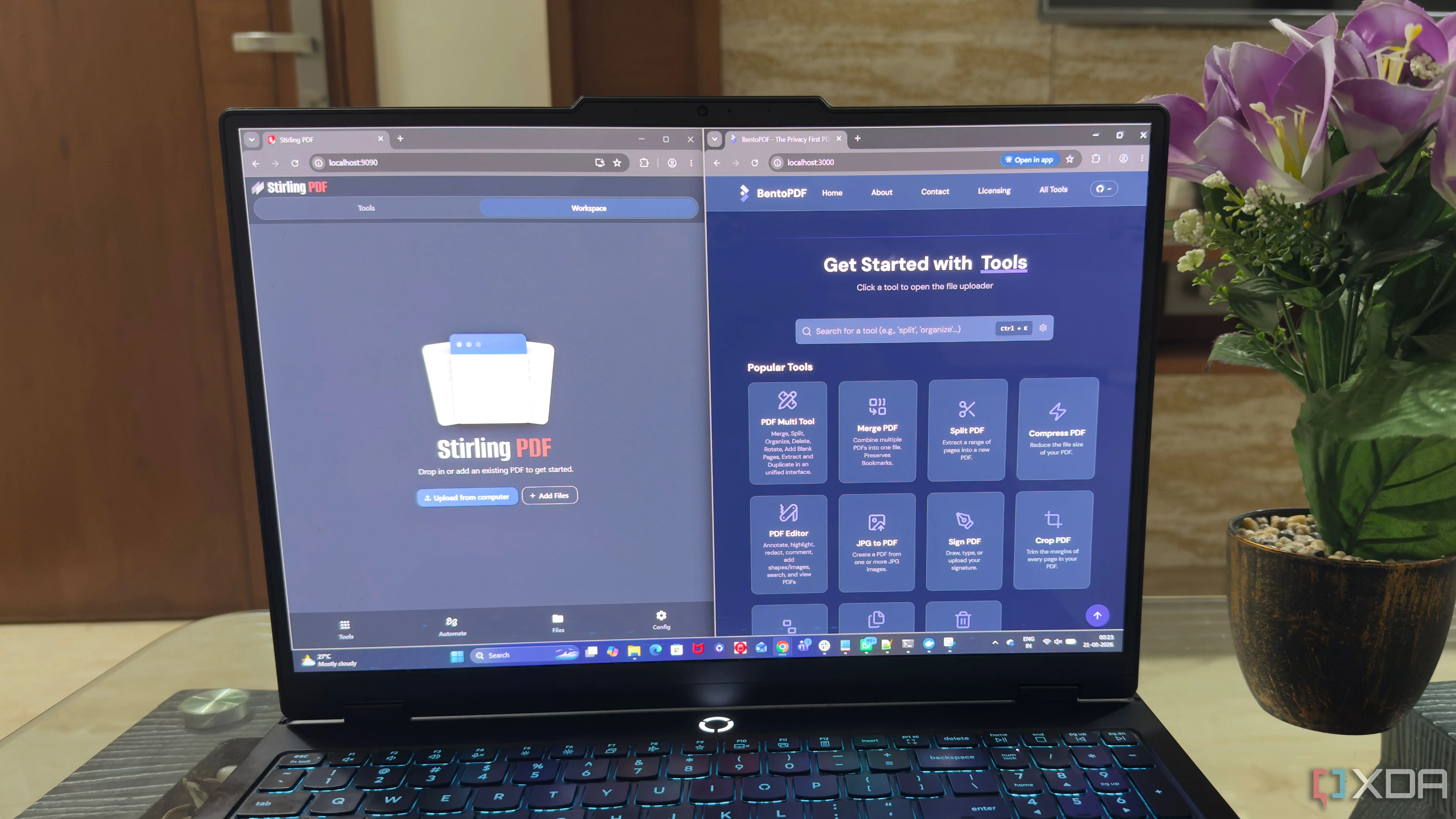
Testing PDFedit: A Simple Start with Limitations
The first tool I tried was PDFedit, an open-source graphical editor running in a Docker container with an official image on Docker Hub. Installation was straightforward: a single docker run command launched the app in seconds. The interface, while not modern, was functional and allowed direct text editing, image modification, and comment annotation. However, I noticed significant limitations: no support for complex interactive forms, difficulties handling embedded fonts, and inconsistent performance with documents over 50 pages. There was also no official support for certified digital signatures, which is essential for some professional workflows.
Breaking news
 Eufy Unveils Local AI Home Security Ecosystem at IFA
 The Rapid Evolution of Data Center Security in the AI Era
 The High-Voltage Risks Facing Modern AI Data Centers
 Apple’s New CEO Renames Lake Ontario To Lake America In Maps App
LibreOffice Draw in Docker: A Pleasant Surprise
The second tool, LibreOffice Draw running in a customized Docker container, turned out to be a positive surprise. Though not a dedicated PDF editor in the strict sense, LibreOffice Draw enables opening, editing, and saving PDF files with remarkable fidelity. Text, images, vectors, and even layers can be easily modified, and exporting back to PDF preserves original quality. A major advantage is compatibility with complex files, including those with forms, annotations, and internal links. Being part of the LibreOffice ecosystem, it benefits from regular updates and an active community. Performance remained consistent, even with large documents, and while the interface is familiar to office users, it provides all necessary tools for efficient editing.
Usability and Long-Term Fit
In terms of ease of use, I found LibreOffice Draw more intuitive over time, thanks to its extensive documentation and integration with other suite applications like Writer or Calc. PDFedit, while easier to launch, required more manual adjustments to achieve acceptable results in edge cases. After weeks of testing across varied environments—from my personal laptop to a work server with network share access—I concluded that LibreOffice Draw running in Docker best satisfies my needs. It not only efficiently replaces basic Adobe Acrobat functions but exceeds them in certain aspects, such as content manipulation flexibility and freedom from costly licensing.
When Acrobat Still Makes Sense
Although Acrobat remains the industry standard for highly regulated workflows—such as legal or medical fields—for users needing routine editing, fast collaboration, and full environmental control, a Docker-based LibreOffice Draw solution offers a powerful, economical, and libre alternative. This experience showed me that, often, you don’t need a heavy toolkit to get the job done—just a well-chosen instrument that fits and frees you from unnecessary restrictions.