
How to Get the New tvOS Version
Apple has rolled out tvOS 26.6, the newest iteration of its television operating system. This marks the sixth update since the system's initial release last autumn. The update is now accessible for all Apple TV 4K devices.
Breaking news
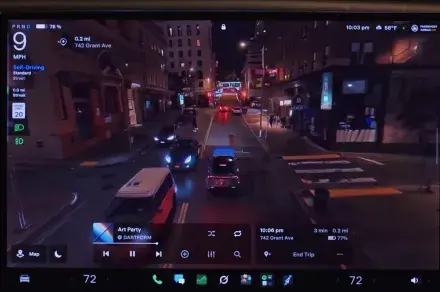 Tesla rolls out FSD v15 with major safety upgrade
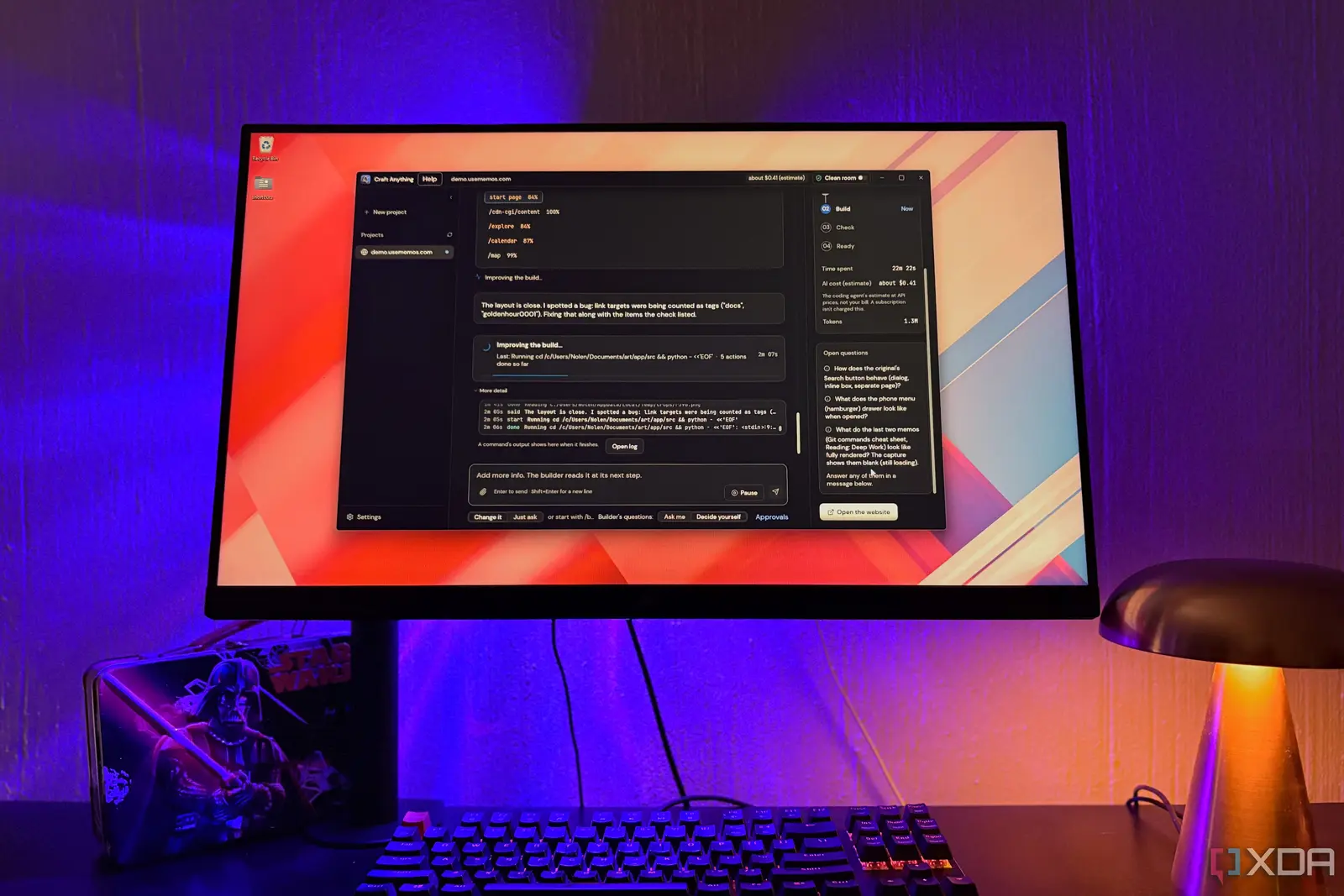 Open-Source Tools Challenge AI-Powered Development Platforms
 AI Infrastructure Bottlenecks: Why Release Pipelines Hold Back Fast Clusters
 Why Apple Vision Pro Never Took Off Like Meta's VR Headsets
This release follows two months after the previous version, tvOS 26.5, became available. Users can easily install the new software through their device settings.
What Does This Update Mean for Apple TV Users?
To download tvOS 26.6, navigate to the Settings application on your Apple TV. From there, select „System,”then proceed to „Software Update.”The system will then guide you through the installation process. This update aims to enhance the user experience on Apple's streaming platform.
The consistent release of updates, like tvOS 26.6, demonstrates Apple's commitment to improving its smart TV platform. These regular updates often include performance enhancements, bug fixes, and sometimes new features. While specific changes for this version were not detailed, users can expect a more refined and stable operating environment. It ensures the Apple TV 4K remains current and secure.
When was tvOS 26.6 released? Apple released tvOS 26.6 today, making it the sixth update to the operating system that first launched last fall.
Frequently Asked Questions
Which devices are compatible with tvOS 26.6? The tvOS 26.6 update is available exclusively for the Apple TV 4K models.
How do I install tvOS 26.6 on my Apple TV? To install, open the Settings app on your Apple TV, go to System, and then select Software Update to begin the download.