
Discovering Hidden Software Utilities
Android enthusiasts often focus entirely on Google Pixel and Samsung Galaxy flagships. However, alternative manufacturers frequently pack their devices with unique tools that completely transform the daily user experience. These specific capabilities often leave mainstream device owners wanting more.
Breaking news
 Trump Orders Federal Agencies to Adopt „Super Intelligence” Terminology
 The Silicon Valley Accountability Gap
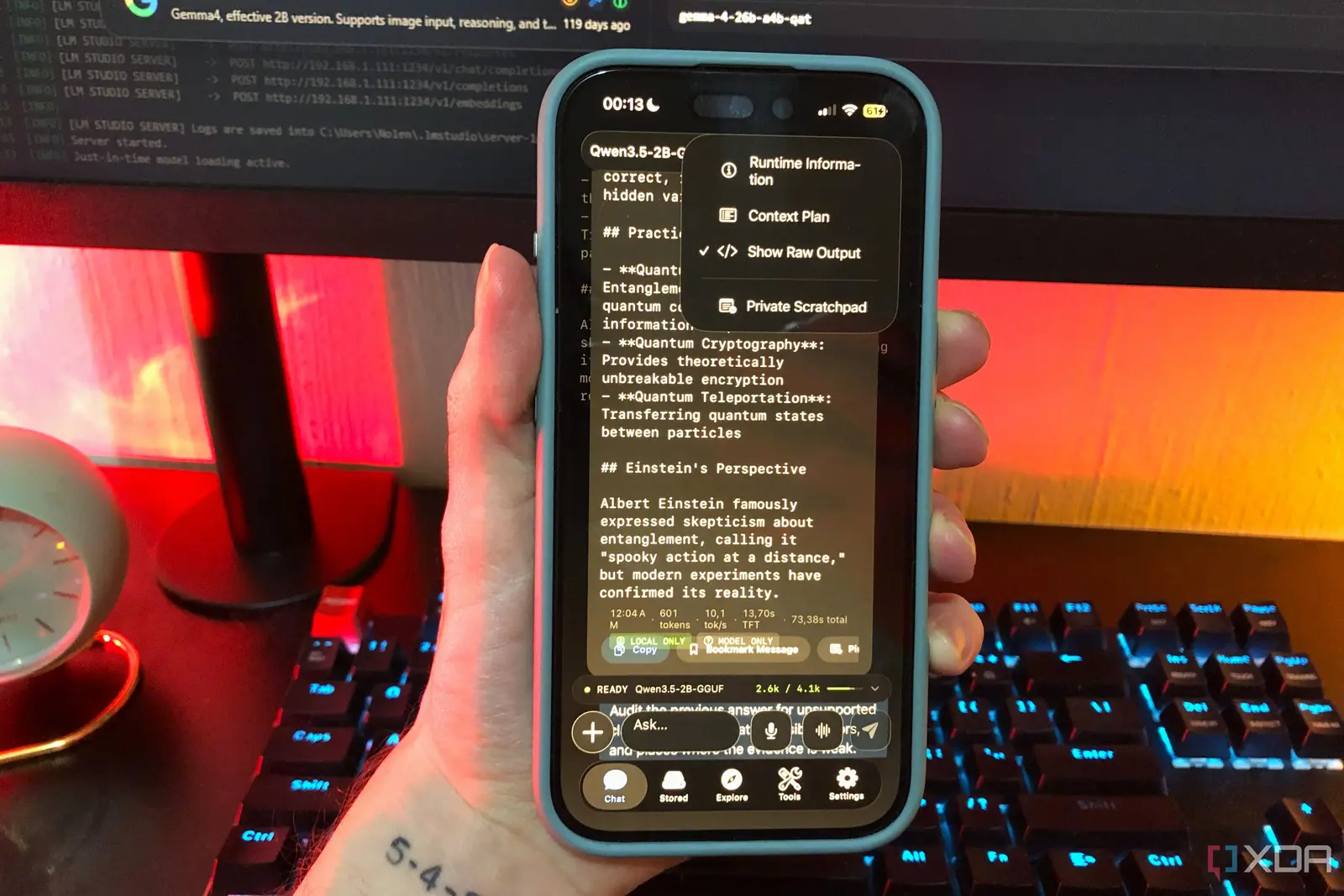 Running a Local AI Model on a Phone Handles Most Chat Prompts
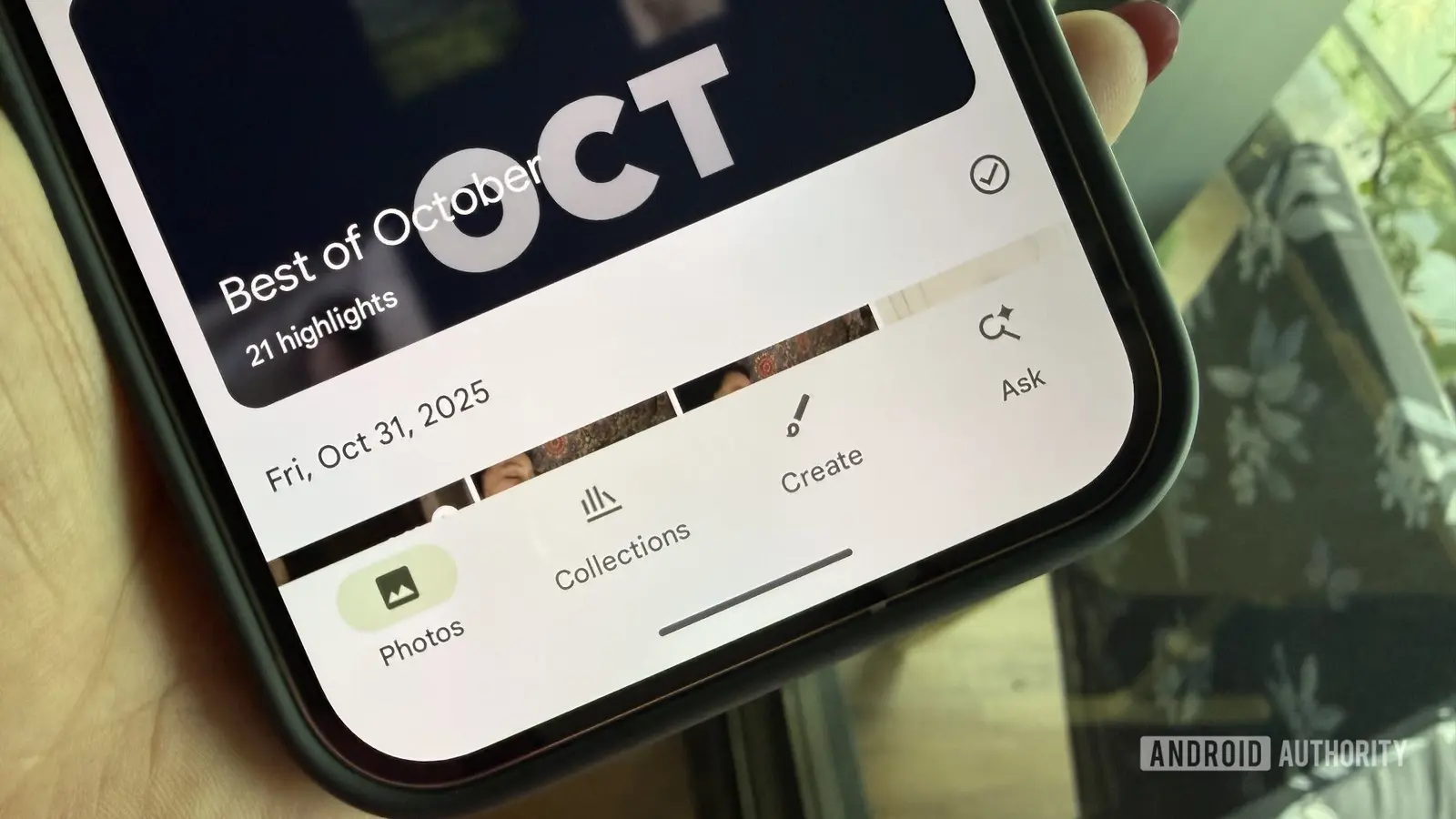 Google Photos Could Soon Offer a Fresh Start with Ask Photos Feature
While the mobile market is heavily dominated by these two giants, smaller brands innovate aggressively. They introduce practical software additions that solve genuine user frustrations. Exploring these alternative ecosystems reveals a world of thoughtful engineering currently missing from the mainstream.
Custom user interfaces from brands like Xiaomi, OnePlus, or Motorola often include robust cloning features. This allows users to run duplicate instances of social media apps simultaneously. Neither Samsung nor Google offers this level of native app separation out of the box.
Why Do Industry Giants Skip These Options?
Another standout addition is advanced floating window management for multitasking enthusiasts. Users can easily scale and pin multiple applications across their screens. This provides a desktop-like workflow that standard split-screen views simply cannot match.
Do mainstream manufacturers intentionally hold back features to keep their software interfaces clean?
Google and Samsung often prioritize minimalist design and streamlined performance over feature density. They rely on third-party applications from the Play Store to fill these functional gaps. Consequently, users miss out on cohesive, built-in conveniences.
Frequently Asked Questions
Adopting these versatile tools would undoubtedly elevate the standard Android experience for millions. Until mainstream brands take inspiration from competitors, these hidden gems remain exclusive perks for adventurous buyers.
What makes alternative Android skins different from Pixel software? Alternative skins include deeper system-level customizations and pre-installed utilities. Pixel software focuses primarily on a clean, Google-centric aesthetic.
Can Pixel and Samsung users replicate these missing features? Users can download third-party apps from the Play Store to achieve similar results. However, these downloaded solutions rarely integrate as smoothly as native operating system tools.