Quick Share bridges Android and Windows for photo backups
Google rolled out its November 2026 system update across Android devices, introducing Quick Share support for Windows. The change lets users back up photos from phones and tablets directly to a PC without third‑party apps. The update arrived on November 1 and is available through the Play System Update on most devices running Android 14 and newer.
Breaking news
 Tesla rolls out FSD v15 with major safety upgrade
 Open-Source Tools Challenge AI-Powered Development Platforms
 AI Infrastructure Bottlenecks: Why Release Pipelines Hold Back Fast Clusters
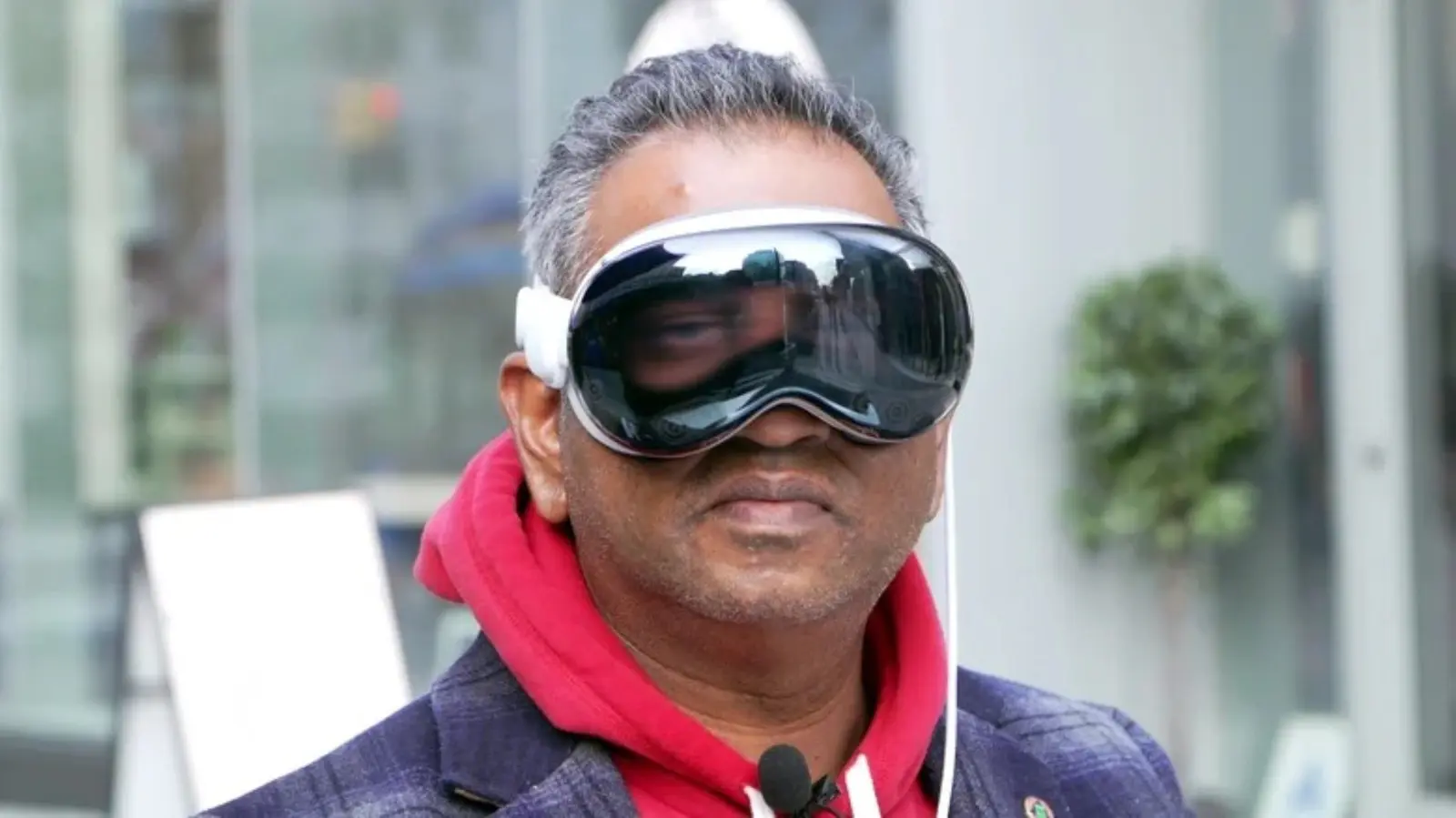 Why Apple Vision Pro Never Took Off Like Meta's VR Headsets
The new feature expands the existing Quick Share ecosystem, which previously let Android users share files with nearby devices. By adding a Windows client, Google aims to simplify cross‑platform media management for consumers and reduce reliance on cloud services. The update also includes minor tweaks to Play Services, the Play Store, and Wear OS, but the highlight is the seamless photo sync between Android and Windows. Developers can integrate the API into their apps, while end users will see a „Back up to PC” option in the gallery’s share menu.
Google’s engineering team says the Windows client uses the same peer‑to‑peer protocol that powers Quick Share on Android, ensuring fast transfers over local Wi‑Fi or Ethernet. Users open the gallery, select photos, tap the Share icon, and choose „Quick Share to PC.” The PC prompts for permission, then stores the files in a designated folder. The process does not require an internet connection, keeping data private and reducing bandwidth use. Early testers reported transfer speeds of up to 120 MB/s on a 5 GHz network, making large photo libraries easy to move.
Will Quick Share replace cloud photo services?
The move also reflects Google’s broader strategy to tighten its presence on desktop platforms. By offering a native Windows experience, the company hopes to keep Android users within its ecosystem rather than turning to competing services like i Cloud or OneDrive. Analysts note that the feature could boost Android’s appeal to professionals who manage media across devices daily.
While the new Windows backup option is convenient, experts caution it won’t make cloud storage obsolete. „Quick Share provides a quick, local copy, but it lacks the redundancy and accessibility of cloud solutions,” says Maya Patel, a senior analyst at TechInsights. Users who need their photos available on multiple devices or offsite protection will likely continue using Google Photos or other cloud platforms. However, the feature offers a valuable alternative for those concerned about privacy or with limited internet bandwidth.
The update also introduces developer tools for customizing Quick Share experiences, allowing apps to trigger automatic backups when a device connects to a trusted PC. Google promises further enhancements, such as selective syncing and support for other file types, in upcoming releases.
Frequently Asked Questions
How do I enable Quick Share photo backup on my Android device? Open the Gallery app, select photos, tap the Share icon, and choose „Quick Share to PC.” Follow the on‑screen prompts to pair with a Windows PC running the companion app.
Do I need a Google account to use this feature? No. Quick Share operates over a local network and does not require a Google account, though signing in enables optional cloud sync.
Is the transferred data encrypted? Yes. Transfers use end‑to‑end encryption, protecting files from interception during the local transfer.