A Unified Dashboard for Parents
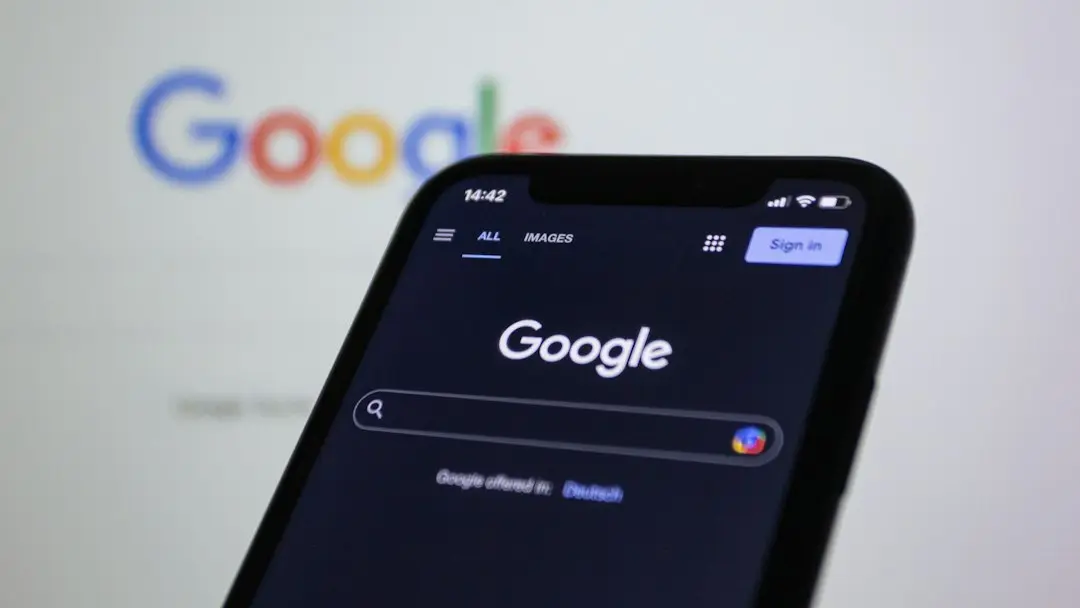
Google has confirmed the launch of Android Family Hub, a dedicated section within Android Settings designed to centralize family management tools. This update ships with Google Play services version 26.43. The feature brings iOS-style family controls to Android devices.
Breaking news
 Tesla rolls out FSD v15 with major safety upgrade
 Open-Source Tools Challenge AI-Powered Development Platforms
 AI Infrastructure Bottlenecks: Why Release Pipelines Hold Back Fast Clusters
 Why Apple Vision Pro Never Took Off Like Meta's VR Headsets
The new hub consolidates screen time, app restrictions, and location sharing into one place. Users can now manage multiple family members from a single interface. This change aligns Android family tools with the structure Apple uses on iOS.
The hub provides a clear overview of each family member’s activity. Parents can set daily screen time limits and block specific apps. The interface displays real-time status for every profile. This removes the need to navigate through scattered settings menus.
Why This Change Matters Now
Google designed the hub to simplify oversight. Instead of hunting for individual toggles, users see all family controls in one view. The update targets families who find the previous fragmented approach confusing.
Android family tools were previously spread across multiple settings pages. This made it hard for parents to monitor children’s device usage. The new hub solves that fragmentation. It mirrors the organized approach Apple adopted years ago.
The timing reflects growing demand for better parental controls. As families rely more on shared devices, centralized management becomes essential. Google aims to close the usability gap with iOS.
Frequently Asked Questions
Which devices support Android Family Hub? The feature requires Google Play services version 26.43 or higher. Most modern Android phones and tablets will receive the update automatically.
Does Family Hub replace existing parental controls? No, it organizes them into a single dashboard. All previous controls remain functional but are now grouped together for easier access.
Can I manage family members remotely? Yes, the hub allows remote oversight of screen time and app usage. Parents can adjust settings without physical access to the child’s device.