Simplified Multimedia Editing Integration in Google Messages: An Important
Google aims to significantly improve how users handle images and videos before sending them in Google Messages. This new feature appears in beta version v20261106. It introduces a dedicated Edit mediabutton just before the message is sent. Google will not embed a complex multimedia editor directly into the messaging app.
Breaking news
 Samsung Shifts Galaxy Watch Strategy to Two-Year Release Cycle
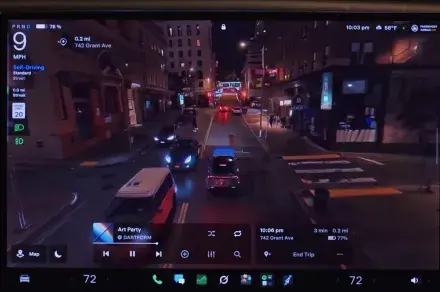 Tesla rolls out FSD v15 with major safety upgrade
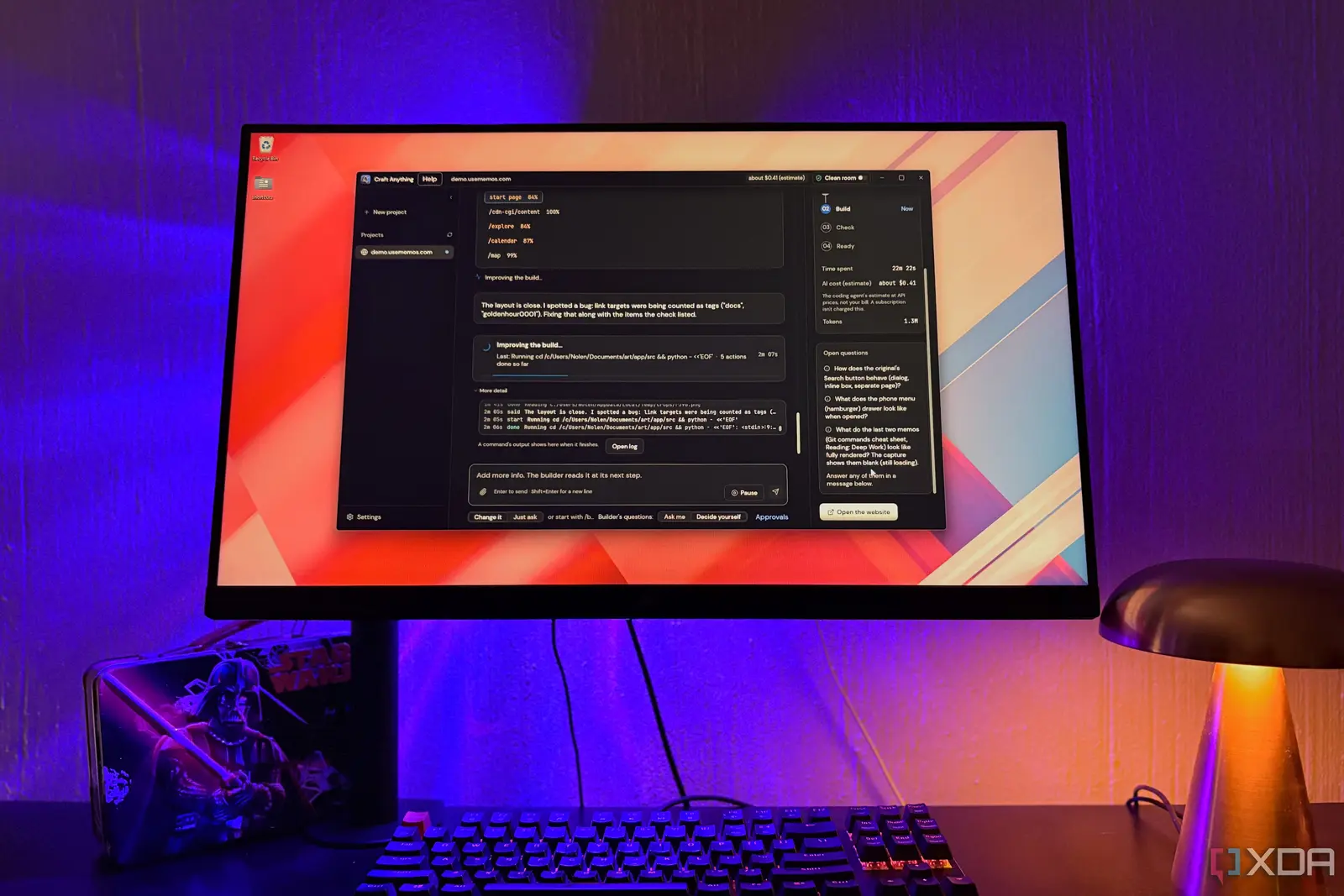 Open-Source Tools Challenge AI-Powered Development Platforms
 AI Infrastructure Bottlenecks: Why Release Pipelines Hold Back Fast Clusters
Seamless Workflow Through Intent Delegation
The adopted method uses an intent-based system. This directs photo and video files to standard OS editing apps, like Google Photos. This smart delegation greatly benefits the user experience. After editing in the external app, the modified file returns automatically to the conversation draft via a specific output URI. This eliminates manual app switching and re-attaching files, optimizing the workflow.
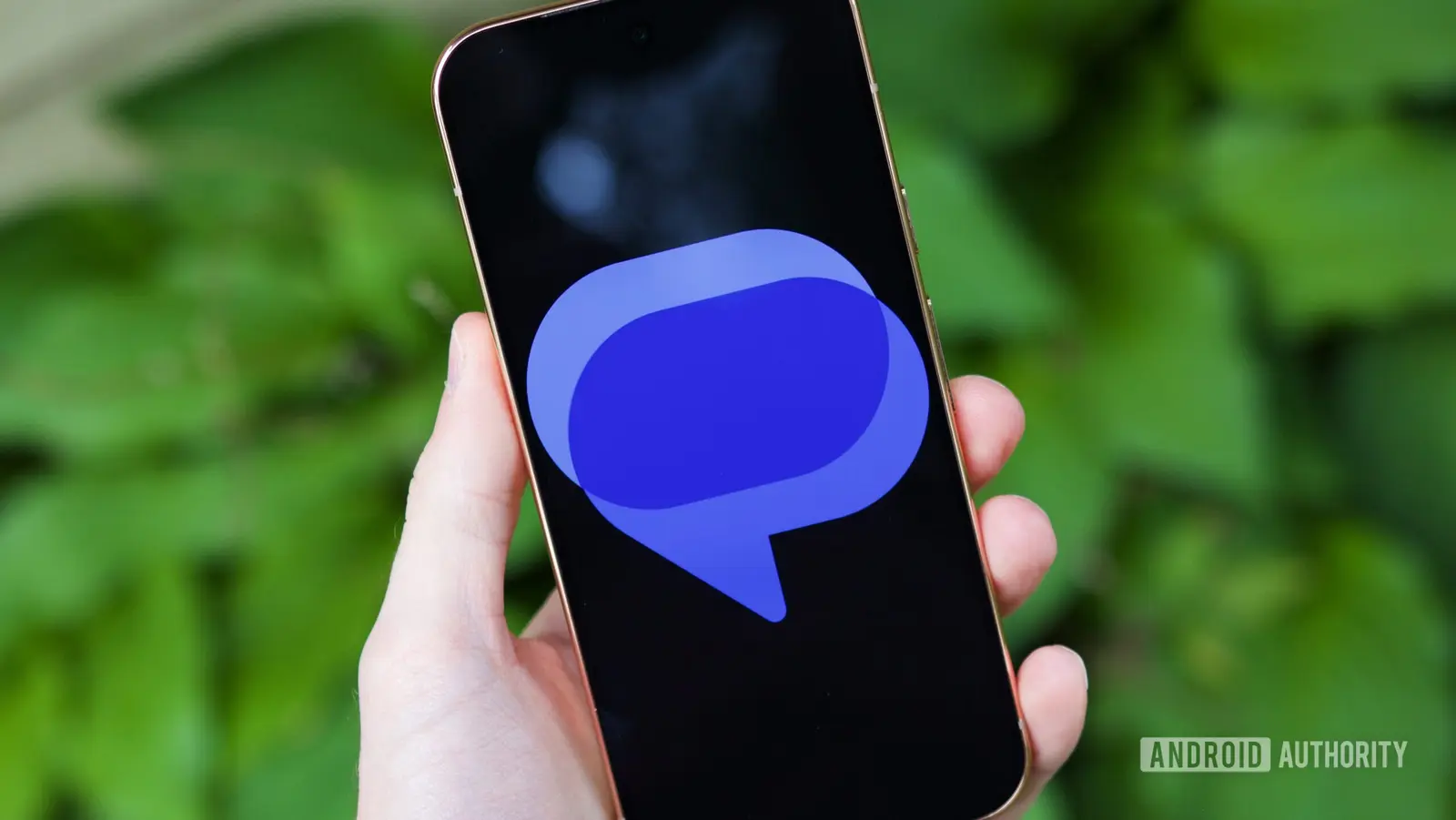
This enhancement aligns with broader changes in Google Messages. These include updates to pinned chats and aesthetic changes to the app icon. Google is actively redefining the user experience. This addition addresses a persistent and frustrating issue regarding multimedia content management in the messenger.
Context Within Ongoing Google Messages Evolution
This future update promises precise photo and video adjustments right when users intend to share them. This information comes from exclusive reports detailing technical insights. This evolution is more than a technical tweak. It significantly improves digital ergonomics for millions of users. Using intents ensures operational fluidity. It avoids overburdening the messaging app with complex editing functions while keeping access to existing professional tools. This balanced strategy shows a deep understanding of Android community needs. Users should monitor beta updates to try these improvements before the official release.