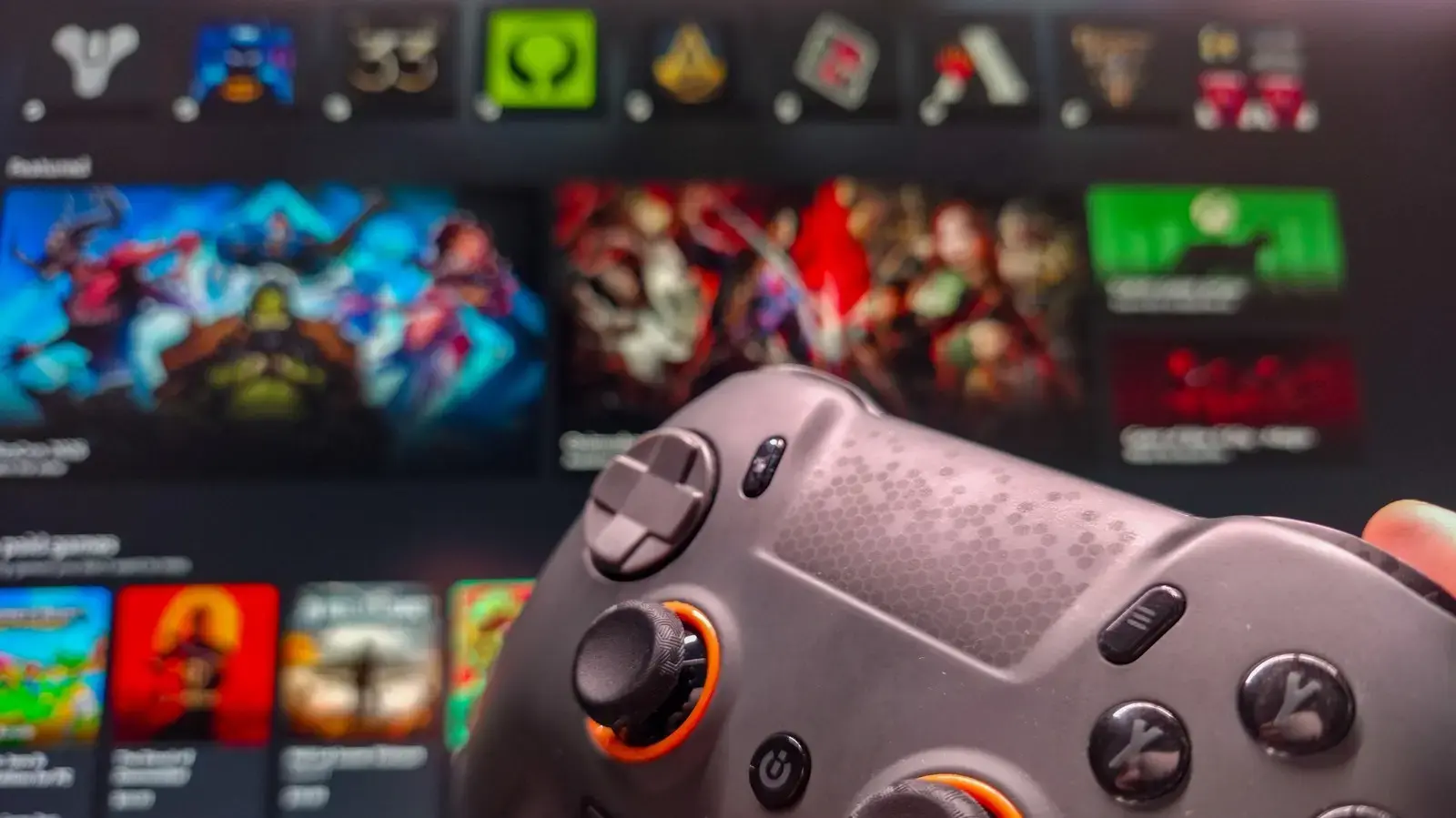
Streamlining the Desktop Gaming Interface
Microsoft is introducing a dedicated Xbox-style interface for Windows PCs, aiming to bridge the gap between desktop gaming and console convenience. This new feature, rolling out throughout 2026, transforms the standard Windows environment into a streamlined, controller-friendly hub. It is designed to help players access their libraries and launch games without needing a mouse.
Breaking news
 Trump Orders Federal Agencies to Adopt „Super Intelligence” Terminology
 The Silicon Valley Accountability Gap
 Running a Local AI Model on a Phone Handles Most Chat Prompts
 Google Photos Could Soon Offer a Fresh Start with Ask Photos Feature
The interface functions similarly to existing big-picture modes found on other gaming platforms. It prioritizes large, easy-to-navigate tiles and simplified menus that are optimized for television screens or handheld devices. By removing the clutter of the traditional desktop, the software allows users to focus entirely on their gaming sessions.
This update focuses on user experience by reducing the complexity of navigating Windows with a controller. Users can launch the mode to gain immediate access to their installed titles and social features. The design philosophy emphasizes speed and accessibility, ensuring that players can jump into their favorite games in seconds.
Is This Mode Right for Your Gaming Setup?
While the core functionality of Windows remains unchanged, the overlay adds a layer of polish that makes PC gaming feel more like a dedicated console experience. It is particularly useful for those who connect their computers to living room televisions. By shifting the focus to high-visibility elements, Microsoft hopes to attract players who prefer a traditional couch-gaming setup.
The primary advantage is the elimination of desktop navigation hurdles. If you frequently use a controller to play games on your PC, this interface removes the need for a keyboard or mouse during your sessions. It provides a clean, unified view of your entire collection, making it easier to manage your library.
Frequently Asked Questions
Ultimately, this shift signals a broader effort by Microsoft to unify the gaming experience across its hardware ecosystem. As the lines between consoles and PCs continue to blur, features like this ensure that Windows remains a competitive platform for all types of gamers. Future updates will likely refine these controls to further improve the user experience.
Does this mode require a specific type of controller? The interface is designed to work with standard Xbox wireless controllers and most compatible PC gamepads. It maps inputs automatically to ensure seamless navigation through the menu.
Can I still access my desktop applications while in this mode? Yes, the mode acts as an overlay or a secondary interface. You can easily switch back to the standard Windows desktop whenever you need to use non-gaming applications.